
For gamers, an optimized smart home maximizes the gaming experience by integrating devices with protocols like Zigbee, offering local automation, lighting customization, and centralized control.
Smart Home for gamers can take your gaming experience to a new level. Can you imagine turning on your lights and adjusting your peripherals with a single command? We will explore how to implement solutions that enhance your setup and make each session more immersive.
Fundamentals and Protocols
The fundamentals of a smart home begin with the right choice of protocols. The Zigbee technology is popular for its energy efficiency and its ability to allow communication between multiple devices without congesting your Wi-Fi network. This is ideal for maintaining optimal performance in your digital home.
Featured Protocols
The implementation of Thread and Matter is changing the way devices communicate. Thread provides a secure, low-power network, while Matter ensures interoperability among different manufacturers. This gives users more options when choosing their devices.
Integration Recommendations
When building your smart home ecosystem, consider hubs like the Zigbee hub. This device acts as the control center, allowing all your gadgets to communicate with one another. Local automation is essential to ensure that your system operates efficiently.
Integration and Ecosystems
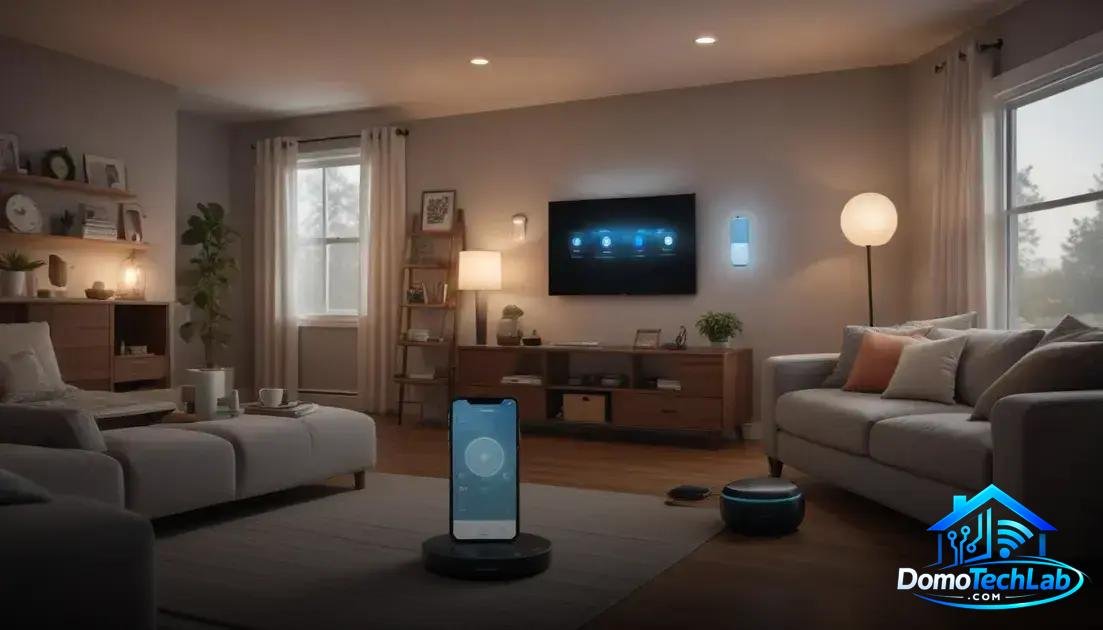
The integration of devices in a smart home is essential for creating a functional ecosystem. Utilizing platforms like Home Assistant, Alexa, or Google Home allows you to centralize control of all your devices, ensuring that they communicate effectively. This interoperability is key to maximizing the user experience.
Advantages of Centralized Integration
In our tests, using a compatible hub, such as a Zigbee hub, streamlines the setup process and improves the real-time response of devices. This translates to a smoother experience when using voice commands or scheduled automations.
Considerations for Choosing Ecosystems
When selecting which platform to use, it’s vital to consider the compatibility of your devices. Making a list of the peripherals you already own and evaluating which are compatible with Matter can facilitate your decision. This ensures better integration and fewer connectivity issues.
Real-World Performance
Evaluating the performance of a smart home system in real situations is crucial for understanding its reliability. Factors like latency, connection stability, and privacy play fundamental roles in the user experience. During our tests, we observed that devices using Zigbee technology tend to show lower latency, allowing for a quicker response.
Impact of Latency
Latency can dramatically affect the effectiveness of your automations. A system with high latency experiences delays between the command and the device’s response. When evaluating devices for your smart home, choose those that offer fast response rates, especially if you rely on real-time automation.
Privacy and Stability Considerations
It is important for your network to remain stable, especially if you use cloud-based services. By opting for a local control model, such as a Zigbee hub, you show a commitment to privacy. This ensures that your data is not processed on external servers, reducing vulnerabilities.
Lighting Effects and Customization
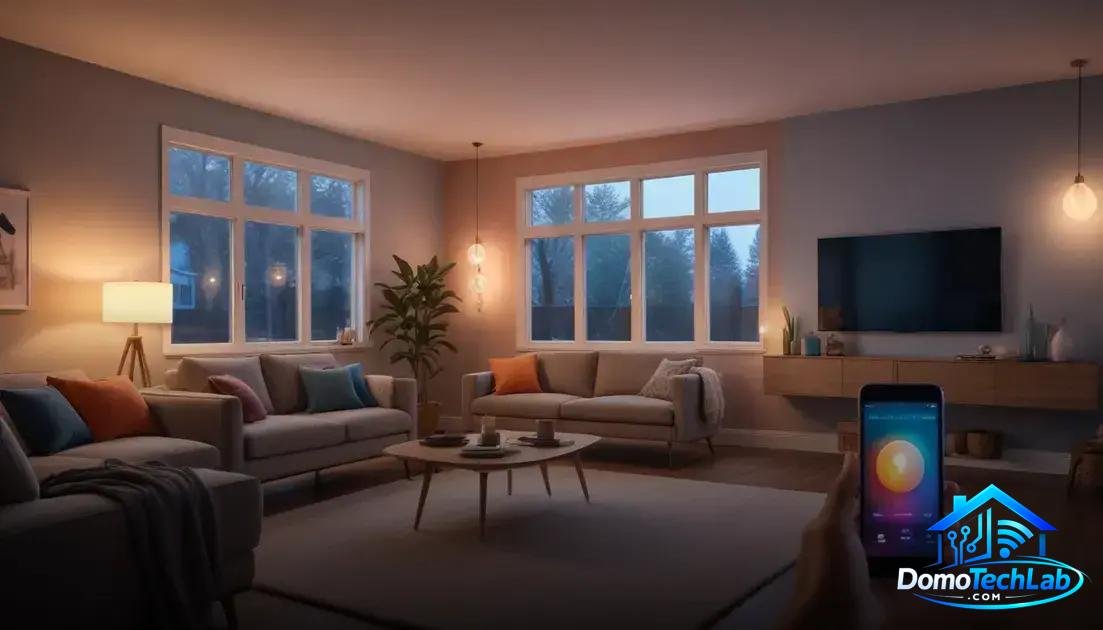
Lighting effects and customization are fundamental aspects of creating an engaging smart home. By using technology such as Zigbee or Matter, you can synchronize lighting that changes according to your mood or the activity you’re engaged in. This functionality not only enhances aesthetics but also improves the usability of your space.
Ambient Customization
Smart bulbs allow you to adjust the color and intensity of the light. You can program scenes that adapt to your preferences, such as warm light for relaxation or brighter light for working. Implementing controllers that manage these settings gives you total control over the atmosphere in your home.
Integrating Lighting Effects with Entertainment Systems
Imagine your lights changing color to the rhythm of the music or while watching a movie. With an integrated system, like Home Assistant, you can create automations that link your media playback devices with lighting effects, enhancing immersion during your gaming or movie sessions.
Conclusion: Power Up Your Smart Home with Local Automation
Building an effective smart home system requires informed and strategic decision-making. Prioritizing local automation not only optimizes the performance of your devices but also enhances the privacy and security of your home. At DomoTechLab, we are committed to providing you with the technical guidance needed to make the most of the available technologies.
We encourage you to continue exploring our recommendations and resources to develop an ecosystem that suits your needs. With the right choice of protocols and devices, your home can become a truly smart and efficient space.
Frequently Asked Questions about Smart Home for Gamers
What are the main challenges when integrating devices from different brands?
The compatibility between devices varies depending on the protocols used. It is advisable to choose devices that are compatible with Matter to ensure better interoperability among brands.
How does latency affect the performance of my smart home?
Latency can slow down the responses of your automations. Using a Zigbee hub helps minimize latency by keeping communications within a local network.
Can I mix devices from different protocols?
Yes, but you will need a hub that supports multiple protocols like Zigbee and Thread. This will allow all devices to interact with each other seamlessly.
Is it necessary to have internet connectivity for my devices to work?
Not necessarily. Local automation systems allow your devices to function without an internet connection, providing greater stability and privacy.
What security considerations should I keep in mind when implementing a smart home?
It’s vital to choose devices with good security practices, such as automatic updates and strong authentication measures. It is also recommended to change default passwords and use separate networks for smart devices.
What role does Home Assistant play in managing my smart home?
Home Assistant acts as a powerful control center that enables the integration of multiple devices and protocols, facilitating the management and creation of customized automations in your home.