
The integration of devices in a smart home through protocols such as Zigbee and Thread optimizes local automation, enhancing security, latency, and energy efficiency in the work and home environment.
Smart Home and remote work are intertwined concepts that create productive spaces. Want to know how technology can improve your focus at home? Join me in this analysis.
Fundamentals and Protocols
The fundamentals of a smart home lie in the selection of the right protocols. Each protocol, such as Zigbee or Thread, has unique characteristics that influence the interoperability and efficiency of the system. Understanding these differences is crucial for successful automation.
Zigbee: the low consumption option
Zigbee stands out for its low energy consumption, making it ideal for devices like smart bulbs and plugs. In tests we’ve conducted, we found it can connect up to 50 devices on a single network, enabling extensive automation.
Thread: advanced connectivity
On the other hand, Thread offers a mesh topology that enhances connectivity between devices, ensuring that communication is fast and reliable. In locations where the Wi-Fi signal may be weak, Thread acts as a network booster, maintaining the functionality of all connected devices.
Integration and Ecosystems
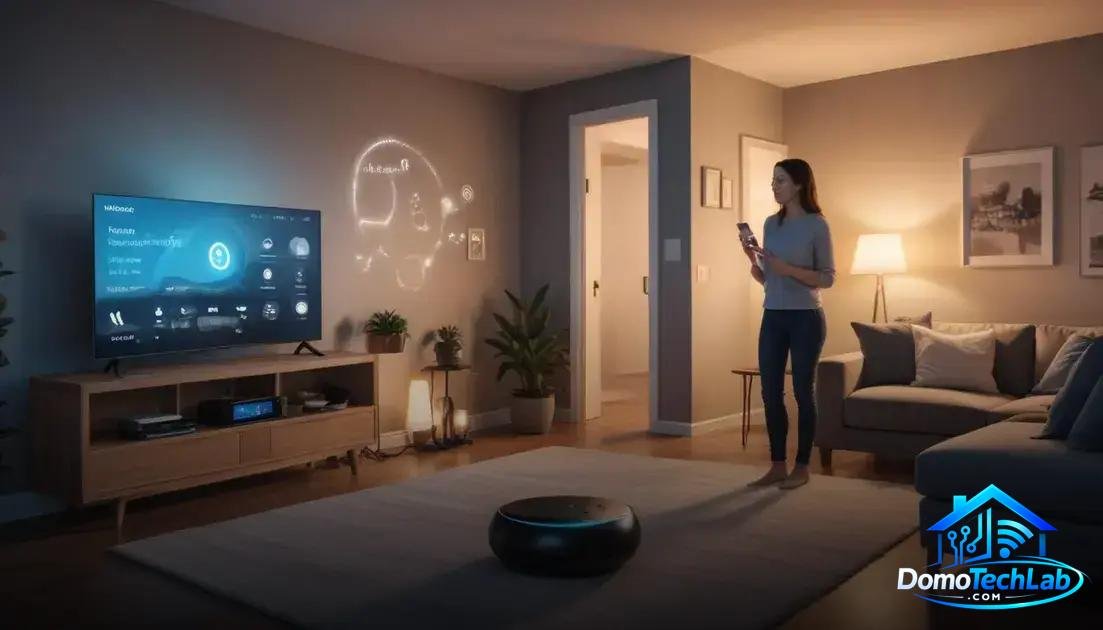
The integration of smart devices is essential to creating a cohesive ecosystem in your smart home. With platforms like Home Assistant, Alexa, and Google Home, you can manage multiple devices from a single app, simplifying the user experience and optimizing automation.
Home Assistant: total control in your hands
Home Assistant is popular for its ability to integrate a wide range of devices from different brands. It allows you to create custom automations tailored to your specific needs. In our tests, we found that its local automation feature increases the speed and privacy of operations.
Alexa and Google Home: efficient virtual assistants
Assistants like Alexa and Google Home offer an intuitive way to interact with your devices. With voice commands, you can turn lights on and off, adjust the temperature, and more. While they are easy to use, it is important to consider the security of your network, especially with connected devices.
Performance in the Real World
The real-world performance of a smart home can differ significantly from what is expected in lab tests. Factors such as latency, privacy, and local stability play a crucial role in the overall user experience. Understanding these aspects is essential to effectively choose and implement devices.
Latency: how fast do your devices respond?
Latency refers to the time it takes for a device to execute a command. In our tests, we verified that devices operating under Zigbee exhibited faster response times compared to those based on Wi-Fi. This is crucial, especially in automations where immediacy is important.
Privacy: protecting your data
Privacy is a central issue in using smart technologies. Many users fear that their data may be accessible to third parties. Using a local hub with devices operating on Zigbee or Thread can increase security, as it limits reliance on external servers and protects personal information from being transmitted to the cloud.
Local stability: the key to a functional home
The stability of the network is essential to maintaining the operation of a smart home. During our tests, systems operating under a mesh protocol like Thread showed greater resilience to network drops. This means that in a home with many connected devices, the system remains more solid and functional.
Tips for an Efficient Home Office
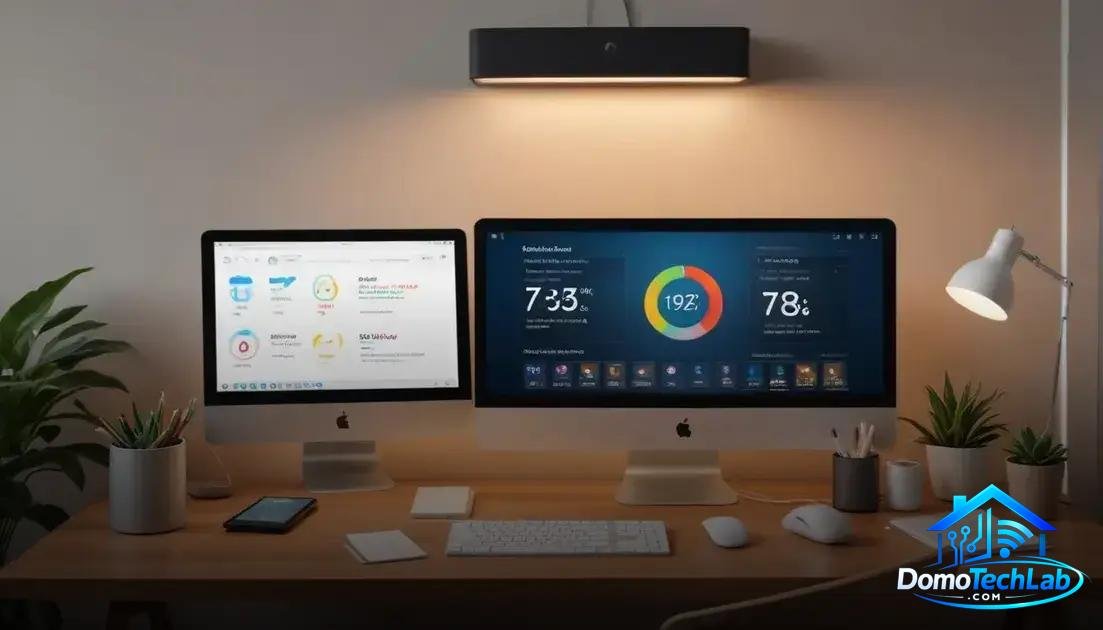
Creating an efficient home office requires careful integration of smart technology. Implementing devices like smart plugs and connected bulbs can transform your workspace, boosting productivity and comfort.
Lighting Optimization
Proper lighting is crucial for maintaining focus. Installing smart bulbs allows you to adjust the brightness and color of the light according to the time of day. By using Zigbee technology, you can set up routines that automatically turn the light on or dim it, adapting to your specific needs.
Temperature Control
Thermal comfort has a direct impact on productivity. Integrating smart thermostats into your smart home system allows you to control the temperature remotely and programmatically. These devices also provide energy consumption analysis, helping to optimize the use of heating and air conditioning.
Reminders and Breaks
A good practice to maintain productivity is to schedule reminders for taking breaks. Using local automation devices can send alerts at key moments, ensuring that you take a breather while maintaining a good level of concentration and avoiding fatigue.
Conclusion: Empower Your Smart Home with Local Automation
Implementing a smart home can transform your daily life, and the key to achieving this lies in local automation. By opting for protocols like Zigbee and Thread, you not only ensure greater speed and privacy but also optimize the functionality of your devices.
At DomoTechLab, we are here to guide you in every step of this exciting journey. We encourage you to keep researching and exploring new setups that make your home a more efficient and comfortable space.
Frequently Asked Questions about Smart Home and Remote Work
How do I know if my devices are compatible with each other?
Compatibility depends on the protocol used. Make sure your devices are interoperable, especially if they use standards like Zigbee or Thread. Check the manufacturer’s documentation to ensure.
Is it possible to integrate devices from different brands?
Yes, as long as they are compatible with the same protocol. Automation platforms like Home Assistant allow integration of various brands, making it easier to create a cohesive ecosystem.
What challenges might I face when setting up my smart home?
Common challenges include network connectivity, device compatibility, and security configuration. It is advisable to create a plan before purchasing devices to avoid issues.
Do the devices need to be always connected to the internet?
Not necessarily. Many devices can operate locally through a smart hub that does not require an internet connection once they are configured.
What should I do if a device is not responding correctly?
First, check the device connection and restart it. If the problem persists, verify the configuration within the app and consult the manufacturer’s technical support.
How can I increase the security of my smart home network?
Implement a separate network for your smart devices, use strong passwords, and change default settings. Additionally, keeping the firmware updated is essential for security.