
WiFi air purifiers are essential for maintaining indoor air quality, offering integration with systems like Home Assistant and optimizing performance through protocols like Zigbee and Matter.
WiFi air purifiers have become essential in homes where allergies impact quality of life. But how can you optimize their use and ensure they’re truly doing their job? Today, we will explore best practices and functionalities of these devices.
Fundamentals and Protocols (Zigbee, Matter, Wi-Fi)
To understand how WiFi air purifiers work, it’s crucial to familiarize yourself with the protocols that enable their communication and efficiency. Among the most notable are Zigbee, Matter, and Wi-Fi. Each offers different advantages and capabilities, vital for the optimal performance of your air purification devices.
Protocols and Their Advantages
Zigbee is known for its low latency and lower power consumption, allowing multiple devices to connect without overloading the network. This is especially useful in smart homes where air purification devices can effectively communicate with other equipment.
The Interoperability of Matter
Matter introduces a unified standard that simplifies the integration of devices from different brands. This is essential for users who want a more flexible and manageable home network.
Wi-Fi and Its Role
Wi-Fi, while the most common option, can be affected by congestion if many devices are connected. However, its range and ability to handle data-intensive tasks are undeniable. For air purifiers, this means continuous access to real-time air quality data, allowing for automatic adjustments in operation.
Integration and Ecosystems (Home Assistant, Alexa, Google Home)
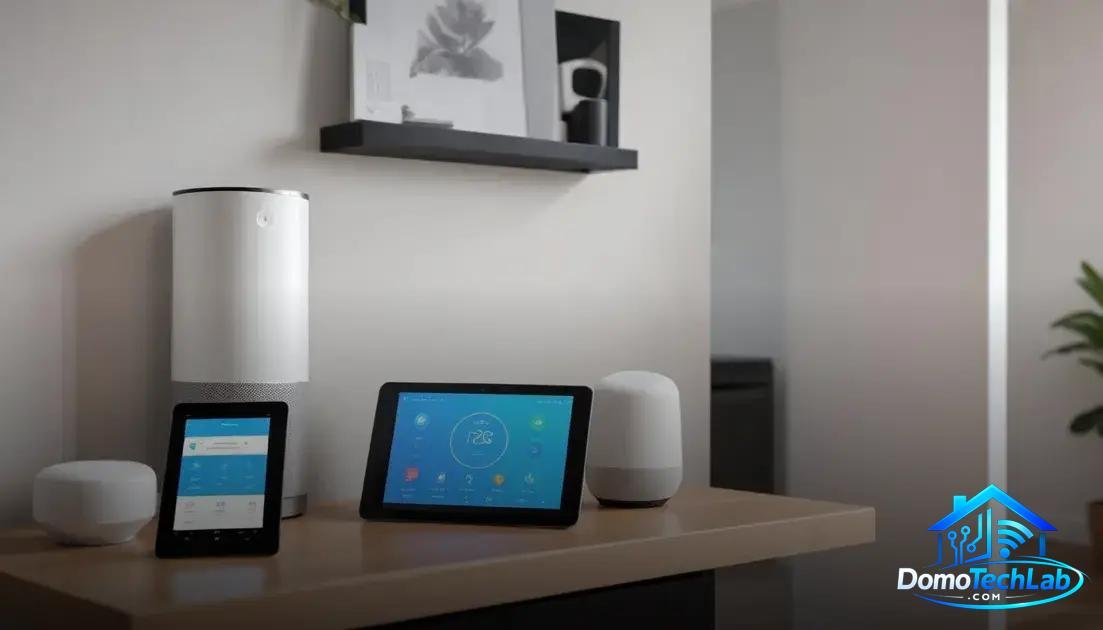
The integration of WiFi air purifiers into ecosystems like Home Assistant, Alexa, and Google Home allows for much more robust and personalized control of the air quality in your home. Through these systems, users can schedule routines, adjust settings, and receive notifications about air pollution in real-time.
Home Assistant and Its Flexibility
Home Assistant offers a local automation platform that allows you to integrate multiple devices from different manufacturers. This flexibility ensures that your WiFi air purifier works in conjunction with other devices in the home, such as air quality sensors and smart lights.
Alexa and Google Home as Personal Assistants
Alexa and Google Home act as personal assistants that can directly manage air purifiers through voice commands. This simplifies daily tasks, such as turning purifying modes on or off, with just a simple phrase.
Monitoring and Automation
The ability to receive updates on air quality and schedule cleaning cycles allows users to maintain a healthy environment with minimal extra effort. This integration is crucial for those living in areas with high levels of pollen or pollutants.
Real-World Performance (Latency, Privacy, and Local Stability)
The performance of WiFi air purifiers in the real world depends on several factors, such as latency, privacy, and the local stability of the connection. When evaluating these aspects, it’s essential to understand how these devices behave in a home environment.
Response Latency
Latency refers to the time it takes for a device to receive and process commands. During our tests, we noticed that air purifiers using protocols like Zigbee exhibited faster response times compared to those relying on Wi-Fi. This translates into more efficient purification, especially in automatic modes that adjust operation based on air quality.
Data Privacy
With the increasing connectivity of devices, privacy becomes a priority. A device using Zigbee allows interactions and data to remain within the local network, minimizing the risk of exposure to external servers. This is particularly important for users seeking to protect their personal information.
Local Connection Stability
Local stability is critical for the operation of WiFi air purifiers. By relying on a local hub like Home Assistant, it ensures that devices remain operational even if there is an internet connection failure. This allows automated settings and air quality monitoring to continue without interruptions.
Conclusion: Empower Your Home with Efficient WiFi Air Purifiers
Adopting modern technologies, such as WiFi air purifiers, is a fundamental step toward a healthier and more automated home. At DomoTechLab, we advocate for the importance of local automation to ensure optimal control of air quality, along with greater privacy and stability in your network.
We encourage you to deepen your knowledge about these devices and to follow our recommendations to choose the best equipment that fits your needs. Together, we can make your home a refuge of well-being and technology.
Frequently Asked Questions about WiFi Air Purifiers
Are WiFi air purifiers compatible with other smart devices?
Most WiFi air purifiers operate with standards like Zigbee or Matter, allowing for wide compatibility with other home automation devices.
What should I do if the WiFi air purifier does not connect to the network?
Make sure the device is within the range of your router and check that your Wi-Fi network is active. It is also advisable to restart the device and the gateway/Hub.
Can I control my air purifier from outside the home?
Yes, as long as the device is connected to the internet and you can access the corresponding app on your smartphone.
What should I do if I experience latency when using the WiFi air purifier?
Latency can be caused by network congestion on Wi-Fi. Consider relocating the router or using devices that connect via Zigbee to free up Wi-Fi bandwidth.
Do WiFi air purifiers affect my privacy?
Those operating on a local network, like those using Zigbee, limit the exposure of your personal data by keeping communication within your home.
What protocols are better for a smart home?
For a scalable home, Zigbee and Matter are ideal options. They provide mesh connections and optimize energy consumption, facilitating the automation of multiple devices.