
A DIY smart pool is optimized through the integration of water quality sensors and automation of filtration systems, utilizing technologies like Zigbee and platforms like Home Assistant to ensure efficient and safe maintenance.
Want to have your own DIY smart pool? Automating the maintenance of your pool has never been more accessible. With affordable sensors and technology like ESP32, you can enjoy a space that is always ready for use. Let’s explore how to achieve this.
Fundamentals and Protocols (Zigbee, Matter, Wi-Fi)
To design a DIY smart pool, it is crucial to understand the fundamentals and protocols that enable automation. Protocols like Zigbee and Matter offer efficient connectivity, while Wi-Fi can be used for devices requiring higher bandwidth.
What is Zigbee?
Zigbee is a communication protocol that stands out for its low energy consumption and its ability to connect multiple devices in a network. In the context of a smart pool, it allows for wireless control of equipment such as pumps and lights, ensuring optimal operation without overloading your local network.
The Versatility of Matter
Matter is an emerging protocol aimed at unifying smart home devices. Adopting this protocol in your smart pool ensures compatibility with a wide range of devices and platforms, facilitating the integration of sensors and monitoring systems.
Wi-Fi for High-Performance Devices
Wi-Fi technology remains the preferred option for devices that require high bandwidth, such as security cameras or audio systems. However, its use in pool automation must be balanced, as it can create network congestion when many devices are used simultaneously.
Integration and Ecosystems (Home Assistant, Alexa, Google Home)
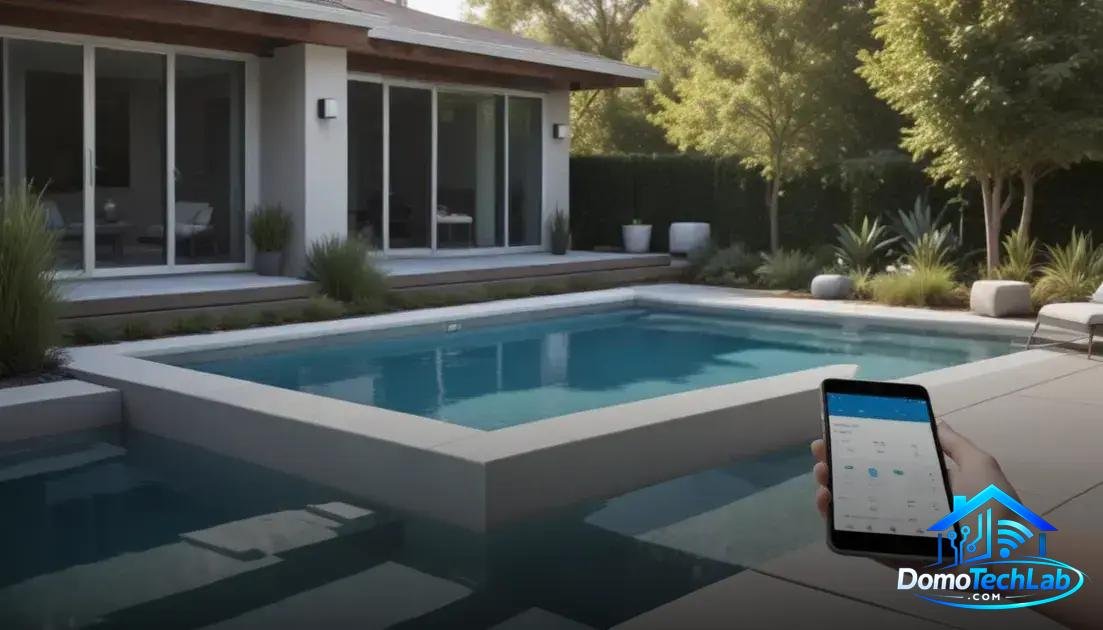
The integration of systems is fundamental to creating a DIY smart pool. By combining devices from different ecosystems, you can optimize the control and management of your pool. Platforms like Home Assistant, Alexa, and Google Home offer a wide range of options for connecting devices and automating tasks.
Home Assistant as a Control Hub
Home Assistant is a powerful and flexible solution that allows for the integration of devices from various brands and protocols. By using this platform, you can centralize control of your pool and program automations that respond to your specific needs, such as adjusting the water temperature or turning on lights at sunset.
Alexa and Google Home Enhance Accessibility
Voice assistants like Alexa and Google Home make controlling your pool even more accessible. With simple voice commands, you can activate filtration systems or turn on lights, providing hassle-free convenience. This integration is ideal for those looking to simplify the management of their outdoor space.
Compatibility and Scalability
When choosing devices, ensure that they are compatible with the mentioned platforms. Scalability is key in a smart pool, as you can add additional sensors or upgrade equipment as your needs and technology evolve.
Real-World Performance (Latency, Privacy, and Local Stability)
The performance of a DIY smart pool in the real world can be evaluated in three key aspects: latency, privacy, and local stability. These factors are critical to ensure that your automation system operates reliably and efficiently.
Latency in Automation
Latency refers to the time it takes for a device to execute an action after receiving a command. In our tests, we have noted that using devices connected via Zigbee or Home Assistant significantly reduces latency compared to systems that rely solely on the internet. This means your commands, such as turning on the pump or adjusting the lighting, will be nearly instantaneous.
Data Privacy
Privacy is a critical aspect of home automation. By centralizing control in a local hub like Home Assistant, you minimize the exposure of your data to external servers. This not only protects information about your home but also reduces the risk of unauthorized access.
Local Stability of the System
Local stability refers to your system’s ability to operate without an internet connection. Devices that work with communication protocols like Zigbee are extremely reliable. This way, you can continue to enjoy automation for your pool even in the event of an internet outage, providing peace of mind and continuity in operation.
Sensors and Automation for Pool Maintenance
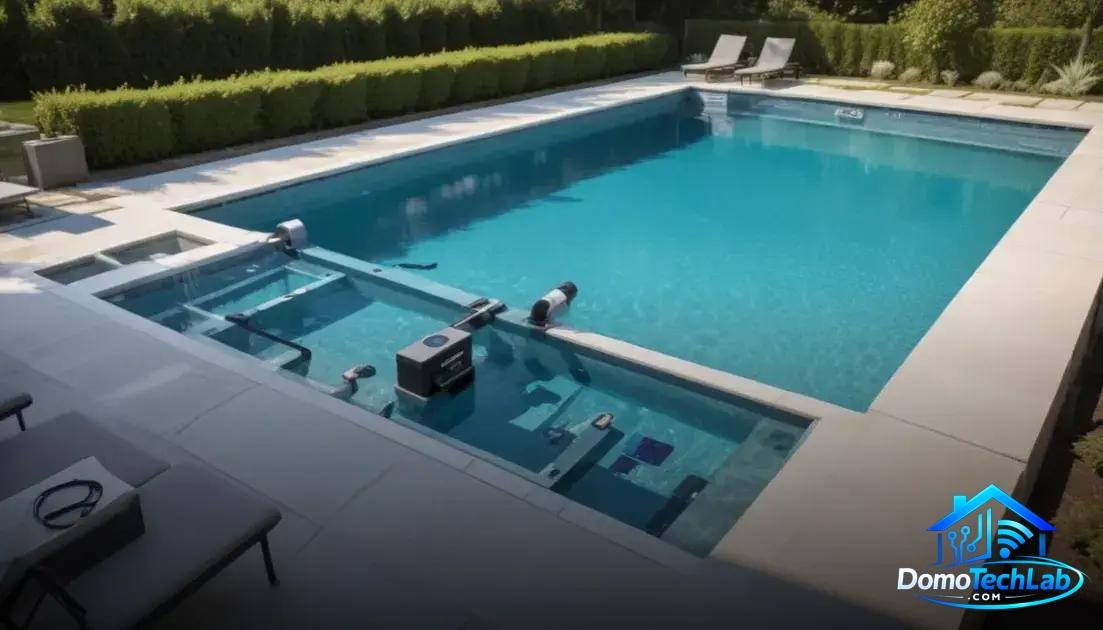
The key to efficient maintenance of a DIY smart pool lies in the use of sensors and automation systems. Integrating the right technology not only facilitates daily management but also optimizes water quality and safety in your pool.
Chemical Sensors for Water Quality Control
Chemical sensors are essential for monitoring parameters such as pH, chlorine levels, and water temperature. By connecting to an automation system, you can receive real-time alerts if any of these values fall outside the recommended range. This ensures that your pool remains healthy and ready for use.
Automating the Filtration System
The automation of the filtration system allows for the scheduling of cleaning cycles that fit your preferences. For example, by combining a timer with motion sensors that detect water temperature, you can automatically activate filtration when the pool is busier or when it is most needed.
Safety Through Motion Sensors
Motion sensors are a vital tool for the safety of your pool. These devices can trigger alarms or send you notifications if someone enters without authorization. Integrating these sensors into a system based on Zigbee or platforms like Home Assistant provides an additional layer of security for your space.
Conclusion: Take the Next Step Toward a DIY Smart Pool
Local automation is essential for success in the maintenance and management of your DIY smart pool. By adopting technologies like Zigbee and platforms like Home Assistant, you ensure efficient, safe, and adaptable operations to your needs.
We encourage you to continue researching and exploring the possibilities offered by sensors and automation systems. In the world of smart home technology, investing in a solid infrastructure makes the difference between an ordinary pool and a fully integrated tech oasis.
Frequently Asked Questions About DIY Smart Pools
Can I integrate sensors from different brands?
Yes, as long as the sensors are compatible with the same protocol. For example, if you are using Zigbee, you can integrate devices from different brands that operate under that standard.
What are the connectivity challenges in a smart pool?
Challenges include signal interference, network coverage, and managing multiple devices. Using a local hub can help maintain stable connections and reduce latency.
Do I need a hub for my pool devices?
Yes, a hub is recommended to centralize control of devices and facilitate the integration of different protocols, such as Zigbee and Wi-Fi.
Is it easy to set up pool automation?
Most automation platforms like Home Assistant offer intuitive interfaces that make setup accessible. However, some technical knowledge is required to optimize advanced functions.
How do I ensure the security of my smart pool?
Implement motion sensors and surveillance cameras connected to your automation system. Make sure these devices are well-configured and use secure networks to prevent unauthorized access.
What should I do if a device stops working?
First, check the connectivity and power of the device. If the problem persists, consult the manufacturer’s documentation or restart the local hub to try to restore communication.