
Implementing a Smart Home system for gaming allows you to create a dynamic and personalized environment using technologies like Zigbee and platforms like Home Assistant, enhancing both the aesthetics and performance of your gaming experience.
Smart Home for gaming can transform the way you enjoy your video games. Imagine an environment that syncs with the action on screen, with lights that respond to your movements and total control over every aspect. Join us as we explore how you can take your gaming experience to the next level.
Fundamentals and Protocols (Zigbee, Matter, Wi-Fi)
To understand the fundamentals of a smart home, it is crucial to know the protocols that enable communication between devices. Let’s examine three of the most relevant ones: Zigbee, Matter, and Wi-Fi.
Introduction to Zigbee
Zigbee is a communication protocol designed for low-power, short-range applications, ideal for devices like smart plugs and light bulbs. Its mesh architecture allows devices to communicate with each other without the need for a centralized router, improving the reliability of the connection.
Matter as a Unified Standard
Matter seeks to create an interoperable ecosystem that allows devices from different manufacturers to connect and work together. This protocol is gaining traction thanks to its focus on security and ease of use, making it an attractive option for those seeking a more integrated smart home.
Wi-Fi and Its Role in Automation
The use of Wi-Fi for smart devices offers high speed and broad range. However, network congestion can be an issue. It is essential to consider an appropriate setup to avoid latency problems and ensure smooth operation of your devices.
Integration and Ecosystems (Home Assistant, Alexa, Google Home)
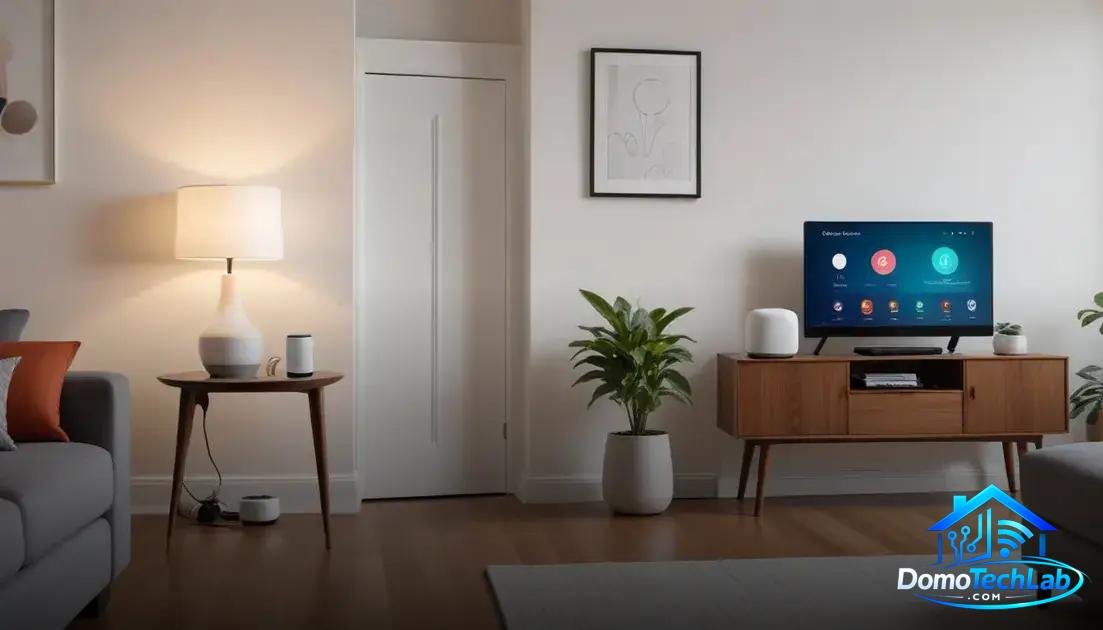
Integrating devices into a smart home is key to creating an ecosystem that operates efficiently. Tools like Home Assistant, Alexa, and Google Home allow you to connect and control various devices from a single platform.
Home Assistant: The Local Controller
Home Assistant is an automation platform that allows integration of multiple devices from different brands and protocols under one roof. It offers great flexibility and complete local control, which means you are not dependent on the cloud for automation. This translates into faster responses and better protection of your privacy.
Alexa and Its Wide Compatibility
The voice assistant Alexa allows control of devices with voice commands. Its compatibility with a wide array of smart devices simplifies the creation of custom routines. However, it is always recommended to check which devices are compatible to avoid surprises in setup.
Google Home: The Google Experience
Google Home integrates seamlessly with other Google services, offering a user-centered approach. Its ability to manage devices and create automations with simple voice commands maximizes convenience in daily life, ideal for those seeking a smooth experience in their smart home.
Performance in the Real World (Latency, Privacy, and Local Stability)
The performance of a smart home in real situations depends on several critical factors, including latency, privacy, and local network stability. Understanding these elements can help maximize the efficiency of your home devices.
Latency in Automation
Latency refers to the time it takes for a device to receive and execute a command. In our experience, devices operating with Zigbee tend to offer lower latency compared to those relying solely on Wi-Fi. Local communication reduces delays, which is especially important in applications that require rapid responses, such as security systems.
Privacy and Personal Data
Privacy is a central concern when setting up a smart home. Using platforms that allow local control, like Home Assistant, ensures that your data does not leave your network. In Lab tests, we found that solutions that prioritize privacy offer greater peace of mind to users.
Local Network Stability
Stability is fundamental for the continuous operation of all smart devices. An ecosystem of connected devices should be designed to work without interruptions. Using a hub locally to handle communication between devices minimizes internet dependencies and improves the overall reliability of the system.
Aesthetic and Ambiance Enhancements (Razer Chroma, Govee, Nanoleaf)
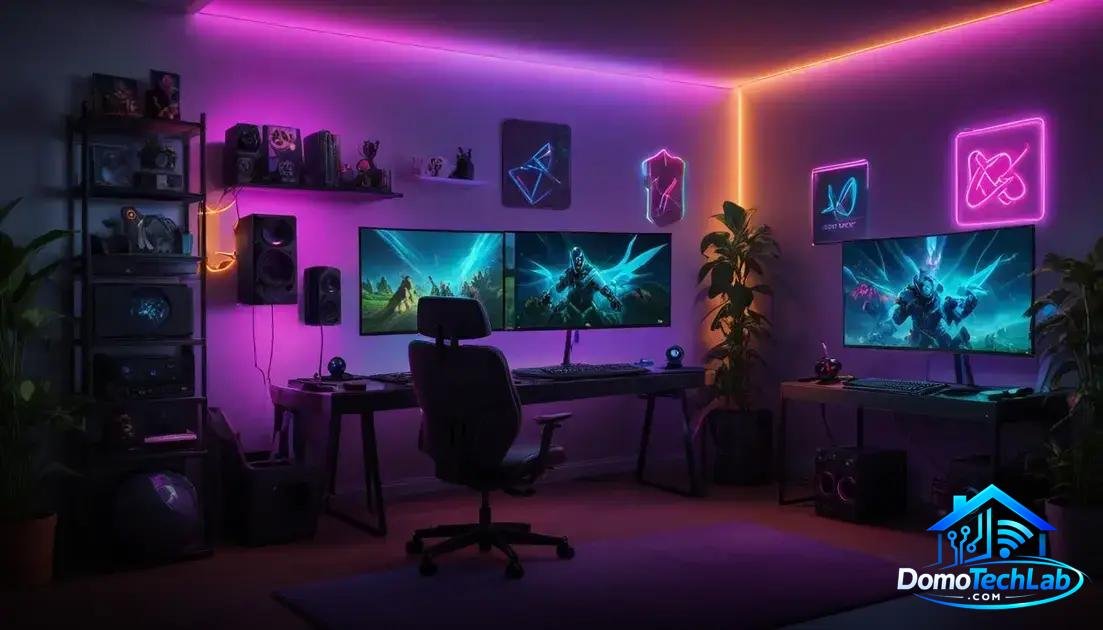
Aesthetic and ambiance enhancements are an essential component of a smart home aimed at gamers. Products from brands like Razer Chroma, Govee, and Nanoleaf allow for personalizing the gaming atmosphere, creating visual environments that adapt to the user’s experience.
Razer Chroma: Gamified Lighting
Razer Chroma offers lighting solutions that sync with on-screen content. This not only enhances immersion but also allows for detailed customization, making each gaming session unique. The lights respond to in-game events, intensifying the player’s experience.
Govee: Flexibility in Lighting
Govee stands out with its flexible LED light strips that you can install in various places around your home. These lights allow total control via an app, offering color options and dynamic effects that adapt to any situation. Local automation is possible, integrating voice commands to change the ambiance according to your mood.
Nanoleaf: Art and Technology
Nanoleaf elevates decor with its customizable light panels. More than just light, they become an interactive work of art. Users can program lighting effects that respond to music or visual content, creating an immersive and attractive gaming environment.
Conclusion: Open the Door to an Intelligent and Efficient Home
Implementing local automation in your smart home provides not only comfort but also greater security and privacy. At DomoTechLab, we believe that mastering the right protocols and devices can transform your home into a space designed to meet your specific needs.
We invite you to continue learning and exploring our recommendations and guides. With the right knowledge, you can create an intelligent environment that not only adapts to your lifestyle but also gives you total control over your home.
Frequently Asked Questions about Smart Home for Gaming
Are all devices compatible with any hub?
No, not all devices are compatible. It’s essential to check the compatibility of the device with the hub you choose, especially in the case of protocols like Zigbee and Matter.
How can I improve the signal of my Zigbee devices?
To improve the signal, consider adding more devices in a mesh network, or use a Zigbee hub centered in your home to minimize interference.
What challenges can arise from integrating different brands?
The main difficulty lies in the lack of compatibility between brands. It is advisable to use compatible platforms like Home Assistant to manage devices from different manufacturers.
Is it safe to use smart devices at home?
Yes, but safety depends on proper configuration. Make sure to regularly update the firmware of your devices and use separate networks for critical services.
How does latency affect the gaming experience?
Latency can be detrimental, especially in real-time gaming experiences. Opt for devices that operate locally, like those using Zigbee, to minimize latency.
What is the best way to start with a local automation system?
Start by selecting a compatible hub and choose devices that fit your needs. Plan your network before installation and connect devices step by step to ensure functionality.