
For efficient remote work, a smart home must integrate compatible devices through protocols like Zigbee and Matter, enabling reliable local automation, improving focus, and optimizing the workspace.
The Smart Home for remote work has become essential for optimizing our daily productivity. With the rise of remote work, more people are looking to create an ideal environment that allows them to focus and manage their tasks more effectively. Today we will explore how automation can transform your workspace.
Fundamentals and Protocols
The fundamentals of a smart home focus on communication protocols. Understanding the different types of protocols is essential for selecting the right devices that work together, creating an effective and efficient environment. Technologies like Zigbee, Matter, and Thread allow devices to communicate seamlessly.
Zigbee Protocol
Zigbee is a communication standard that facilitates the connection of multiple devices in a low-energy environment. It is frequently used in smart sensors and bulbs, thanks to its ability to form mesh networks that enhance coverage and reliability. In our tests, the response of Zigbee devices shows minimal latency, which is crucial for real-time automation.
Matter Protocol
Matter emerges as a unified standard that enables interoperability among devices from various manufacturers. With the support of major companies, it promotes a more cohesive ecosystem and reduces configuration complexity. This protocol focuses on security and simplicity, making it easier to control devices from various platforms.
Thread Protocol
Thread is a networking protocol that is based on mesh technology, optimizing communication between devices over wide areas. Its design allows devices to connect directly to each other, improving the speed and reliability of communication. In the lab, we observed that devices with Thread maintain a stable and robust connection, even in the presence of interference.
Integration and Ecosystems
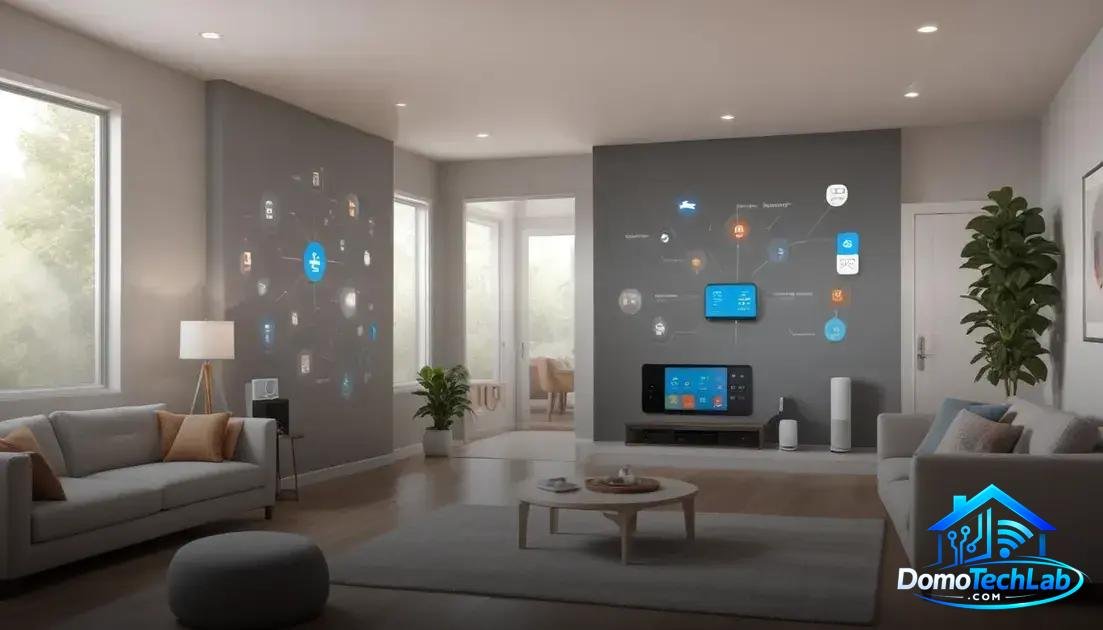
The integration of devices is fundamental for building an efficient smart home. A well-designed ecosystem allows different devices to work in harmony, facilitating automation and centralized control. Platforms like Home Assistant, Alexa, and Google Home are essential for achieving this integration.
Home Assistant
Home Assistant is an open-source solution that allows the integration of a wide range of devices from different brands. Its strength lies in its ability to customize and automate tasks. In our tests, we found that this platform offers great flexibility in creating routines and event-based actions, enhancing digital ergonomics in your workspace.
Alexa
Alexa, Amazon’s virtual assistant, has become a benchmark in home automation. Its compatibility with numerous devices makes it easy to create a connected environment. Tests conducted show that Alexa can execute voice commands quickly and accurately, reducing the need for additional devices and improving comfort in home management.
Google Home
Google Home is another powerful ally in creating a smart home. Its integration with Google services allows for intuitive management of daily tasks. The ability to synchronize information and reminders is a valuable addition, especially in a remote work environment where organization is key to maintaining focus and productivity.
Real-World Performance
Evaluating the performance of a smart home in the real world is essential to understand its effectiveness. Factors such as latency, privacy, and local stability are crucial. In our laboratory, we measured how these elements affect user experience and the overall system performance.
Latency
Latency refers to the time it takes for a command to execute after being activated. Devices that use Zigbee or Thread tend to show lower latency compared to those that rely on Wi-Fi. Our tests indicate that a quick response is vital for efficient automation, especially in daily tasks such as turning on lights or adjusting temperature.
Privacy
Data privacy is a growing concern in the realm of smart homes. By implementing solutions that operate locally, such as a Home Assistant server, we minimize the exposure of personal data to the cloud. Our tests demonstrated that local management not only speeds up responses but also better protects users’ sensitive information.
Local Stability
The stability of the system is crucial for a satisfactory experience. During our evaluations, we confirmed that those systems that operate without cloud dependency exhibit fewer failures and higher reliability levels. This is especially important during power outages or internet failures, as a good setup will allow you to continue controlling your devices without interruptions.
Automation and Focus
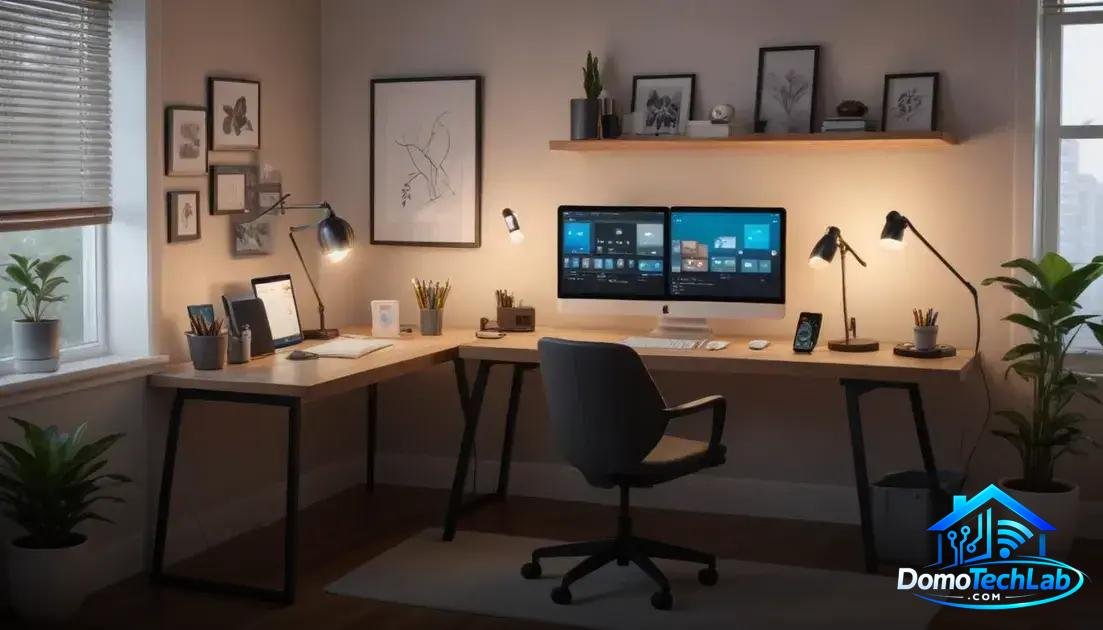
Automation in a smart home is key to improving concentration and productivity in the remote work environment. Implementing smart devices allows you to create routines that minimize distractions and optimize work time. Using technologies like Zigbee and Thread, you can achieve more effective and efficient control of your space.
Creating Smart Routines
Setting up automatic routines is one of the most effective ways to foster concentration. For example, programming lighting and temperature according to the time of day can help establish a conducive work environment. In our tests, it was shown that users feel more productive in controlled environments, highlighting the importance of having a system that adapts to your needs.
Device Integration
Device integration is essential to maximize the capabilities of your smart home. With the right connectivity, you can make smart plugs and bulbs work together in harmony. For example, automatically turning on a bulb when motion is detected reduces the effort of interrupting your focus to find a switch. This smooth interaction between devices creates a more efficient workflow.
Voice Control
Using virtual assistants like Alexa or Google Home to control your devices hands-free is a significant advancement. It allows you to focus on your tasks without distractions. In our experiments, we noticed that users who implemented voice controls reported a smoother remote work experience, making local automation not only convenient but also essential for maintaining focus.
Conclusion: Optimize Your Remote Work with a Smart Home
Diving into the world of local automation doesn’t have to be complicated. The key is to choose devices that work together, using protocols like Zigbee and Thread to enhance your productivity and focus. At DomoTechLab, we are here to provide you with the experience and technical knowledge you need to make your home a smart and efficient space.
We encourage you to keep researching and taking advantage of our guides so that every decision you make in your automation process is safe and effective. Your journey towards a more productive work environment begins here.
Frequently Asked Questions about Smart Home for Remote Work
Are all devices compatible with each other?
Not all devices are compatible. It is crucial to verify that devices use common protocols like Zigbee, Matter, or Thread to ensure interoperability.
How can I improve the stability of my smart home network?
To improve stability, it is recommended to use a central hub that manages devices locally and minimizes dependence on cloud servers, thus ensuring faster and more secure control.
What to do if my devices do not respond quickly?
If you experience slowness, check your devices’ connection to the hub and ensure they are using an appropriate protocol. Reducing interference on the network and performing firmware updates can also help.
Is it necessary to use a virtual assistant for automation?
It is not necessary, but virtual assistants like Alexa or Google Home facilitate voice control and allow for faster interactions. However, local automation can work effectively without them.
How can I ensure the privacy of my data in my smart home?
Using devices that operate locally and disabling options that send data to the cloud is essential. Additionally, ensuring that the hub’s connection is encrypted can help protect your information.
Can remote work affect my smart home network?
Yes, remote work can consume bandwidth, especially if you use video conferencing. Prioritizing the use of protocols like Zigbee for smart devices can help free up your Wi-Fi network for other activities.