
An optimized ergonomic office not only improves workers’ health through height-adjustable desks and appropriate task lighting, but also implements sedentary alerts and smart tools to enhance productivity and overall well-being.
An ergonomic office is not just a luxury; it is essential for your well-being. Have you considered how the design of your space affects your health and efficiency? In this article, we will explore how to optimize your work environment to maximize your well-being and productivity.
Fundamentals of Ergonomics and Office Design
The fundamentals of ergonomics are essential for creating a work environment that promotes health and well-being. In office design, ergonomics addresses how people interact with their space, ensuring that every element is optimized for performance and comfort.
Basic Ergonomics Principles
To ensure ergonomic design, it is crucial to consider desk height and chair position. An adjustable desk allows for adjustments based on user preferences, which benefits both sitting and standing work, reducing the risk of musculoskeletal issues.
Importance of Lighting
Task lighting must be adequate to avoid visual fatigue, especially for tasks that require concentration. Using LED bulbs with good color reproduction in combination with varying intensity can enhance light quality and thus productivity.
Height-Adjustable Desks and Their Impact on Health
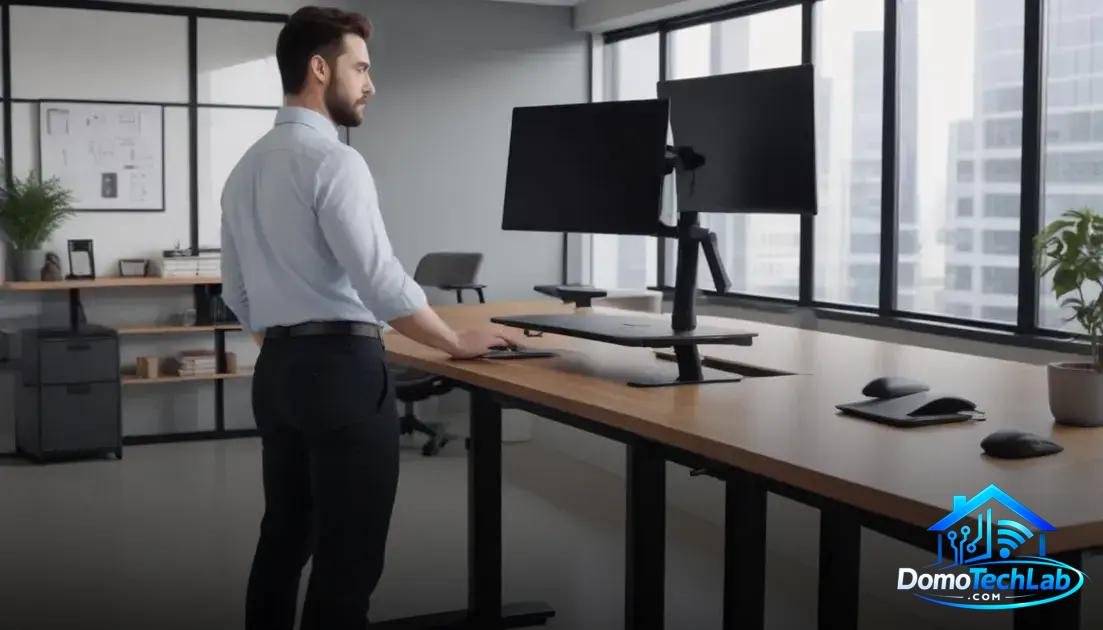
Height-adjustable desks have gained popularity in modern work environments due to their ability to promote a healthy posture. These desks allow users to alternate between sitting and standing positions, which can reduce the risk of developing health issues associated with a sedentary lifestyle.
Health Benefits
Research shows that using a height-adjustable desk can decrease fatigue and improve blood circulation. Standing engages trunk and limb muscles, helping to maintain an active metabolism and reducing feelings of tiredness.
Impact on Productivity
Changing posture during the workday is not only healthy but can also increase productivity. Workers using these desks report fewer distractions and improved concentration, translating to greater efficiency in their tasks.
Task Lighting to Enhance Productivity
Task lighting plays a crucial role in productivity within a workspace. Proper lighting not only allows for clear visibility but also minimizes eye strain and enhances focus. Using specific task lights can transform how a work environment is perceived.
Types of Lighting
To optimize task lighting, it is recommended to use high-quality LED bulbs that offer good color reproduction. These bulbs are efficient and reduce energy consumption, creating a more inviting and conducive working environment.
Improving Visual Ergonomics
Positioning lighting at appropriate angles is key. Avoiding glare and shadows in the work area contributes to better visual comfort. Investing in adjustable lamps can be an excellent strategy to customize lighting based on the type of task being performed.
Sedentary Alerts and Useful Tools
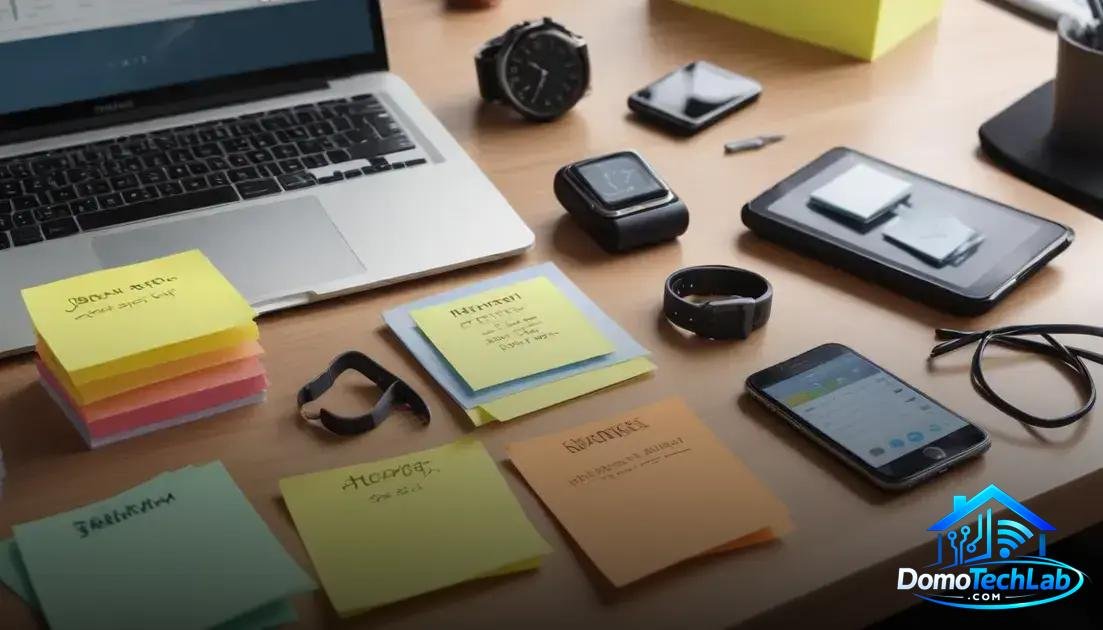
Sedentary alerts are an essential tool for maintaining an active lifestyle during work hours. These reminders help avoid prolonged periods in static positions, which can be detrimental to health. Implementing alerts to stand up and move can significantly impact overall well-being.
Types of Alerts
There are devices and applications that allow customization of sedentary alerts, tailoring them to user preferences. From mobile apps that send notifications to desktop devices that emit alerts, these tools make it easier and more effective to remember to move.
Integration with Existing Technology
Combining sedentary alerts with other smart devices, such as a smart plug or a smartwatch, can further optimize their effectiveness. These devices can track physical activity and provide valuable insights into user behavior, thus encouraging healthier habits.
Conclusion: Optimize Your Ergonomic Office Today
Establishing an ergonomic and efficient work environment may seem challenging, but it is essential for your well-being and productivity. At DomoTechLab, our mission is to provide you with the knowledge necessary to integrate local automation and ergonomics into your office, ensuring that every element works in your favor.
We encourage you to continue learning with our specialized guides and explore the tools available to transform your workspace into a healthy and productive environment.
Frequently Asked Questions about Ergonomic Office
Are all height-adjustable desks compatible with smart devices?
Not all height-adjustable desks have built-in functions to connect to smart devices. It is advisable to look for models that offer compatibility with automation systems like Home Assistant.
What type of lighting is recommended for an ergonomic office?
The use of LED bulbs that provide good color reproduction is recommended. Task lighting should be adjustable to adapt to different activities and avoid glare.
How can I integrate my sedentary alerts into a local automation system?
You can use health apps linked with devices such as smartwatches. These tools can send reminders to move and can be configured to work with a central local automation system.
Is it possible to customize sedentary alerts on smart devices?
Yes, many devices allow customization of alerts. For example, apps and desktop devices can be programmed to send alerts at specific intervals based on your work routine.
What are the main disadvantages of not having an ergonomic desk?
Not using an ergonomic desk can lead to health issues such as back pain, eye fatigue, and decreased productivity. The lack of ergonomics significantly affects comfort and long-term health.
Can a smart system help improve the setup of my ergonomic office?
Yes, a smart system can optimize your office setup by automatically adjusting lighting, reminding you to take breaks, and monitoring sitting time, facilitating a healthier working environment.