
The integration of devices to create dynamic scenes in a smart home allows for the automatic adjustment of lights and music, enhancing the atmosphere of parties and ensuring an intuitive and efficient user experience.
Smart home for parties can take your celebrations to the next level. Can you imagine changing the lighting and sound with just a touch? In this article, we will explore how to create unique environments through automation and music synchronization.
Fundamentals and Protocols
To establish an efficient smart home, it is essential to understand the protocols that support it. The main ones are Zigbee, Thread, and Wi-Fi, each with its specific characteristics and advantages.
Zigbee: Low Power and High Efficiency
Zigbee is ideal for low-power devices, such as smart bulbs and plugs. Its technology allows multiple devices to communicate securely and effectively, maintaining a robust network while your home stays connected.
Thread: The Network of the Future
With Thread, devices can communicate directly and create a mesh network. This not only expands coverage but also improves reliability, as if one device fails, others can take over communication.
Wi-Fi: The Popular Option
Wi-Fi is known for its high speed and capability to handle multiple devices. However, it can become saturated over time if not managed properly, especially when adding entertainment and automation devices simultaneously.
Integration and Ecosystems
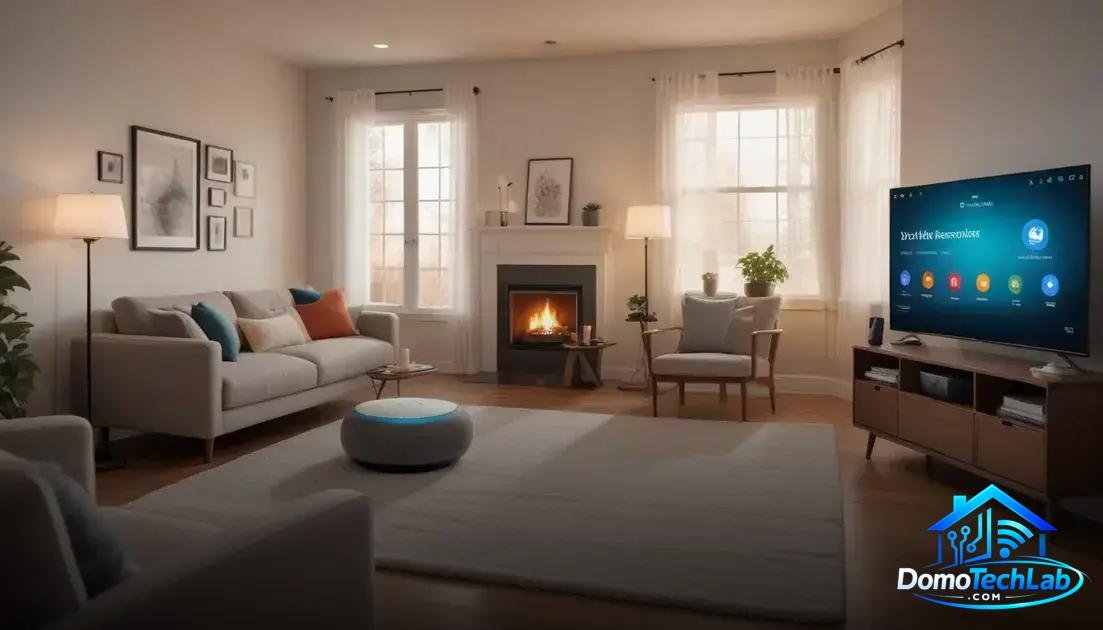
The integration of devices in a smart home is crucial to creating a functional and efficient ecosystem. The most popular systems are Home Assistant, Alexa, and Google Home, each offering different control and automation capabilities.
Home Assistant: Maximizing Customization
Home Assistant is an open-source platform that allows you to integrate almost any smart device. It stands out for its high level of customization and for not relying on external servers, granting full control over your local automation tools.
Alexa: Amazon’s Assistant
Integration with Alexa is straightforward and allows control of devices through voice commands. Its compatibility with numerous devices makes it a popular choice for those seeking convenience in home automation.
Google Home: Google’s Intelligence
Google Home offers effective control of devices through its AI, facilitating the synchronization of various gadgets. Its learning capabilities allow it to adapt to your habits, optimizing the user experience at home.
Real-World Performance
The real-world performance of a smart home depends on several factors, including latency, data privacy, and network stability. Each of these aspects can influence the user experience.
Latency: The Response Speed
Latency is a critical factor in automation. Devices using Zigbee or Thread tend to provide faster responses due to their network architecture. In our tests, we have observed that minimal latency significantly improves user interaction with devices.
Privacy and Security
Privacy is vital in any smart home. Using local controllers, such as those offered by Home Assistant, provides an additional layer of security. This reduces the risk of sensitive data being shared without your consent, giving you more control over your information.
Local Stability: The Pillar of an Efficient Network
A stable network is essential for the continuous operation of the smart home. Devices connected to a local hub, instead of relying on cloud servers, significantly improve stability. In our tests, local stability has proven to be superior, ensuring that automations do not get interrupted.
Dynamic Scenes for Parties
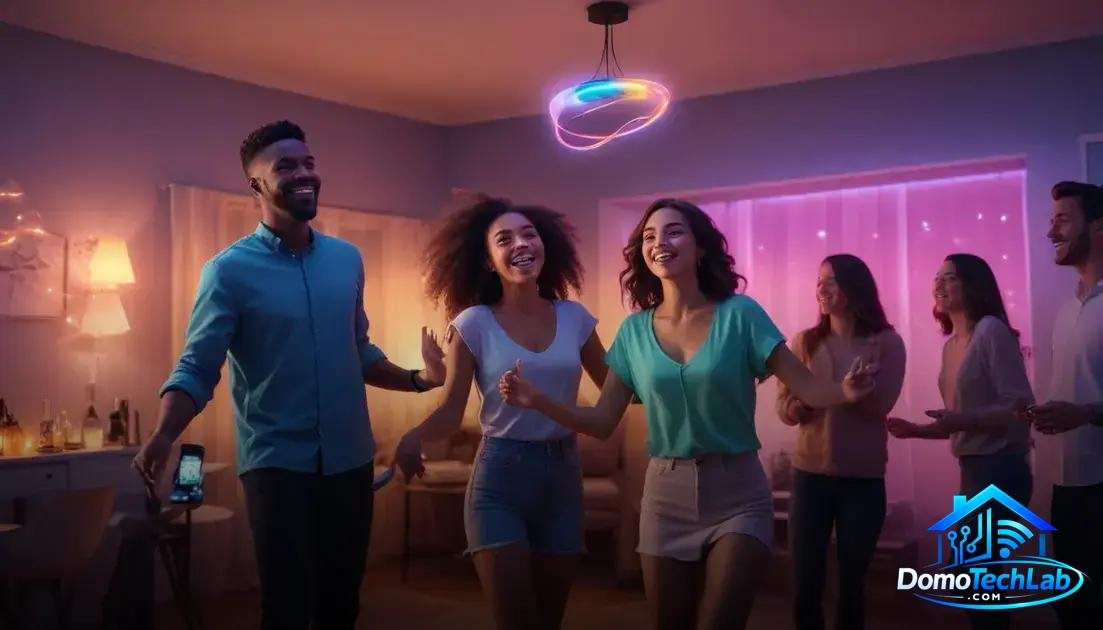
Creating dynamic scenes for parties is a key aspect of any smart home looking to offer a unique experience. Through automation, you can adjust lights, music, and temperatures simultaneously to fit each moment.
Setting Up Scenes with Smart Devices
Setting up scenes is easy with systems that support Zigbee or Wi-Fi. You can program lights to change color and rhythm according to the music, creating a festive atmosphere without complications. This type of integration ensures that your devices synchronize smoothly, eliminating the need for manual adjustments.
Using Voice Assistants
Voice assistants like Alexa and Google Home allow you to activate predefined scenes with simple commands. Imagine being able to say “Party!” and watching everything around you transform instantly. This functionality is not only practical but also adds a touch of fun to your gatherings.
Automating Music and Lighting
Synchronizing music with lighting creates an immersive effect. You can use devices like smart speakers in groups so that the music flows while the lights change. This not only enhances the atmosphere but also showcases the potential of a smart home in social situations.
Conclusion: Empower Your Smart Home with Local Automation
Local automation is key to fully enjoying the advantages of a smart home. By opting for local control, you not only improve speed and reliability but also protect your privacy and maximize the efficiency of your devices.
At DomoTechLab, we are committed to providing you with the technical information necessary to take full control of your home. We encourage you to deepen your knowledge of protocols and devices so that each automation works smoothly and adapts to your needs. Don’t hesitate to continue learning and optimizing your space!
Frequently Asked Questions about Smart Home for Parties
Can I integrate devices from different brands into my system?
Yes, as long as the devices are compatible with a common protocol like Zigbee or Matter, you can integrate them into your local automation system.
What should I consider when choosing a hub for my smart home?
Choose a hub that supports multiple protocols and offers easy configuration tools. This will ensure that your system is scalable and adaptable to future additions.
What is the best way to ensure the privacy of my data?
Use controllers that operate locally and avoid devices that require constant cloud connection, as these may compromise your data security.
How can I troubleshoot connectivity issues between my devices?
Ensure that all devices are on the same network and check that the firmware is up to date. If issues persist, consider rearranging the devices to improve the signal.
Is it possible to control my devices remotely?
Yes, many automation systems allow for remote control through smartphone apps, but a robust local installation is recommended to avoid latency.
What solutions are available for effective music synchronization?
Use smart speakers that are compatible with your automation system and organize your devices into groups to achieve precise synchronization in dynamic scenes.