
A suitable router for Smart Home allows for efficient connectivity between devices, improving latency and security through protocols like Zigbee and Matter, while local automation ensures complete control of your smart home.
Router for Smart Home is essential to ensure a stable and fast connection in your connected home. If you’re experiencing service interruptions, it’s time to evaluate whether your current router can handle the demand of so many connected devices. In this article, we will explore how to choose the best router and optimize your network for ideal performance.
Basics and Protocols (Zigbee, Matter, Wi-Fi)
When choosing a suitable router for your Smart Home, it’s crucial to understand the basics and protocols that will enable efficient connectivity. Protocols such as Zigbee, Matter, and Wi-Fi are the foundation on which communication between devices is established. Choosing the correct protocol will directly impact the efficiency and performance of your network.
What is Zigbee
Zigbee is a low-power communication protocol designed for smart devices. It uses mesh networks to extend its range, making it ideal for homes with multiple connected devices. Its low latency and low power consumption are two of its most prominent advantages.
The Role of Matter
Matter is a new standard that aims to unify communication between devices from different manufacturers. By adopting Matter, you ensure greater compatibility and ease of integration across various ecosystems, simplifying the expansion of your smart home.
Wi-Fi: The Backbone of Connectivity
Wi-Fi is the most well-known and widely used protocol in homes. The arrival of Wi-Fi 6 has significantly improved the ability to handle multiple devices, offering fast connection speeds and more efficient management of congestion in high-density networks.
Integration and Ecosystems (Home Assistant, Alexa, Google Home)
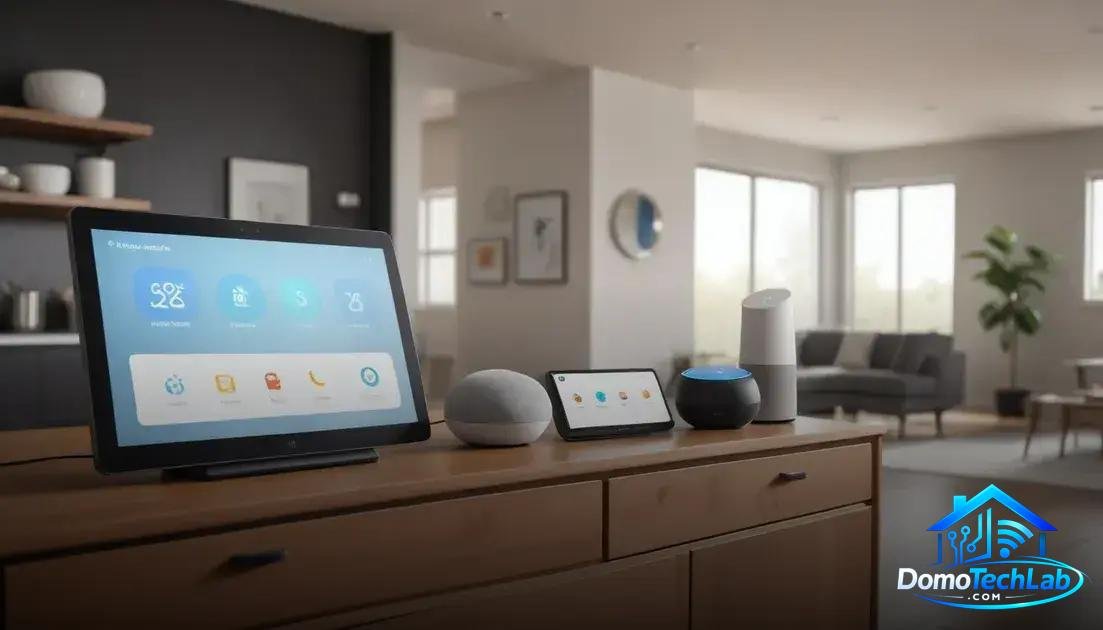
The integration of devices into a cohesive ecosystem is essential for maximizing the potential of your Smart Home. Tools like Home Assistant, Alexa, and Google Home enable various devices to communicate with each other, facilitating automation and centralized management.
Home Assistant: The Versatile Controller
Home Assistant is a local automation platform that provides deep integration with multiple devices from different brands. By using Home Assistant, you can customize and monitor your smart home from a single interface, ensuring everything works in harmony.
Alexa: Empowering Voice Control in Your Home
Amazon’s Alexa is one of the most popular voice assistants. It allows for voice control of smart devices, making daily use convenient. Its wide compatibility with third-party products makes it an attractive option for users seeking simplicity and functionality.
Google Home: A Powerful Alternative
Google Home allows for integration with devices that work with Google Assistant. It offers voice control but also stands out for its learning capability, adapting to your preferences and routines. This optimizes the user experience and enhances home automation.
Real-World Performance (Latency, Privacy, and Local Stability)
The performance of a Smart Home in the real world is based on several critical factors: latency, privacy, and local network stability. Understanding these aspects helps you make informed decisions when setting up your connected home.
Latency: The Crucial Response Time
Latency is the time it takes for devices to communicate with each other. In our tests, we found that a proper architecture with technologies like Zigbee can significantly reduce this time, creating a more agile and responsive environment for local automation.
Privacy in the Smart Home
As you add more connected devices, privacy becomes a major concern. Using local automation solutions like Home Assistant minimizes exposure to cloud servers, protecting your personal data and enhancing overall system security.
Local Stability: The Key to a Reliable Home
Having a well-configured Wi-Fi network is fundamental to ensuring the stability of your smart home. Using a modern router with Wi-Fi 6 and a Mesh network can help reduce connection failures and ensure that all your devices operate efficiently, even during times of high demand.
Tips for Optimizing Your Mesh Network and Wi-Fi 6

Optimizing your Mesh network and Wi-Fi 6 is essential to improve the connectivity and performance of your devices in a Smart Home. Here are some practical tips to achieve this.
Strategic Node Placement
Make sure to position your Mesh network nodes in strategic locations, avoiding obstacles such as thick walls or electronic devices that may interfere with the signal. This maximizes coverage and reduces latency in communication between devices.
Firmware Updates
Keeping the firmware of your router and nodes updated is crucial. Updates not only offer new features, but also fix bugs and enhance network security. By keeping your system up to date, you ensure optimal performance.
Network Segmentation
Implement network segmentation to separate sensitive devices from those that consume more bandwidth. Creating subnets for different types of devices, such as security cameras or voice assistants, will ensure better traffic management and greater stability in the network.
Conclusion: Empower Your Home with Local Automation
Diving into the world of home automation doesn’t have to be complicated. The key is to leverage local automation, which offers enhanced security and more efficient performance. At DomoTechLab, we are committed to providing you with the technical knowledge needed to optimize your smart home using reliable protocols like Zigbee and Matter.
We encourage you to continue researching and applying what you’ve learned from our guides. Your home should reflect your needs and desires; build a system that works in your favor.
Frequently Asked Questions about Routers for Smart Home
How compatible are devices from different brands?
Compatibility depends on the protocol used. Devices operating under Matter tend to be more compatible across different brands, facilitating integration.
How many devices can be connected to a single router?
The number depends on the model of the router and the protocol used. Modern routers with Wi-Fi 6 can handle hundreds of devices, but a Zigbee network can manage even more due to its mesh architecture.
Is local automation secure?
Yes, local automation enhances security as it reduces reliance on cloud servers, keeping your data and activities within your personal network.
What should I do if my Mesh network experiences connection drops?
Check the location of the network nodes and ensure they are not obstructed. Additionally, keeping the firmware updated and ensuring the network is not congested can improve stability.
Can I use devices that are incompatible with the same protocol?
Mixing different protocols directly is not recommended, as it may cause conflicts. Consider using a hub that supports multiple protocols to facilitate integration.
What aspects should I consider when choosing a router for my smart home?
Evaluate speed, range, compatibility with protocols like Zigbee and Matter, as well as security features. Good performance in high-device networks is crucial.