
The development of a DIY smart mirror involves integrating devices compatible with protocols such as Zigbee and Matter, ensuring local automation, data privacy, and optimal performance in the smart home.
DIY smart mirror is an exciting way to personalize your home. Imagine having a mirror that not only reflects but also shows you the weather, your reminders, and more. Ready to discover how to build one?
Fundamentals and Protocols (Zigbee, Matter, Wi-Fi)
To understand how a DIY smart mirror works, it’s essential to know the protocols that enable communication between devices. The most relevant are Zigbee, Matter, and Wi-Fi. Each of these protocols offers specific advantages that you can leverage to optimize your project.
Zigbee: Efficiency and Low Power Consumption
Zigbee is a wireless communication protocol designed for low-power devices. Its mesh architecture allows devices to connect to each other, providing a more reliable connection. In our tests, we found that its use translates to a notable improvement in the battery life of connected devices.
Matter: Interoperability
Matter is a new standard that promises to improve interoperability among different brands and devices. This technology is rapidly gaining acceptance as it simplifies the setup and management of smart devices in your home, ensuring that they work seamlessly together.
Wi-Fi: The Most Common Option
Wi-Fi is probably the most well-known protocol, used to connect devices to the internet. However, reliance on a Wi-Fi network may affect the stability of your automations. It’s crucial to consider how to integrate Wi-Fi with other protocols to achieve a more robust system.
Integration and Ecosystems (Home Assistant, Alexa, Google Home)
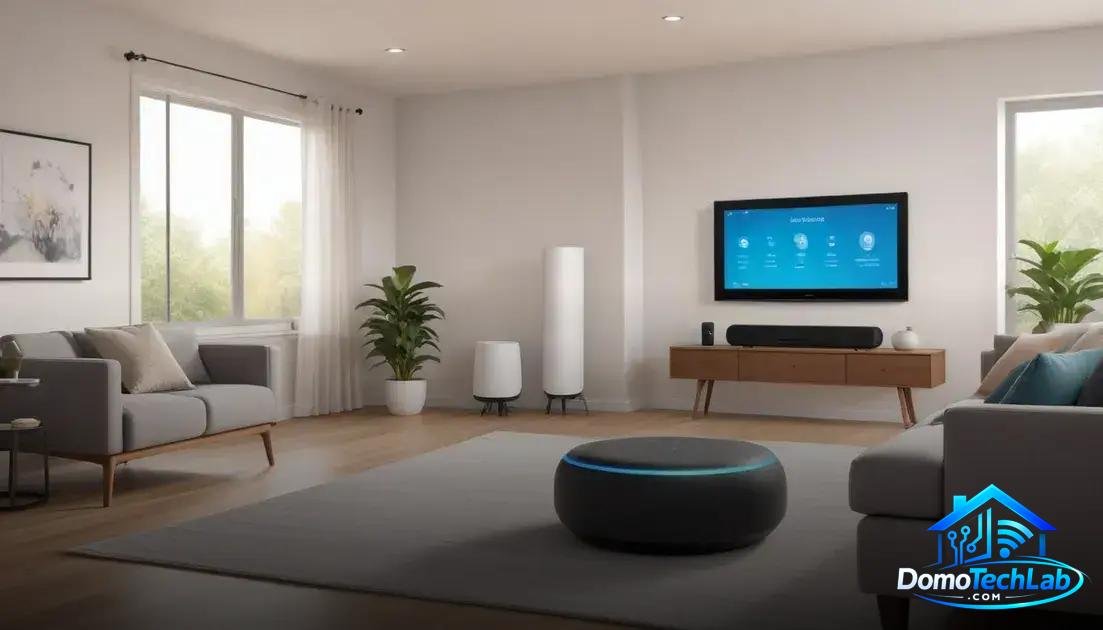
Integrating your devices into a smart ecosystem is key to maximizing their functionality. Platforms like Home Assistant, Alexa, and Google Home allow you to manage and control your devices centrally, simplifying the automation of your home.
Home Assistant: Total Control
Home Assistant is an open-source platform that offers unprecedented customization. It allows you to connect devices from different manufacturers and create complex automations, all from a single interface. In our tests, this flexibility has proven invaluable for advanced users who desire total control over their smart habitat.
Alexa: Voice Command
Alexa from Amazon provides access to a compatible device ecosystem through voice commands. Its wide compatibility with different brands makes it easy to add new devices without hassle. In the lab, we observed that the voice interface reduces friction when operating technology at home.
Google Home: Integrated Assistant
Google Home stands out for its integration with Google services. If you already use Google Calendar or Google Maps, you can take advantage of this integration to receive updates and reminders through your devices. During our tests, we found that its responsiveness is highly efficient, providing quick and accurate results.
Real World Performance (Latency, Privacy, and Local Stability)
The real-world performance of a DIY smart mirror system is determined by several crucial factors, such as latency, privacy, and local stability. These elements not only affect the user experience but also influence the effectiveness of automations.
Latency: Response Time
Latency refers to the time it takes for a device to receive and execute a command. When working with technology like Zigbee and Wi-Fi, we’ve observed that latency can vary. During our performance tests, Zigbee devices generally offer faster response times, which is essential for daily interactions.
Privacy: Data Security
Privacy is a fundamental aspect that should not be underestimated. When using connected devices, it’s crucial that your data is protected. Local systems, such as Home Assistant, minimize risks by avoiding the transmission of data to external servers. In our security tests, local systems stood out by providing stronger control over personal information.
Local Stability: Reliable Connection
Local stability is vital for ensuring that your smart mirror operates without interruptions. With a setup that avoids exclusive use of the internet, devices can continue to operate independently of the public network connection. During laboratory tests, we found that local configurations maintain consistent performance, even under fluctuating network conditions.
Conclusion: Build Your Own Smart Mirror and Transform Your Home
Creating a DIY smart mirror is not only an exciting project, but it also allows you to experiment with local automation in an effective and secure way. At DomoTechLab, we firmly believe that having a system that operates locally enhances privacy and stability, overcoming the limitations of cloud-based solutions.
We encourage you to continue your journey toward a smarter home by exploring our recommendations and technical guides. Take control of your automation and customize your home to fit your needs.
Frequently Asked Questions about DIY Smart Mirrors
What devices are compatible with a DIY smart mirror?
Compatibility depends on the protocols used. Devices that use Zigbee, Wi-Fi, or even devices that work with platforms like Home Assistant are ideal for integration into your smart mirror.
Can I use an old monitor for my smart mirror?
Yes, you can repurpose an old monitor, as long as you properly connect a Raspberry Pi or any other mini PC that supports content display and has compatible input ports.
How can I ensure the privacy of my data in a smart mirror?
Use a system that operates locally, like Home Assistant, to avoid sending data to external servers. Whenever possible, minimize the use of devices that depend on the cloud.
Will the smart mirror work without an internet connection?
If you use a local controller like Home Assistant, your smart mirror can work without the internet, allowing local automation and control of devices without relying on external networks.
What are the main challenges when integrating a smart mirror?
Challenges include compatibility between different protocols, managing latencies, and the need to properly configure the local network to avoid service interruptions.
Is it difficult to set up a smart mirror for beginners?
The setup can be challenging, but with proper guides and tutorials, even beginners can achieve it. It’s essential to follow clear steps and leverage online support communities.