
Local automation in a smart home allows for more efficient and secure control of devices such as smart bulbs and smart plugs, optimizing the photographer’s experience by integrating protocols like Zigbee and platforms like Home Assistant.
Smart Home for photographers offers a revolutionary way to transform your workspace. Imagine being able to adjust lighting with just a tap on your tablet, optimizing every photoshoot. In this article, we will analyze how to integrate smart technology into your studio.
Fundamentals and protocols (Zigbee, Matter, Wi-Fi)
To understand the fundamentals of a smart home, it is essential to know the communication protocols. The most notable are Zigbee, Matter, and Wi-Fi, used in various devices to ensure effective interoperability.
Communication protocols
Zigbee is ideal for low-power solutions. This protocol allows communication between devices such as smart plugs and smart bulbs within a limited range, but its strength lies in the mesh it creates, which efficiently extends connectivity.
The role of Matter
Matter is revolutionizing home automation by facilitating integration between various brands. By choosing Matter-compatible devices, you ensure a more cohesive and easy-to-manage ecosystem, allowing control through popular platforms like Alexa and Google Home.
Wi-Fi in home automation
While Wi-Fi provides a reliable and high-speed connection, it has limitations in terms of battery consumption for smaller devices. However, its capacity to handle large data volumes makes it an excellent complement for devices that require greater bandwidth.
Integration and ecosystems (Home Assistant, Alexa, Google Home)
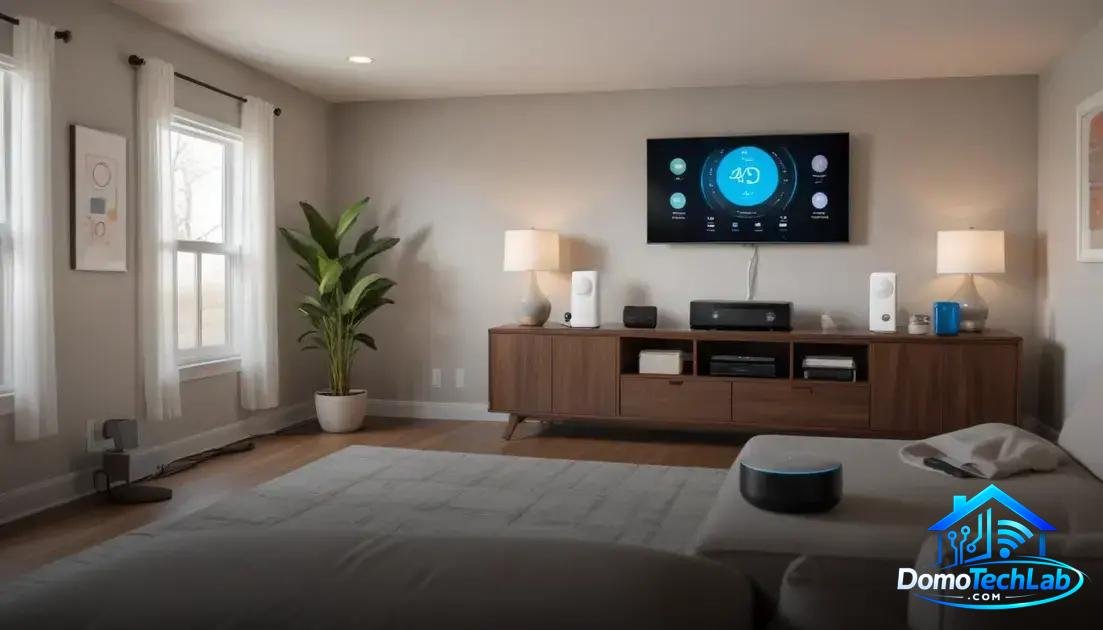
The integration of devices in a smart home ecosystem is essential for maximizing their functionality. Platforms like Home Assistant, Alexa, and Google Home allow connecting and controlling multiple devices from a single interface.
Home Assistant as the central controller
Home Assistant is a powerful tool that allows users to manage all their home automation devices in one place. You can customize complex automations and create visual control panels according to your specific needs, enhancing your user experience.
Alexa and its voice capabilities
Alexa has changed the way we interact with our smart devices. With simple voice commands, you can turn lights on or off, adjust the temperature, and more. Its compatibility with a wide variety of devices makes it a popular choice for many homes.
Google Home and its service integration
Google Home not only controls devices, but also integrates search functions and other Google services. This allows your voice commands to be richer, offering responses and control over a variety of devices just by speaking.
Real-world performance (latency, privacy, and local stability)
The performance of a smart home in the real world is measured in terms of latency, privacy, and local stability. These factors are critical to ensuring a smooth and reliable experience when interacting with smart devices.
Latency and its impact
Latency refers to the time it takes for a device to receive and execute a command. In our tests, devices connected through a local controller, such as those using Zigbee, showed significantly better response times, allowing control of lights and other appliances almost instantaneously.
Privacy in automation
Privacy is an essential aspect of setting up a home automation system. By opting for solutions that predominantly operate locally, such as using Home Assistant, you minimize the exposure of your data on external servers, giving you greater control over your home information.
Local stability for optimal performance
Local stability is crucial for a proper user experience. A well-designed system will not depend on an internet connection to function correctly. Devices that operate on a local network tend to be more reliable during internet outages, ensuring that your automations remain operational.
Tips for photographers on home automation
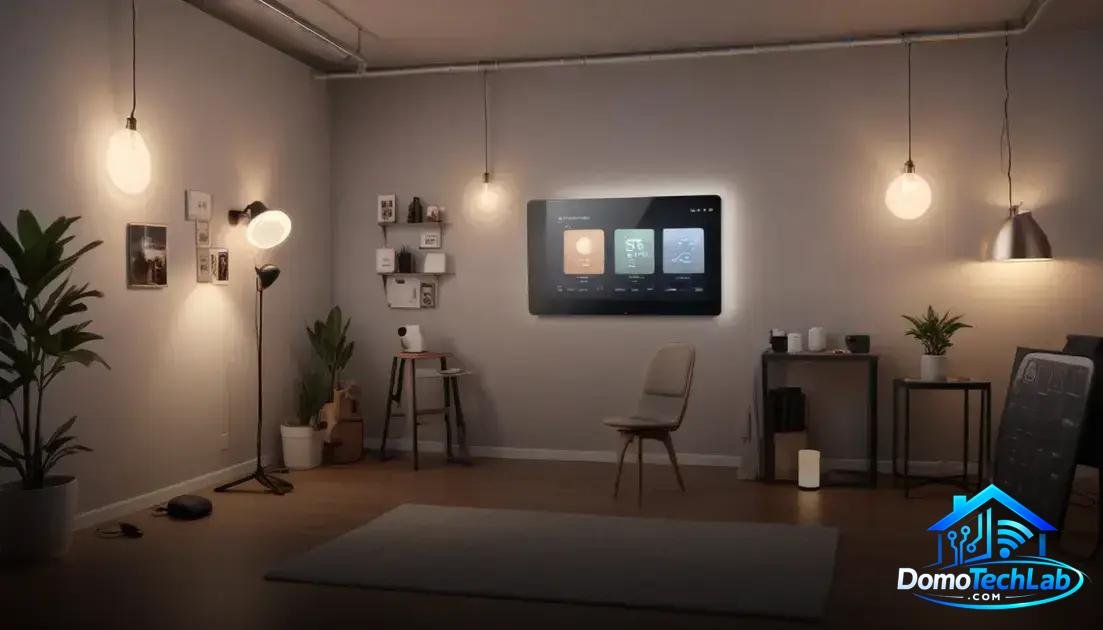
Home automation represents a great opportunity for photographers looking to optimize their workflow. Implementing smart technology can significantly improve efficiency in every photoshoot.
Lighting control
The use of smart bulbs allows you to adjust the intensity and color of the light without needing to physically modify equipment. This makes it easier to create different atmospheres in the studio, which is crucial for product and portrait photography.
Scheduling
Smart plugs offer the ability to schedule the turning on and off of lights and other devices. This feature is especially useful for photographers working with continuous lighting, as it allows them to set up the ambiance before starting a session.
Scene automation
By integrating a controller like Home Assistant, you can create custom scenes that automatically adjust lights and colors upon starting the capture process. This saves time and allows you to focus more on creativity during the session.
Monitoring and remote control
Through mobile apps, you can always access your automation system, allowing you to monitor and adjust your studio settings in real-time, even from outside. This provides total control over your creative environment.
Conclusion: Enhance your experience with a smart home
Local automation is the key to making the most of your smart home. By choosing devices that operate in local environments, such as those using Zigbee and Home Assistant, you not only improve efficiency but also ensure a more secure and reliable control.
We invite photographers and all technology enthusiasts to delve into the world of automation. With the right information and a solid strategy, you can create an environment that meets your creative and technical needs. Feel free to explore more about our resources and guides to make your home a truly smart place.
Frequently Asked Questions about Smart Home for photographers
Are all devices compatible with each other?
Not all devices are compatible. It is fundamental to check compatibility with protocols like Zigbee or Matter before making a purchase to ensure integration into your automation system.
What to do if the connection between devices is unstable?
Instability can be caused by network interference or the distance between devices. Ensure that your hub is optimally located and consider using repeaters or network extenders if you are using Zigbee.
Is it necessary to have a central hub to manage devices?
While it’s not strictly necessary, having a hub like Home Assistant simplifies device management and allows for the creation of more complex automations, enhancing your user experience.
How will the use of Wi-Fi affect the performance of automation?
Using Wi-Fi may increase network congestion, especially if many devices are connected. To optimize performance, use devices that operate on Zigbee for lighter loads and reserve Wi-Fi for applications requiring greater bandwidth.
How to ensure security in a smart home?
It is advisable to change default passwords and regularly update the firmware of all your devices. Also, consider segmenting your network to isolate smart devices from the main traffic.
What are the biggest challenges when implementing a Smart Home system?
The main challenges include compatibility between devices, initial setup, and network maintenance. Being informed and choosing products certified by Matter standards can help mitigate these issues.