
WiFi connectivity issues in a smart home can be efficiently resolved by implementing local automation with protocols like Zigbee or Matter, which offer lower latency, greater stability, and enhanced privacy.
Are you experiencing WiFi connectivity issues in your smart home? These problems can be frustrating for automation and affect your experience. In this article, we will explore effective solutions to overcome these disruptions.
Fundamentals and Protocols (Zigbee, Matter, Wi-Fi)
Understanding the fundamentals and protocols is essential for building an efficient smart home. Protocols like Zigbee, Matter, and Wi-Fi play a critical role in device interaction. Each one has its advantages and limitations, which can affect the stability and performance of your network.
Introduction to Zigbee
Zigbee is a low-power communication protocol specifically designed for automation applications. Its mesh architecture allows devices to communicate with each other, extending the network’s range without relying on a central router. This is ideal for a home where multiple devices need to interact constantly.
Exploring Matter
Matter is a new standard aiming to unify connectivity among devices from different brands. It provides a layer of interoperability that allows different ecosystems to communicate with one another, which is an important step toward smoother and more effective local automation.
Wi-Fi Reliability
Wi-Fi is the most common protocol, offering high speeds and a wide range. However, it can be affected by interference and network congestion, especially in the 2.4GHz bands. To ensure optimal operation in your smart home, it is advisable to use devices based on Zigbee or Matter for critical tasks.
Integration and Ecosystems (Home Assistant, Alexa, Google Home)
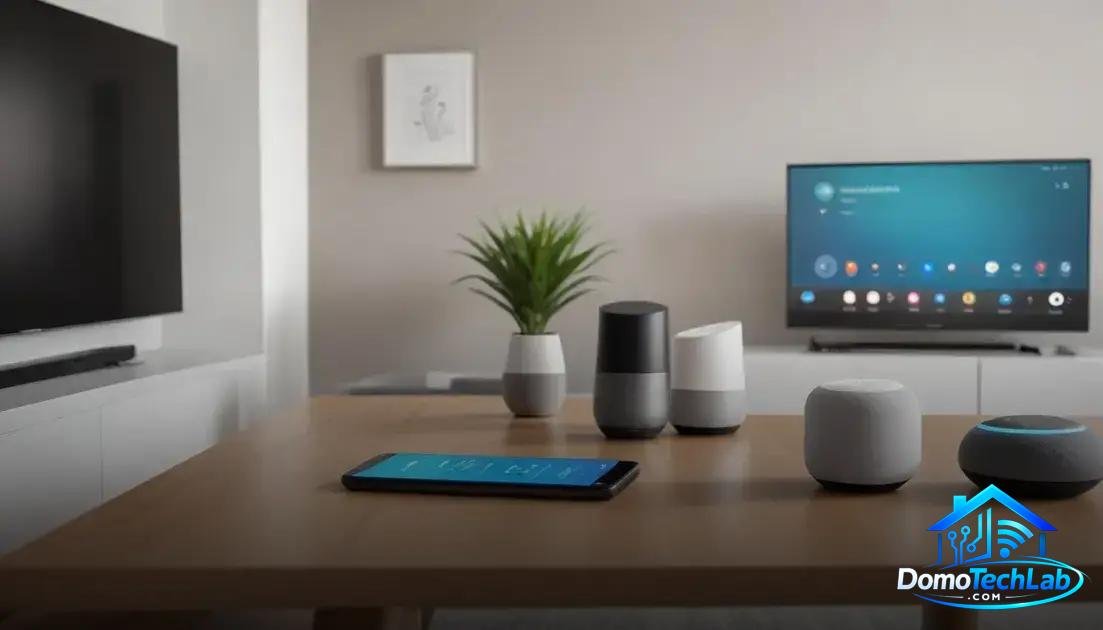
The integration of devices in a smart home ecosystem is crucial to ensuring their optimal functioning. Platforms like Home Assistant, Alexa, and Google Home allow for centralized control of multiple devices, facilitating local automation and enhancing user experience.
Home Assistant: Complete Control
Home Assistant is an open-source platform that enables the integration of devices from various manufacturers. By using Home Assistant, you can customize your automations and create an ecosystem that meets your needs. Its ability to function locally means you are not reliant on external servers, improving privacy and control device speed.
Alexa: The Voice That Controls Your Home
With Alexa, voice commands enable quick and easy access to your smart devices. The platform supports a wide variety of products, allowing for easy integration of lights, plugs, and more. However, some devices and features require a cloud connection, which can introduce latency in responses.
Google Home: The Intelligence Behind Automation
Google Home also offers powerful integration, effectively providing an assistant that learns from your habits and preferences. Its accessible interface allows for intuitive addition and control of devices. It is important to monitor the network settings, as congestion can impact its performance and response times.
Real-World Performance (Latency, Privacy, and Local Stability)
The real-world performance of a smart home depends on several key factors such as latency, privacy, and local stability. These elements are vital for the effective operation of all connected devices in your home.
Latency: The Response Time
Latency refers to the time it takes for your device to execute a command. Devices that rely on the cloud may show delays, especially if the internet connection is unstable. Using systems like Zigbee or Matter that operate locally can significantly reduce latency, providing a more responsive experience.
Privacy: Protecting Your Data
Smart home devices collect personal information, raising concerns about privacy. It is crucial to choose devices that offer robust privacy settings and operate locally, minimizing exposure to external vulnerabilities.
Local Stability: The Key to a Connected Home
Local stability refers to devices’ ability to communicate with each other without relying on the internet. Implementing a local controller allows your devices to remain operational even during internet outages. This is essential to ensure that critical functions, such as home security, remain in optimal condition.
Conclusion: Solve Your WiFi Connection Problems with Local Automation
Implementing local automation is essential to ensure the optimal functioning of your smart home. By choosing protocols like Zigbee or Matter, you not only enhance the speed and stability of your devices, but also strengthen your data privacy in a connected environment.
At DomoTechLab, we are committed to providing you with the knowledge necessary so that every technical decision you make is based on reliable information. We encourage you to continue exploring our guides and recommendations to make your home a smart and safe space.
Frequently Asked Questions about WiFi Connection Problems
How does network congestion affect the performance of my smart devices?
Network congestion can cause delays in communication between smart devices, especially if they all rely on Wi-Fi. Using protocols like Zigbee can help alleviate this burden.
What should I do if my Zigbee devices are not communicating properly?
Check the position of your Zigbee gateway/hub and ensure there are no interferences on the 2.4GHz channel. Consider adding Zigbee repeaters to extend coverage.
Is it advisable to use static IPs for my smart home devices?
Yes, assigning static IP addresses to your devices can improve network stability and prevent address conflicts, ensuring a more reliable connection.
What protocols are compatible with Home Assistant?
Home Assistant is highly versatile and is compatible with multiple protocols, including Zigbee, Z-Wave, and can also integrate with devices operating over Wi-Fi.
How can I improve the privacy of my smart devices?
To enhance privacy, opt for devices that offer local storage and avoid those that rely entirely on the cloud for operation and data storage.
What is the best way to resolve WiFi connection problems in a smart home?
An effective approach is to separate the networks: use a 5GHz band for devices that require it and reserve the 2.4GHz band for Zigbee or long-distance devices. This can reduce interference and improve stability.