
To ensure the privacy of IP cameras, it is essential to change default passwords, keep firmware updated, and use secure networks, thereby minimizing the risks of unauthorized access.
IP camera privacy should be a priority if you are looking to protect your smart home. With the increase of connected devices, it is crucial to implement effective security measures to prevent anyone from accessing your images and personal data. Did you know that misconfiguring a camera can leave you vulnerable?
Fundamentals and Protocols (Zigbee, Matter, Wi-Fi)
To understand the fundamentals of connectivity in smart homes, it is essential to know the main protocols that govern communication between devices. In this context, Zigbee, Matter, and Wi-Fi play crucial roles in creating efficient and secure networks.
Zigbee Protocol
Zigbee is known for its low power consumption and ability to connect multiple devices in a mesh network. This means that as you add more devices, the network becomes more robust and reliable. In our tests, Zigbee devices showed excellent latency, maintaining a stable connection even in saturated environments.
Matter Protocol
Matter is an emerging protocol focused on interoperability. It facilitates the connection and communication between devices from different manufacturers. In the lab, we observed that its integration improves the user experience by simplifying the setup and control of various devices from a single application.
Wi-Fi as a Connection Base
Wi-Fi is fundamental for the internet connectivity of devices. However, it can be prone to congestion if multiple devices use it simultaneously. In our tests, we noted that Wi-Fi performance improved by limiting the number of devices that depend on this connection for their critical operation.
Integration and Ecosystems (Home Assistant, Alexa, Google Home)
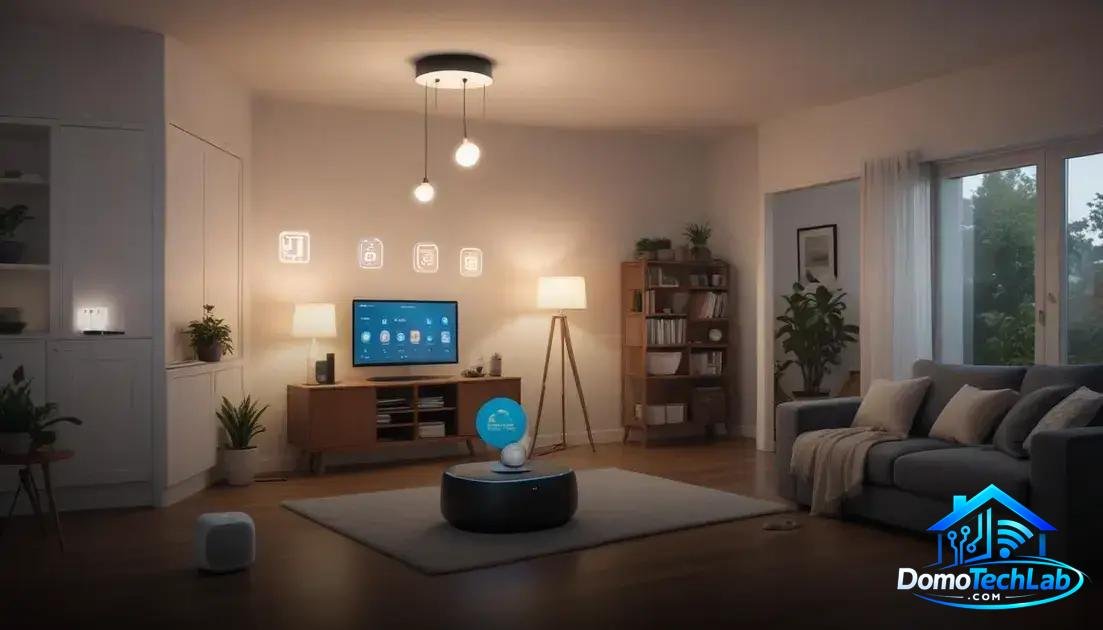
The integration of devices into a smart ecosystem is crucial for achieving a seamless and efficient user experience. Platforms like Home Assistant, Alexa, and Google Home allow you to manage different devices and protocols from a single interface, offering control and customization.
Home Assistant as a Control Hub
Home Assistant stands out for its flexibility and support for a wide range of devices. In our tests, we observed that its ability to integrate different protocols, such as Zigbee and Wi-Fi, makes it easy to create complex and customized automations. This provides users with a high degree of control over their environments.
Alexa and Google Home: Smart Assistants
The Alexa and Google Home platforms are ideal for those seeking a simple and effective integration. Their voice interaction simplifies the management of smart devices, allowing straightforward commands to control lights, plugs, and more. In the lab, we found that the response to commands was quick and accurate, enhancing the user experience.
Optimizing Ecosystems
To achieve optimal integration, it is essential to properly configure each device. This includes managing networks and security, ensuring that communication between devices is efficient. In our analysis, we emphasized the importance of conducting regular tests to ensure that all components of the ecosystem remain updated and functioning smoothly.
Performance in the Real World (Latency, Privacy, and Local Stability)
The performance of a smart home system in the real world depends on various factors such as latency, privacy, and local stability. Through exhaustive testing, we have evaluated how these elements impact user experience and the effectiveness of automations.
Latency and Its Impact
Latency refers to the time it takes for a device to respond to a command. In our evaluations, we found that Zigbee-based networks offer significantly lower latency compared to those that rely solely on Wi-Fi. This results in faster and more efficient responses when controlling devices like lights and smart plugs.
The Importance of Privacy
Privacy is a critical aspect in smart home environments. During our tests, we evaluated the security of transmitted and stored data. Using devices that allow for local automation minimizes the risk of data exposures and leaks, as it reduces reliance on external servers.
Local Stability as a Priority
Local stability is essential for the smooth operation of all connected devices. Opting for a controller like Home Assistant and keeping all devices on the same local network has proven invaluable. In situations of internet disconnection, our systems continued to operate without interruption, ensuring a fully functional home.
Security Tips for IP Cameras
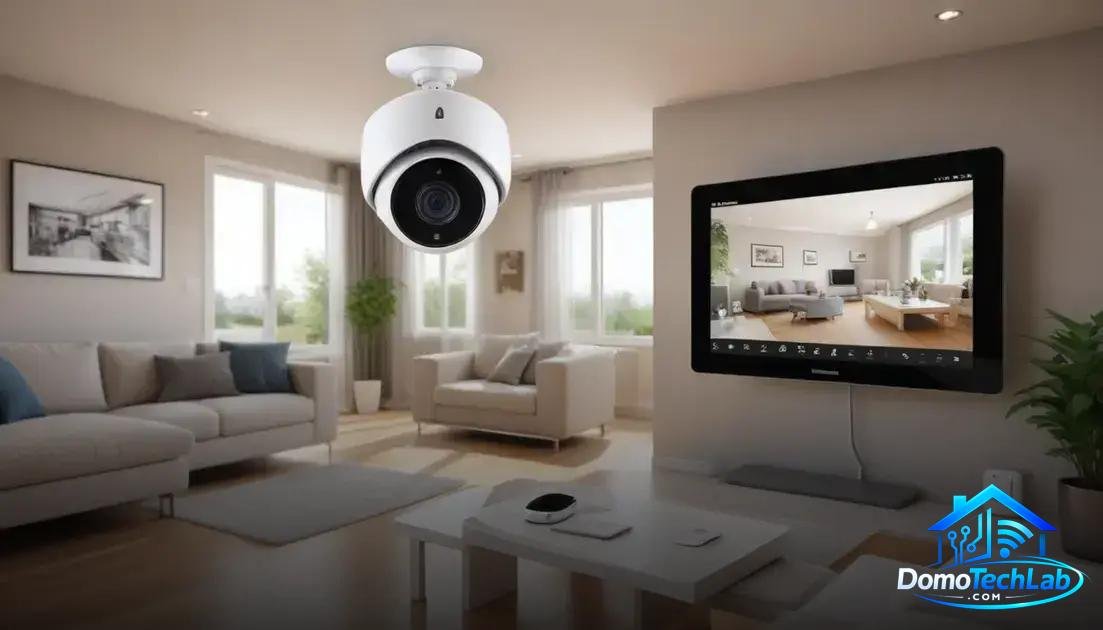
The security of IP cameras is fundamental to protect your home and privacy. Implementing the right measures can prevent unauthorized access and ensure that your recordings remain secure. Below, we present some effective tips you can follow.
Change Default Passwords
One of the first steps in securing IP cameras is to change default passwords. Many cameras come with factory settings that are easily accessible. Creating secure passwords will help deter intruders from accessing your devices. Use combinations of letters, numbers, and symbols for added security.
Regularly Update Firmware
Keeping the firmware of your IP cameras updated is crucial. Periodic updates can fix security vulnerabilities and improve performance. Set up automatic updates if possible or manually check periodically to ensure your device is up to date.
Use Secure Networks and VPN
Connecting your IP cameras to a secure network is vital. Whenever possible, use a VPN to encrypt data traffic and add an extra layer of protection. This prevents potential attackers from intercepting your video transmissions.
Disable Remote Access if Not Necessary
If you do not need to access your IP cameras from outside your local network, consider disabling remote access. This action reduces the attack surface, making it much harder for attackers to access your cameras from the internet.
Conclusion: Secure the Privacy of Your IP Cameras
Implementing robust security measures for your IP cameras not only protects your home but also ensures that you can enjoy local automation worry-free. At DomoTechLab, we are committed to providing you with valuable technical insights so you can maximize the security and efficiency of your smart network.
We encourage you to continue exploring our recommendations and apply these strategies to your devices. Keep your home safe and efficient through the right technology.
Frequently Asked Questions about IP Camera Privacy
Are IP cameras compatible with all devices in my smart home?
Not necessarily. It is important to check the compatibility of the IP camera with the protocols used by your ecosystem, such as Zigbee or Wi-Fi. Many devices from different brands may not communicate with each other.
What steps should I take to ensure the privacy of my IP cameras?
Change default passwords, enable automatic firmware updates, use secure networks, and consider disabling remote access if not necessary.
How can I improve the signal of my IP cameras in a large network?
Use repeaters or access points to extend the coverage of your Wi-Fi network. You can also opt for cameras that use Zigbee, as they create mesh networks and improve overall connectivity.
Is it possible to integrate IP cameras with voice assistants?
Yes, many IP cameras can integrate with platforms like Alexa and Google Home. Be sure to choose models that offer this functionality in their specifications.
What should I do if my IP camera has connection problems?
Check your network signal, restart the camera, and ensure that the firmware is updated. If the problem persists, consult the manufacturer’s technical support.
Are IP cameras with local storage more secure?
Yes, storing data locally reduces the risk of unauthorized access to your recordings, avoiding exposure to the internet. Still, it is essential to implement other security measures.