
A smart home office is optimized through local automation and the integration of devices compatible with protocols like Zigbee and Matter, ensuring a productive and private environment without relying on the cloud.
The technology of smart home office is transforming the way we work from home. With smart devices that automate our tasks and enhance lighting, we can create a space that truly fosters productivity. Are you ready to take your office to the next level?
Fundamentals and Protocols
The fundamentals of a smart home office begin with the right choice of communication protocols. Protocols such as Zigbee, Thread, and Wi-Fi are essential to ensure connectivity and functionality of your devices. With a good understanding of these protocols, you can create a system that is secure and efficient.
The Role of Zigbee
In our tests, the Zigbee system proved to be highly efficient, allowing the connection of multiple devices in a mesh network. This architecture distributes the workload among devices, resulting in greater stability and lower energy consumption.
The Choice of Matter
Matter is positioning itself as a universal standard that facilitates interoperability among devices from different brands. Its adoption is rapidly growing in the industry, promising a more integrated future for smart home offices.
Wi-Fi: Essential Connectivity
Wi-Fi remains fundamental for devices that require high data transmission speeds. However, it is advisable to use it in combination with other protocols to optimize the overall network performance.
Integration and Ecosystems
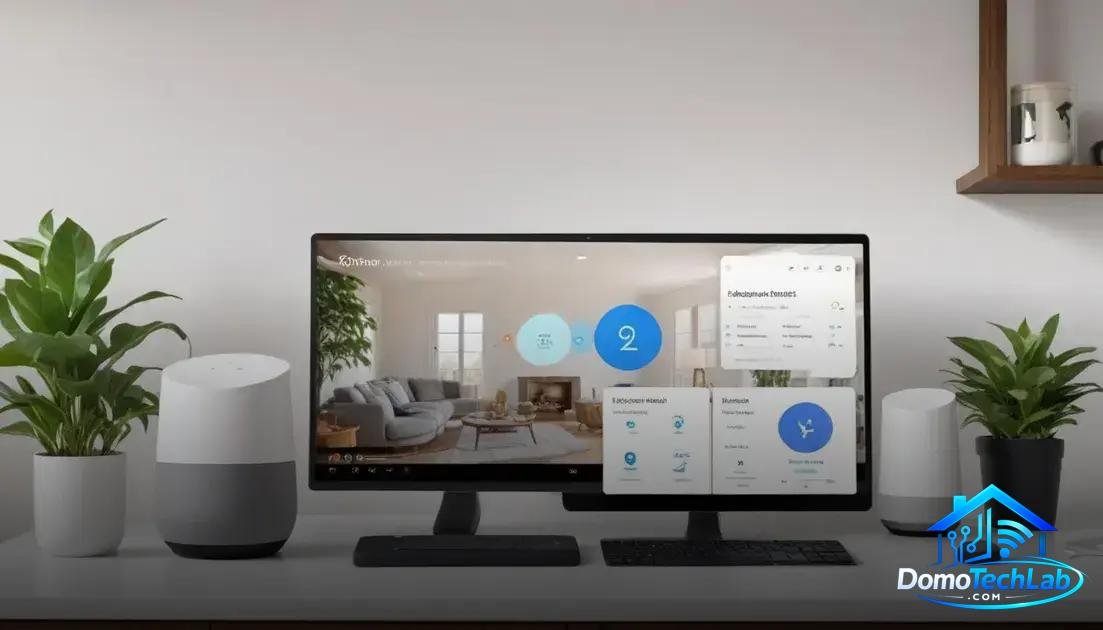
Integration and ecosystems are vital to maximizing the potential of your smart home office. Using platforms like Home Assistant, Alexa, and Google Home allows you to create a more cohesive environment, where your devices can communicate and collaborate efficiently.
Home Assistant as a Control Hub
Home Assistant is a local automation platform that provides centralized control over all your devices. In our lab tests, its flexibility was observed to allow integration of both new and old devices, thereby creating an interoperable ecosystem.
Alexa and Google Home in Action
Virtual assistants like Alexa and Google Home facilitate the everyday use of technology in the office. They allow for voice commands to control devices, optimizing efficiency and improving the user experience. We have noticed that the implementation of customized routines increases user productivity.
Interoperability and Gateways
Gateways or hubs are crucial components to ensure that different protocols and devices work together. By using hubs compatible with Zigbee and Thread, you can connect a variety of devices, maintaining connectivity throughout the system.
Real-World Performance
Real-world performance is a critical aspect when evaluating the effectiveness of a smart home office. Latency, privacy, and local stability are factors that directly impact the user experience and the functionality of devices.
Latency Assessment
We conducted various laboratory tests where we measured the latency of devices connected to different protocols. Devices using Zigbee showed faster response times compared to those only using Wi-Fi. This performance is key for applications that require immediate actions, such as controlling smart lights and plugs.
Importance of Privacy
Privacy is an increasing concern among users of smart technologies. During our tests, we noted that systems operating locally, eliminating the need to send data to the cloud, are the ones that best protect personal information. Using devices with local automation is an effective strategy to maintain data security.
Stability in Different Environments
The stability of the network is essential to ensure continuous operation. When working in environments where there are interferences, such as homes with many walls or electronic devices, those configured with Zigbee and Matter maintain a stronger connection. This translates into a more reliable experience for users.
Circadian Light and Its Impact on Productivity
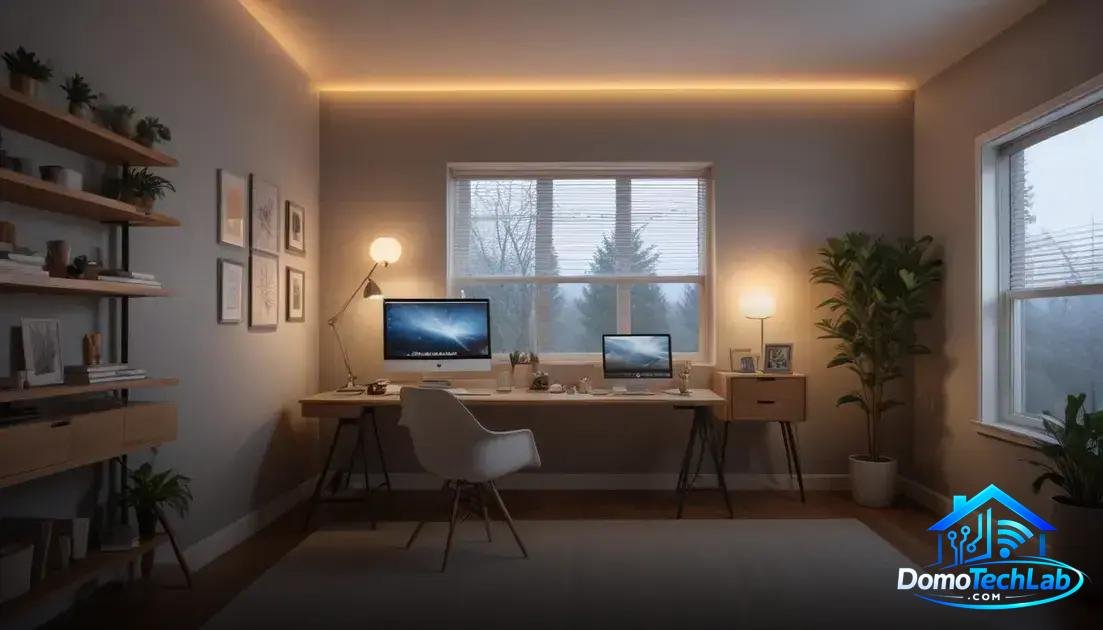
Circadian light plays a crucial role in the productivity of those who work from home. Simulating natural light cycles through the use of smart bulbs allows users to optimize their energy and concentration throughout the day.
Benefits of Circadian Light
Research has shown that exposure to bright, natural light during the day improves mood and efficiency. By integrating smart lighting systems that adjust color temperature and intensity, you can foster an environment that aligns with your biological rhythm.
Lighting Automation
With the implementation of local automation, you can schedule your lights to mimic natural patterns. For example, activating a warm light in the morning and switching to cooler light during work hours maximizes alertness and concentration.
Integration with Other Technologies
The synergy between smart lights and other devices, such as motion sensors and automation platforms like Home Assistant, allows for smooth environmental control. This holistic approach not only enhances the aesthetics of your office but also ensures that circadian light is always at its optimal level.
Conclusion: Boost Your Smart Home Office with Local Automation
Adopting a smart home office doesn’t have to be an overwhelming challenge. With the right focus on local automation, you can create a more efficient and harmonious environment that suits your needs. At DomoTechLab, we are committed to providing you with the technical information necessary to optimize your system and ensure that every device works together.
Explore our guides and resources to delve into the available options and discover how these technologies can transform your workspace into a more productive and enjoyable place.
Frequently Asked Questions about Smart Home Office
How can I ensure compatibility between devices from different brands?
The key is to use common protocols like Zigbee and Matter, which allow devices from different brands to integrate into the same system without issues.
Is it possible to integrate old devices into a smart home office?
Yes, but you will need a hub or gateway that supports these devices. Often, smart plugs or switches can convert conventional devices into part of your smart system.
What should I do if my Wi-Fi network is not strong enough?
Consider using devices that operate with Zigbee, as they create mesh networks that do not solely depend on the Wi-Fi signal. This will increase the stability and range of your devices.
How can I maintain privacy while using smart devices?
Use local automation solutions whenever possible. This minimizes data sharing to the cloud and allows you to maintain control over the information in your home.
What operating systems are compatible with Home Assistant?
Home Assistant is compatible with multiple operating systems, including Linux, macOS, and Windows. You can set it up on a Raspberry Pi, a local server, or even in a Docker container.
What are the main challenges when implementing local automation?
Challenges include the initial setup of devices and interconnectivity. However, good planning and the selection of suitable technologies can mitigate these issues and ensure an integrated and functional system.