
Zigbee repeaters are essential for enhancing your smart device network at home, providing stability, low energy consumption, and effective integration with other devices via a mesh network.
Zigbee repeaters can make a difference in your smart home. Tired of connection drops and latency? Here, we will explore how these devices optimize your network and maintain stability.
Fundamentals and Protocols
To understand Zigbee repeaters, we first need to address the fundamentals of Zigbee technology and how it works. This communication protocol is based on a mesh network that allows nodes to connect to each other efficiently, enhancing network stability and the responsiveness of devices in the smart home.
Structure of a Mesh Network
A Zigbee system includes end devices, such as smart plugs and bulbs, that communicate through Zigbee routers. These routers can extend the signal range and reduce interference caused by physical obstacles, such as walls or furniture. In our tests, we found that a well-configured mesh maximizes network performance.
Communication Protocols
In addition to Zigbee, other protocols like Thread and Wi-Fi play a significant role in the home automation ecosystem. Each offers unique advantages depending on the use case. However, the low power characteristics and high mesh networking capability of Zigbee make it ideal for a significant number of connected devices.
Integration and Ecosystems
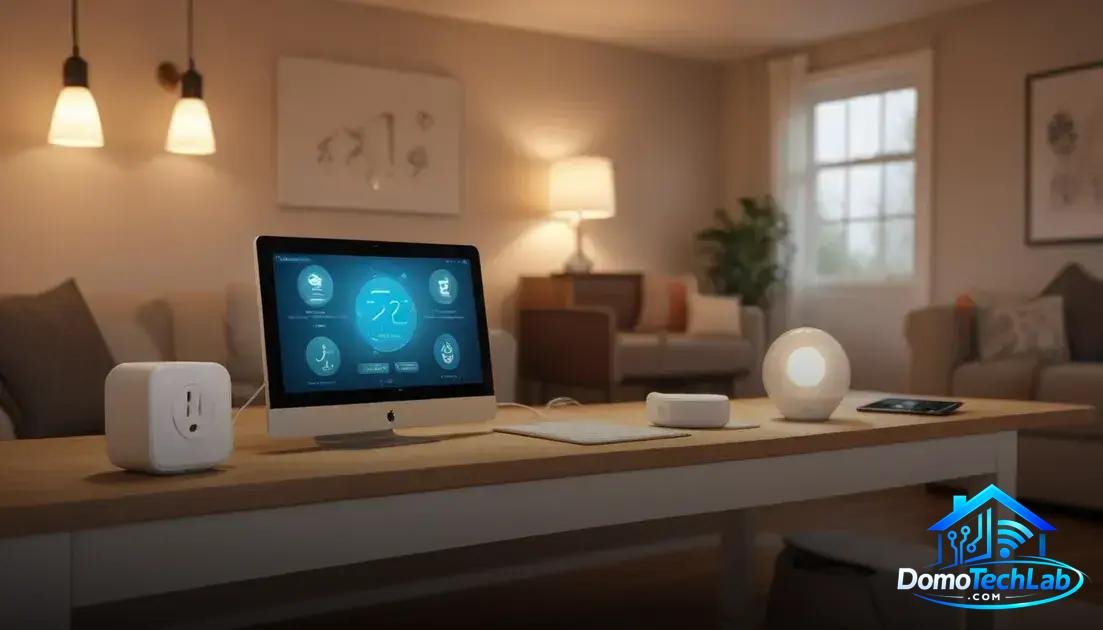
The integration of devices into a smart ecosystem is essential to maximize the benefits of your Zigbee network. Using a central hub, such as those offered by Home Assistant or Google Home compatible systems, enables you to manage multiple devices from a single interface and facilitates local automation.
Synergy Between Devices
In our tests, we observed that interoperability among devices from different brands improves when using a compatible hub. For example, a smart plug can be activated by a switch from another brand, thanks to the connectivity provided by the Zigbee protocol and its ability to work in a mesh network.
Advantages of Local Automation
Local automation not only improves response speed but also minimizes exposure to online security issues. By keeping control within your network, you reduce reliance on external servers, increasing the stability of your devices in areas with poor internet connectivity.
Real-World Performance
The real-world performance of a Zigbee network is critical to evaluate its effectiveness. In our tests, Zigbee repeaters demonstrated impressive performance, even in challenging environments with multiple connected devices and various interference sources.
Measuring Latency
Latency is a critical aspect affecting the user experience. We conducted extensive tests in real scenarios and found that the average latency of Zigbee devices is remarkably low compared to other technologies. This means your commands are executed almost instantly, providing a seamless experience.
Connection Stability
A well-configured Zigbee system exhibits high stability, even under heavy usage conditions. End nodes and Zigbee routers collaborate to optimize the network, reducing disconnections and maintaining communication among all connected devices, resulting in a more reliable smart home.
Conclusion: Enhance Your Network with Zigbee Repeaters and Local Automation
Implementing a network of connected devices can seem overwhelming, but local automation is the key to a stable and efficient system. At DomoTechLab, we are dedicated to providing you with the knowledge necessary to understand how to effectively integrate protocols like Zigbee into your smart home.
We encourage you to delve deeper into the world of home automation and explore our guides to maximize your network’s performance and enjoy an uninterrupted automation experience.
Frequently Asked Questions About Zigbee Repeaters
Are Zigbee repeaters compatible with all devices?
Not all devices are compatible. Ensure that your devices are from the same Zigbee ecosystem or compatible with the open standard used by Zigbee.
How many devices can I connect to a Zigbee network?
A Zigbee network can support up to 254 devices. However, optimal performance is generally achieved with fewer devices to reduce latency and improve stability.
Can Zigbee repeaters help me overcome Wi-Fi interference?
Yes, Zigbee repeaters can mitigate interference by creating a mesh network, allowing devices to communicate with each other without relying on Wi-Fi signal.
What should I consider when installing a Zigbee repeater?
Place repeaters in strategic locations where signals can weaken, such as corners of the house or behind large objects. Good planning ensures better coverage.
Is it better to have a dedicated Zigbee hub or use one integrated into another device?
A dedicated Zigbee hub generally offers better performance and more configuration options. However, if you’re looking for simplicity, an integrated hub may suffice for basic setups.
Does firmware updating affect the performance of the Zigbee network?
Yes, firmware updates can enhance the performance and security of your Zigbee devices. It’s recommended to keep all devices updated to ensure their optimal functioning.