
The key to a smart home for renters lies in local automation through protocols like Zigbee and Thread, which offer secure connectivity, easy device integration, and efficient control without the need for renovations.
Smart Home for renters is an accessible way to modernize your home without the need for renovations. If you’ve ever thought about how to automate your home without touching the electrical installation, here you’ll find some interesting alternatives that combine portability and functionality.
Fundamentals and Protocols
The fundamentals of a smart home begin with communication protocols. These protocols, such as Zigbee, Matter, and Thread, are essential to ensure that your devices communicate effectively and securely.
What is Zigbee?
Zigbee is a communication protocol that allows for the connection of low-power, low-cost devices, ideal for home automation. Its mesh structure improves coverage, meaning each device can act as a repeater, extending the range.
Features of Matter
Matter is a new standard aimed at simplifying connectivity between devices from different brands. This allows products to be more compatible and easier to set up, resulting in a simpler experience for the user.
Advantages of Thread
Thread, like Zigbee, is based on a mesh network that provides fast and secure communication. Notably, it can operate independently, allowing devices to connect without the need for a central hub.
Integration and Ecosystems
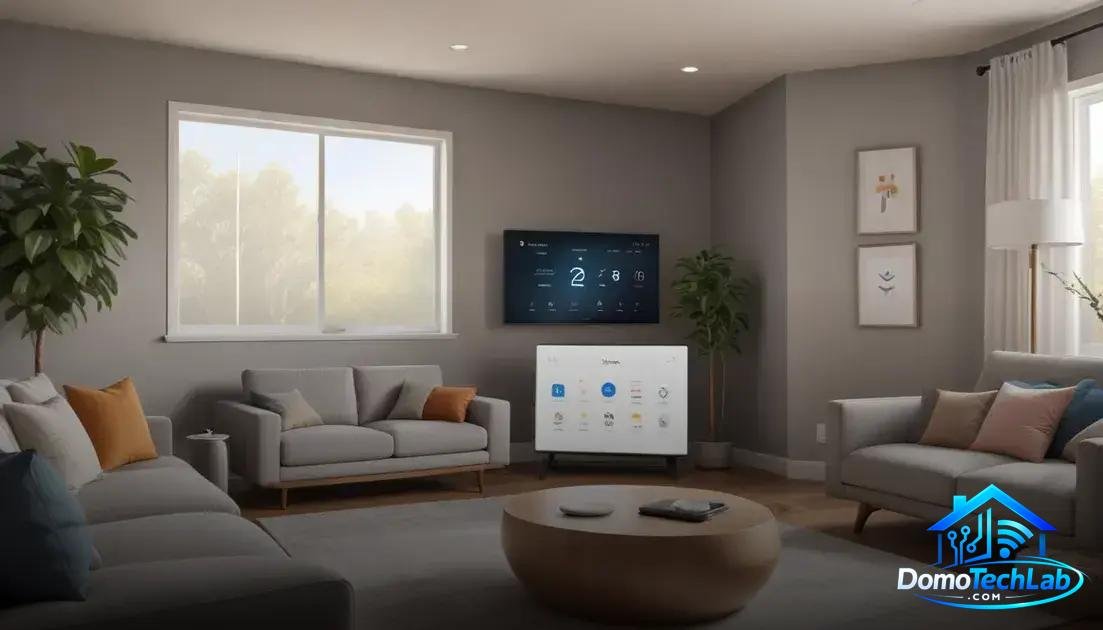
The integration of devices in a smart home is crucial to achieving a seamless experience. Utilizing ecosystems like Home Assistant, Alexa, and Google Home allows you to connect different devices and control their functionality from a single platform.
Home Assistant and Its Flexibility
Home Assistant is an open-source platform that supports a wide variety of devices and protocols. This means you can customize your automation system to fit your specific needs. Its interface allows not only the control of devices but also the creation of complex automations.
Alexa and Google Home in Daily Life
Virtual assistants like Alexa and Google Home have transformed the way we interact with our devices. Through voice commands, you can turn on lights, adjust the temperature, or check the weather, all without the need for a remote control. This convenience is ideal for renters looking to make the most of their spaces.
Compatibility and Connectivity
It is essential to verify the compatibility of the devices you choose for your smart home. Ensure that they integrate not only with your main hub but also with other devices in your ecosystem. Connectivity is key for efficient performance and seamless automation.
Real-World Performance
The performance of a smart home in the real world largely depends on the proper implementation of its devices and protocols. In testing various devices, we observed key aspects such as latency, privacy, and local network stability.
Latency and System Response
Latency is crucial in an automation system. Devices operating with Zigbee offer very fast response times, allowing actions such as turning on a light or closing a switch to occur almost instantly. This speed is especially important in situations where user action needs to be nearly immediate.
Privacy in Automation
Privacy becomes a hot topic when discussing home technology. The use of devices that operate with Matter, which allows for secure communication between devices, ensures that your personal data is protected. In our testing, we learned that keeping information localized without sending data to the cloud enhances user trust in their system.
Stability of the Local Network
The stability of the network is a factor that should not be overlooked. Implementing devices in a mesh network topology, like that used by Thread, ensures that even if one device fails, the rest of the system continues to operate efficiently. This reliability is essential, as a smart home must be consistent and functional at all times.
Installation and Configuration Tips
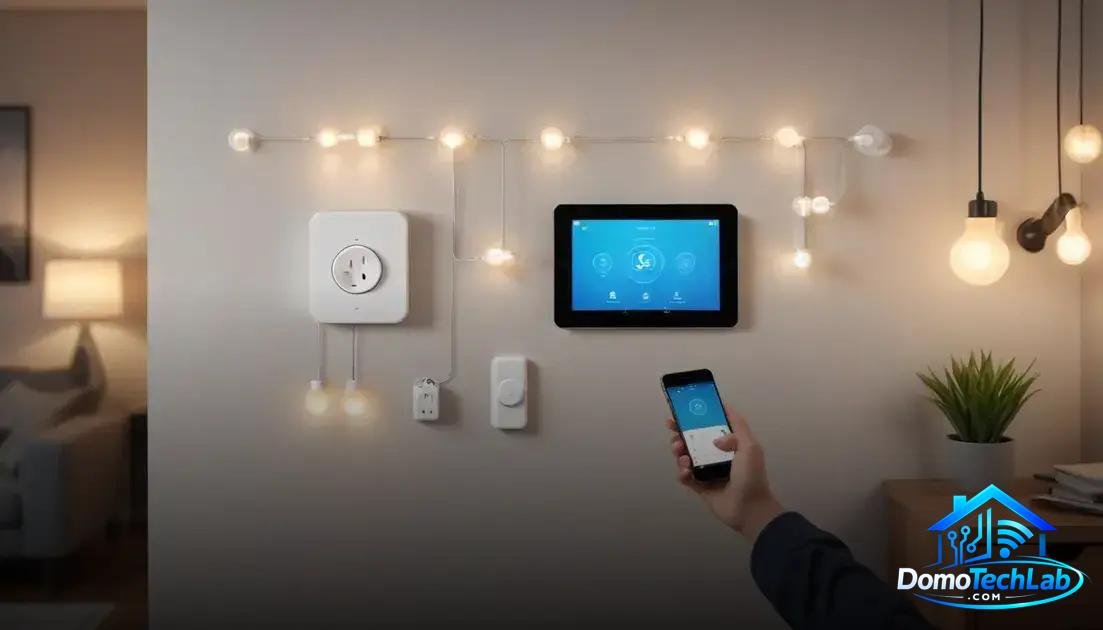
Installing and configuring a smart home may seem complicated, but with some practical tips, you can do it efficiently and without issues. Proper planning for the installation is essential to make the most of your devices, whether they are smart plugs, bulbs, or switches.
Planning the Layout
Before you start, it’s advisable to map out your space and decide which devices you want to install and where. Consider the location of outlets and access points to ensure that the signal for your devices with Zigbee or Thread is optimal. Good planning can prevent connectivity issues later on.
Configuring the Network
Your local network must be well configured. Use a router that supports mesh connections if you plan to use many devices. This will help improve stability and reduce latency. Also, set up your network security with strong passwords to protect your devices.
Integration with the Ecosystem
To facilitate control and automation, make sure your devices are compatible with platforms like Home Assistant or virtual assistants like Alexa and Google Home. This will allow you to manage all your devices from a single interface, simplifying daily use.
Conclusion: Make the Most of Your Smart Home with Local Automation
Local automation offers significant advantages, from improved latency to greater privacy. At DomoTechLab, we are committed to providing you with the information necessary to ensure your smart home operates optimally and efficiently, facilitating the integration of devices and protocols.
We encourage you to continue exploring the world of home automation by diving into our guides and technical resources, so you can secure a home that truly fits your needs and lifestyle.
Frequently Asked Questions about Smart Home for Renters
How do I choose the right protocol for my smart home?
Choosing a protocol depends on your needs. If you’re looking for low-power devices and a mesh network, Zigbee or Thread are ideal. Matter is recommended if you want impressive compatibility across brands.
Can devices from different brands be integrated?
Yes, as long as they use compatible protocols like Matter. This allows you to use devices from different manufacturers within the same ecosystem, making automation easier.
What should I do if my devices disconnect from the network?
Check your network settings. Devices working with Zigbee should be within range of the hub. Also, check for interference from other electronic devices.
Is it safe to use smart devices at home?
Yes, smart devices can be safe if you properly configure your network. Be sure to use strong passwords and update your device firmware regularly.
What can I do if I’m experiencing latency issues with my devices?
Check the placement of your devices and the hub. Make sure there are no obstructions affecting the signal. Consider using repeaters if necessary to improve coverage.
Do smart devices consume a lot of energy?
Generally, devices designed for Zigbee or Thread consume less energy due to their low-power nature. Monitoring your usage will help optimize energy consumption in your smart home.