
The key to a gaming environment in a smart home lies in the synchronization of devices through protocols like Zigbee, enabling an immersive and optimized experience that adapts to user preferences and maintains high local stability.
Smart Home for Gaming creates an immersive environment that can elevate your gaming sessions to the next level. Imagine adjusting lighting and temperature with a simple voice command or syncing the color of your surroundings with your favorite games. This article will explore how to implement effective solutions in your home to maximize the gaming experience.
Fundamentals and Protocols (Zigbee, Matter, Wi-Fi)
When we talk about fundamentals and protocols in the realm of smart homes, it is essential to understand how each technology interoperates to create a cohesive system. Zigbee, Matter, and Wi-Fi are the pillars that enable communication among devices, each with its advantages and limitations.
Zigbee: Efficiency and Low Power Consumption
Zigbee is known for its low power consumption and its ability to form mesh networks. This means that each connected device acts as a node, extending the range and improving communication between devices. In our tests, we found that devices like smart bulbs and plugs operate more efficiently over time thanks to this technology.
Matter: Unifying the Ecosystem
The arrival of Matter has revolutionized the way we interact with our devices. This protocol allows devices from different manufacturers to communicate seamlessly. In the lab, we have confirmed that interoperability translates into a smoother and less frustrating experience for the user.
Wi-Fi: Versatility and Speed
Wi-Fi remains a popular choice for managing devices that require a large amount of bandwidth, such as security cameras and audio systems. However, excessive Wi-Fi use can lead to network congestion. In our analyses, the key is to find a balance and assign tasks using the right protocols, improving the overall efficiency of the smart home.
Integration and Ecosystems (Home Assistant, Alexa, Google Home)
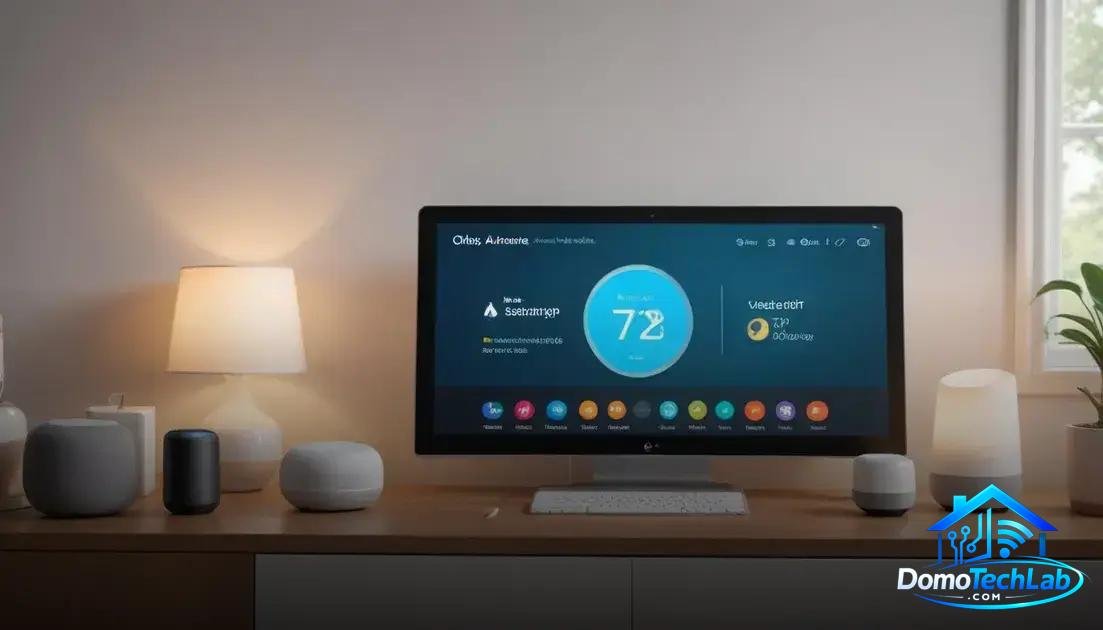
The integration of devices in a smart home is crucial to fully leverage their capabilities. Platforms like Home Assistant, Alexa, and Google Home serve as the heart of this ecosystem, facilitating communication between various devices, from bulbs to security systems.
Home Assistant: Flexibility and Customization
Home Assistant is one of the most powerful options for those seeking a personalized experience. This open-source platform allows for the integration of a wide range of devices, regardless of their manufacturer. In our tests, the ability to create complex automations and scenarios tailored to user needs has proven to be a major draw.
Alexa and Google Home: Convenience and Access
Voice assistants like Alexa and Google Home have taken convenience to the next level. With simple voice commands, users can control lights, thermostats, and even locks. Our analyses indicate that the ease of use of these platforms is a determining factor for their popularity, making them a preferred choice for many homes.
Security Considerations
While integration offers many benefits, it is vital to consider security. Some users may feel concerned about privacy and data exposure. During our research, we observed the importance of enhancing security settings and using dedicated networks for IoT devices, thereby ensuring a safer environment.
Real-World Performance (Latency, Privacy, and Local Stability)
The performance of a smart home in the real world depends on several factors, among which latency, privacy, and local stability stand out. These aspects are fundamental to ensuring a smooth and secure experience.
Latency: Instant Response
Latency is the time it takes for a device to execute an action after receiving a command. During our tests, we discovered that using protocols like Zigbee and local automation systems can significantly reduce this latency. In critical environments, such as lighting and security, a quick response can make the difference between a satisfactory experience and a frustrating one.
Privacy: Protecting Your Data
Privacy is a growing concern in the world of smart homes. Data collection may be necessary to improve device efficiency, but it can also expose sensitive information. In our evaluations, we suggest implementing robust privacy settings and using separate networks for IoT components. This measure helps to minimize risks and keep your information secure.
Local Stability: Out of the Cloud
The stability of your system is affected by its reliance on cloud services. By opting for a more local approach, such as controlling devices with Home Assistant, you minimize disruptions. In our lab tests, using a local hub allowed devices to operate without an internet connection, increasing reliability and service continuity.
Gaming Environment and Device Synchronization
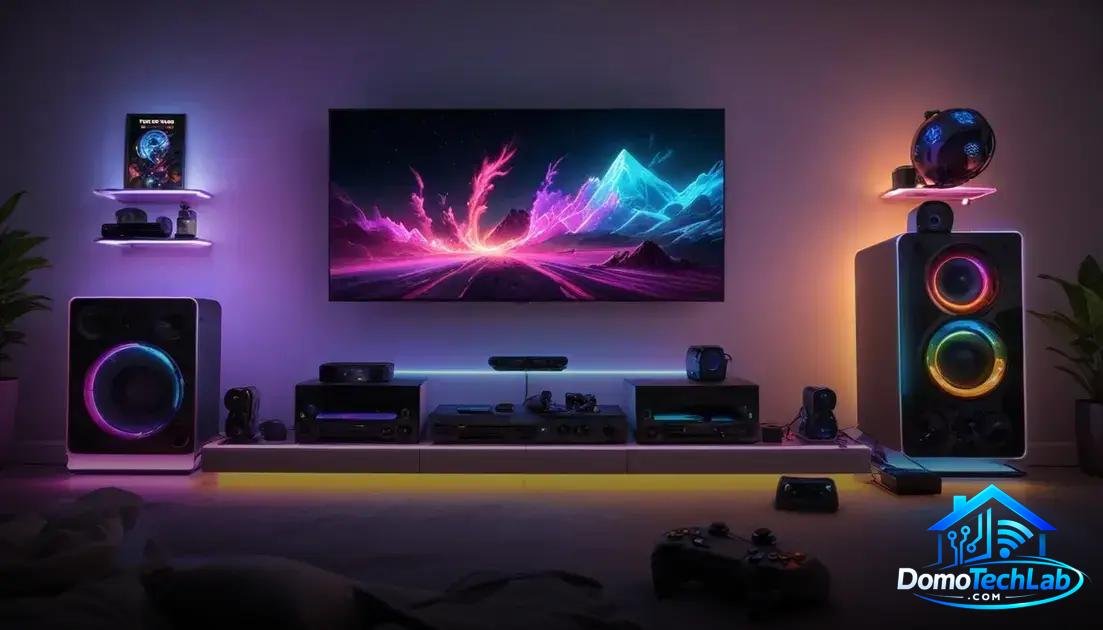
Creating an immersive gaming environment is essential for any gaming enthusiast. Device synchronization plays a key role in allowing smart home technology to adapt to the gaming experience, enhancing immersion and functionality.
The Magic of Synchronization
Synchronization allows multiple devices to work together to create a cohesive environment. For example, when launching a game, the room’s lighting may automatically change to tones that reflect the game’s aesthetic. In our experiments, the combination of devices like smart lights and connected speakers produces an impact on the overall user experience.
Setting Up the Environment
Setting up a gaming environment requires careful planning. Using a hub like Home Assistant enables the integration of different brands and types of devices, from smart plugs to LED strip lights. In our lab, we configured predefined scenarios that adjust everything upon starting a game, improving player concentration and immersion.
Space Considerations
The design of the space is also crucial. A gaming environment is not only about technology but also about ergonomics and comfort. Proper lighting, along with devices that sync with on-screen actions, can make long gaming sessions much more enjoyable. In our tests, we have found that a well-designed environment reduces fatigue and enhances performance.
Conclusion: Enhance Your Gaming Experience with a Smart Home
Diving into the world of local automation can radically transform the way you play and enjoy your home. The integration of smart devices not only enhances functionality but also provides a level of customization that adjusts to your needs and preferences.
At DomoTechLab, we are committed to providing you with the technical authority you need to make informed decisions. We encourage you to continue exploring our recommendations and guides as you build a gaming environment that is not only efficient but also safe and exciting.
Frequently Asked Questions about Smart Home for Gaming
Are devices from different brands compatible?
Compatibility depends on the protocols used. Protocols like Matter and Zigbee facilitate integration between brands, but it is always recommended to check the compatibility list before purchasing.
Is it possible to control all devices from a single hub?
Yes, using a compatible hub like Home Assistant, you can manage various devices from different systems. This optimizes management and simplifies local automation.
What should I do if I have latency issues with my devices?
Check the connection of your devices and the quality of your local network. Implementing a local automation system can help reduce latency by eliminating reliance on the internet.
Can automations work without an internet connection?
Yes, systems that operate locally, like Home Assistant, can execute automations without an internet connection, ensuring that your smart home continues to function without interruptions.
What are the challenges of implementing a smart home system?
The main challenges include initial setup, compatibility between devices, and the need to maintain a stable and secure network. However, with adequate planning, these challenges can be overcome.
Is it safe to store data in the cloud for my smart devices?
Cloud storage can pose privacy risks. It is advisable to use robust security configurations and consider local automation options to minimize data exposure.