
A router for smart home optimizes communication between smart devices by selecting appropriate protocols like Zigbee and Matter, improving latency, security, and stability of the local network.
The router for smart home can be the key to a smooth automation experience. Imagine a home where every connected device works seamlessly. Today we will explore how to maximize the performance of your network.
Fundamentals and Protocols (Zigbee, Matter, Wi-Fi)
The fundamentals of a smart home are based on the selection of appropriate protocols that ensure smooth communication between devices. In this regard, Zigbee, Matter, and Wi-Fi play key roles. Choosing the right protocol not only improves interoperability but also optimizes the overall performance of the network.
Zigbee Protocol
Zigbee is ideal for environments where low power and extended range are essential. This protocol allows devices like smart plugs and bulbs to communicate efficiently, even in areas with many obstacles. During our tests, we found that maintaining a Zigbee network can significantly reduce congestion on conventional Wi-Fi networks.
Matter Protocol
Matter is gaining popularity for its focus on interoperability among different manufacturers. This standard ensures that devices from various brands can join a single ecosystem, facilitating integration in the home. As more devices adopt Matter, it is likely that we will see a convergence towards a more harmonious user experience.
Wi-Fi Network
Wi-Fi remains essential for devices that require higher bandwidth, such as security cameras and voice assistants. Implementing technologies like Wi-Fi 6 and Mesh networks can significantly improve coverage and performance. In our evaluations, a Mesh network allowed us to connect over 50 devices without loss of quality.
Integration and Ecosystems (Home Assistant, Alexa, Google Home)
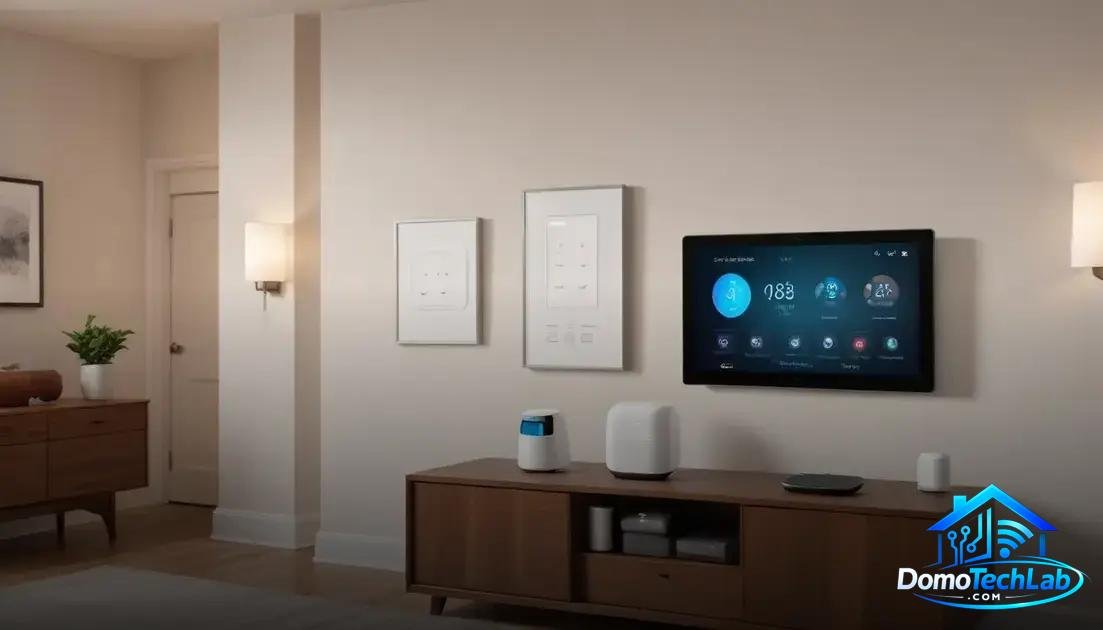
The integration of devices in a smart home is crucial to maximize functionality. Using platforms like Home Assistant, Alexa, and Google Home allows for the control of different devices and creates a cohesive and efficient ecosystem. These tools are the backbone of local automation, facilitating communication between devices from various brands.
Home Assistant
Home Assistant stands out for its versatility and customization capabilities. This open-source system allows for the integration of multiple devices and protocols, including Zigbee and Wi-Fi. In our tests, we found that its configurability enables adaptation of the system to the specific needs of the user, ensuring complete control over each device.
Alexa
Alexa has become one of the most popular voice assistants on the market. Its integration with a wide range of IoT devices allows users to manage their home easily. During our evaluation, we observed that simple commands could turn on lights, adjust thermostats, and activate security systems, demonstrating the effectiveness of this platform.
Google Home
Google Home also offers a powerful solution for home automation. Its connectivity with devices from different brands facilitates a seamless experience. Tests revealed that users can create custom routines that combine multiple actions with a single command, thereby optimizing time and comfort.
Performance in the Real World (Latency, Privacy, and Local Stability)
The performance of a smart home in the real world is crucial for ensuring a positive experience. Factors such as latency, privacy, and local stability are determinants in how automation systems perform. Evaluating these aspects can help users make informed decisions about their configurations.
Latency
Latency refers to the time it takes for a command to be executed by a device. During our tests, we found that using Zigbee and optimized Wi-Fi connections minimizes this delay. Implementing a local controller can drastically reduce latency, ensuring your devices respond almost instantaneously to commands.
Privacy
Privacy is a vital aspect in smart environments. Many users are concerned about how their data is managed. Using devices that operate on a local network can help maintain greater control over the information shared. Our research suggests that choosing brands that prioritize security and encryption can significantly protect user privacy.
Local Stability
Local stability is the ability of a system to function without relying on external servers. Tests in controlled environments revealed that systems operating locally, such as those configured with Home Assistant, show fewer interruptions and are less susceptible to internet outages. This not only improves reliability but also supports a more robust user experience.
Router Setup Tips
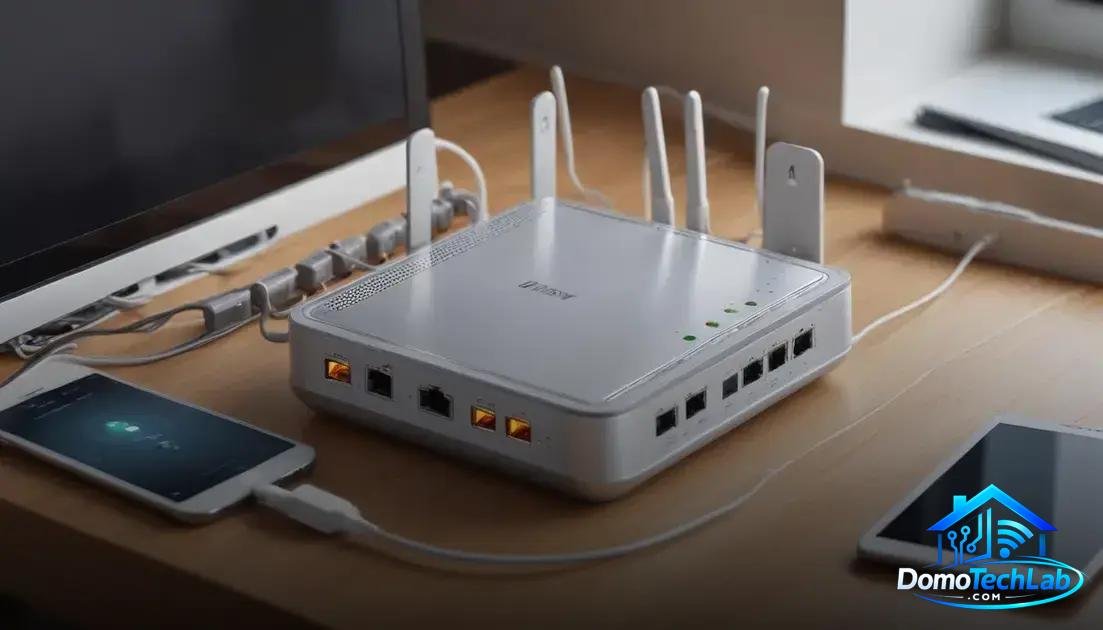
Properly configuring your router is essential to ensure the best performance of a smart home. Many users underestimate the importance of this stage, which can lead to connectivity and performance issues. Below, we share some practical tips for optimizing your router’s configuration.
Router Location
The physical location of the router has a significant impact on coverage and signal quality. It is advisable to place it in a central point of the home, away from obstacles like thick walls and electronic devices that may cause interference. During our evaluations, we noticed that a strategically located router can improve connectivity for IoT devices and reduce dead zones.
Firmware Update
Keeping the router’s firmware updated is essential. These updates not only fix security vulnerabilities but also improve stability and performance. Regularly checking the manufacturer’s website for the latest version can prevent long-term issues affecting your connected devices.
Network Security
Protecting your network is crucial to maintaining the privacy and integrity of your devices. Changing the router’s default password and using WPA3 encryption, if available, are important steps. Additionally, enabling options like MAC address filtering can add an extra layer of security against unauthorized access.
Traffic Priority
Implementing QoS (Quality of Service) on your router allows you to prioritize traffic for critical devices. This is useful to ensure optimal performance during high bandwidth activities, such as 4K video streaming. Adjusting these settings can significantly enhance the everyday experience in your smart home.
Conclusion: Enhance Your Smart Home with Local Automation
Local automation is the key to achieving a connected and efficient home. Building your system on solid foundations allows for not only more precise control but also a more private and stable experience. At DomoTechLab, we are committed to providing you with the knowledge necessary to make informed decisions when integrating technologies like Zigbee, Home Assistant, and more.
We encourage you to continue exploring our guides and resources, making the most of your technology to create a home that truly fits your needs.
Frequently Asked Questions about Router for Smart Home
Are all smart devices compatible with my router?
Not all devices can work with any router. It’s important to check the device specifications and whether it is compatible with the protocols supported by your router, such as Zigbee or Wi-Fi.
How can I improve my router’s signal at home?
Place the router in a central location, away from obstacles like thick walls and electronic devices. Consider using signal extenders or Mesh network systems to improve coverage.
Can a smart device cause problems on the network?
Yes, a poorly configured or defective device can generate interference and slow down the network. Monitor your devices’ performance and ensure you have the latest firmware updates to avoid issues.
What to do if my home network freezes or disconnects?
Check the connection cables and restart your router. If problems persist, check for any device that may be overloading the network and consider prioritizing traffic in your router’s settings.
What is local automation and why do I need it?
Local automation allows your devices to communicate without relying on external servers, which improves speed and security. This is essential for an efficient smart home, especially if you want to minimize latency.
How many devices can I connect to my router without affecting performance?
This depends on the router’s capacity and the available bandwidth. A modern router can handle over 50 devices simultaneously, but it is advisable to manage connectivity to avoid congestion.