
To start with the basic automation of a smart home, it is essential to select a starter kit with a compatible Hub and devices like smart bulbs and plugs that use protocols like Zigbee, ensuring efficient integration and local control.
Smart Home for beginners may sound overwhelming, but it doesn’t have to be. There are accessible ways to begin your journey toward home automation. Let’s talk about the devices you really need to make your house a smart home without complications.
Fundamentals and Protocols (Zigbee, Matter, Wi-Fi)
To get started with a smart home, it is fundamental to understand the protocols that make it work. Among the most notable are Zigbee, Matter, and Wi-Fi. Each has its advantages and disadvantages in terms of compatibility and performance.
Zigbee: the low-power option
Zigbee is known for its ability to connect multiple devices through a mesh network. This means that each device can act as a repeater, extending the signal range. In our tests, they stood out for their low energy consumption, making them ideal for smart bulbs and plugs.
Matter: the interoperability of the future
Matter is a protocol aimed at unifying communication between different devices, regardless of brand. This facilitates creating an ecosystem of devices that can interact seamlessly. However, its adoption is still in development, and it should be noted that certain devices may not be fully compatible at this time.
Wi-Fi: the traditional connection
Wi-Fi is one of the most common methods for connecting smart devices. It provides high speeds, allowing for streaming and real-time control. However, when a large number of devices are connected, there may be issues with latency and network congestion. The best practice is to use Zigbee and Matter for automation and reserve Wi-Fi for devices that require more bandwidth.
Integration and Ecosystems (Home Assistant, Alexa, Google Home)
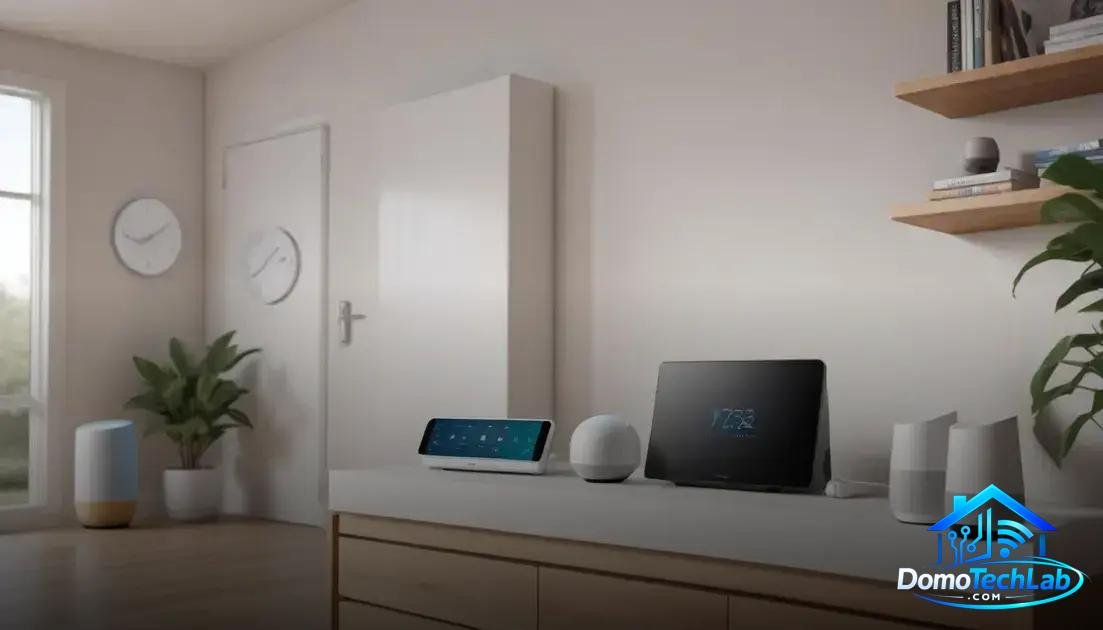
Integration in a smart home is essential to achieve harmonious operation among devices. Platforms like Home Assistant, Alexa, and Google Home play a crucial role, allowing different devices to communicate effectively.
Home Assistant: the brain of your home
Home Assistant is an automation platform that allows you to centralize control of all your devices. Its greatest advantage is customization. You can create complex automations and use devices that are not necessarily from the same brand. This provides flexibility and greater control over your ecosystem.
Alexa and Google Home: leading virtual assistants
Alexa and Google Home are very popular for their simplicity and ease of use. These virtual assistants enable control of devices through voice commands, which is great for user convenience. However, their compatibility depends on the devices you choose. It is essential to verify that the devices are compatible with these platforms to avoid frustrations in automation.
Security considerations in integration
When integrating devices into your smart home, security should be a priority. Many devices communicate over the internet, which can open security gaps. Always ensure to update the firmware of your devices and use strong passwords to mitigate risks.
Real-World Performance (Latency, Privacy, and Local Stability)
The real-world performance of a smart home is mainly measured in terms of latency, privacy, and local stability. These factors are crucial to ensure a smooth and reliable experience.
Latency: response speed
Latency refers to the time a device takes to respond to a command. In our tests with devices using Zigbee and Wi-Fi, we found that Zigbee systems generally provide faster responses, especially in setups where many devices are connected. This is due to its mesh network architecture, which minimizes delays in communication.
Privacy: protecting your data
Privacy is a significant concern in home automation. Many smart devices connect to the internet, which can create vulnerabilities. By opting for a local controller based on Home Assistant, you can reduce the risk of data exposure, as communications remain within your local network, without relying on external servers.
Local Stability: ensuring control
Maintaining a stable connection is key for a smart home. Local stability allows devices to operate without interruptions, even when there are internet connection issues. Using devices that support local control is essential to ensure that automations and commands work reliably.
Getting Started with Basic Automation (Starter Kit and Easy Setup)
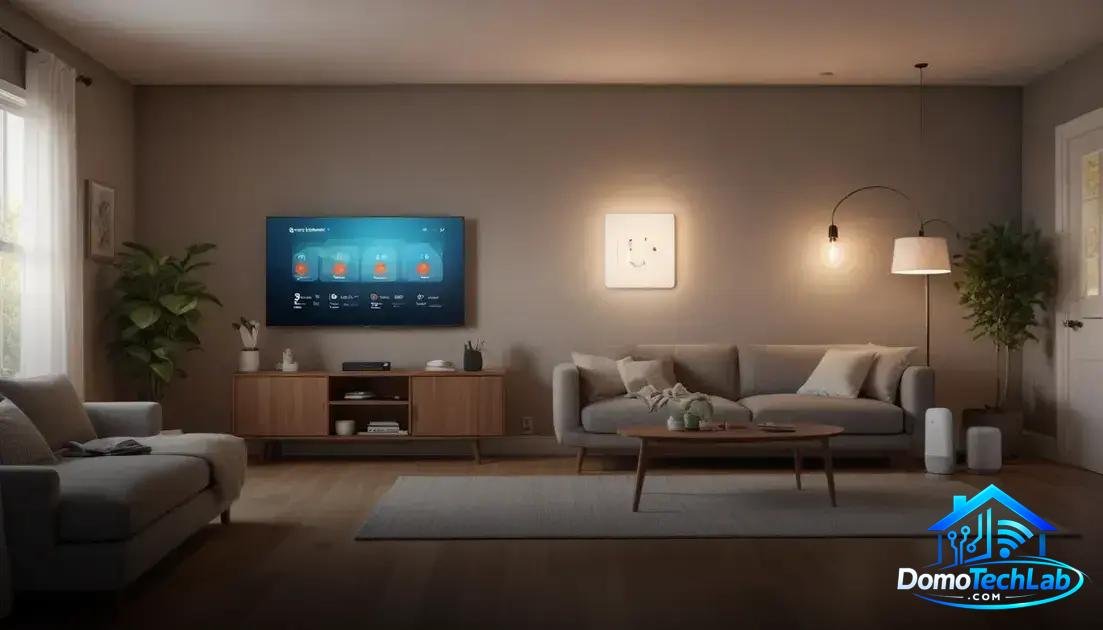
Starting with basic automation in a smart home is easier than many think. A starter kit is a great way to take the first steps, as it includes essential devices and often comes with easy installation guides.
Selecting Your Starter Kit
When choosing a starter kit, ensure it contains a hub that’s compatible, smart bulbs, and plugs. For example, kits that integrate Zigbee technology guarantee better connectivity between devices due to their mesh network. Compatibility with Home Assistant is also a great plus.
Easy Step-by-Step Setup
Setting up these devices is generally straightforward. After connecting the hub to your Wi-Fi network, follow the manufacturer’s instructions to pair the bulbs and plugs. Most of these devices can be managed from an app on your smartphone, allowing for intuitive setup.
Your First Automations
Once your devices are set up, it’s time to explore automation. Start with simple tasks, such as scheduling the lights to turn on at sunset or turning off the plugs of certain devices when you are not using them. These small actions can make a big difference in comfort and energy efficiency.
Conclusion: Boost Your Smart Home with Local Automation
Diving into the world of home automation may seem daunting, but the real secret lies in choosing the right setup. At DomoTechLab, we firmly believe that local automation is the key to a reliable and secure smart home experience.
We encourage you to continue researching, experimenting, and making the most of your devices. Technology is here to make your life easier, and with our guide, you can make informed decisions that will transform your home into an efficient space tailored to your needs.
Frequently Asked Questions about Smart Home
What devices are compatible with Home Assistant?
Home Assistant is highly flexible and supports a wide range of devices from different brands, as long as they are compatible with protocols like Zigbee, Z-Wave, or Wi-Fi.
Can I mix devices from different brands?
Yes, you can mix devices from different brands, especially if they are compatible with common protocols like Zigbee and Matter, making integration into a single platform easier.
Is local automation more secure than cloud?
Yes, local automation minimizes data exposure and internet dependencies, providing greater control and security over your home network.
What to do if a device won’t connect?
Check the device’s compatibility with your hub or gateway. It’s also advisable to review your network settings and ensure the device is within range of the network.
How can I improve the connectivity of my smart devices?
Consider using devices that communicate via Zigbee, as they create a mesh network. Also, ensure your hub is located in a central area and free from interference.
What should I consider when choosing a starter kit?
Choose a kit that includes a compatible hub and devices that use protocols like Zigbee. Ensure the kit allows easy expansion with additional products in the future.