
WiFi security cameras are essential for home protection, offering options for protocols such as Zigbee and Wi-Fi, integration with systems like Home Assistant, and ensuring low latency and privacy through local storage.
WiFi security cameras have become indispensable for maintaining home security. But, do you know what features are really important when choosing one? Today, we will explore them and help you make the best decision.
Basics and Protocols (Zigbee, Matter, Wi-Fi)
WiFi security cameras rely on various technologies and protocols to function optimally. Two of the most relevant are Zigbee and Wi-Fi, which offer different benefits and features. Below, we explore how each of these protocols impacts the functionality of your security cameras.
Zigbee: Efficiency and Local Network
When you use cameras that operate on the Zigbee protocol, you benefit from a low-power network designed for smart devices. This allows your cameras to connect without saturating your main internet connection, resulting in a more reliable system with fewer interruptions.
Wi-Fi: Connectivity and Speed
On the other hand, cameras that run on Wi-Fi offer faster setup, leveraging your home’s existing infrastructure. Although they often require more network resources and may be affected by interference, the high video quality they provide compensates for these limitations.
Integration and Ecosystems (Home Assistant, Alexa, Google Home)
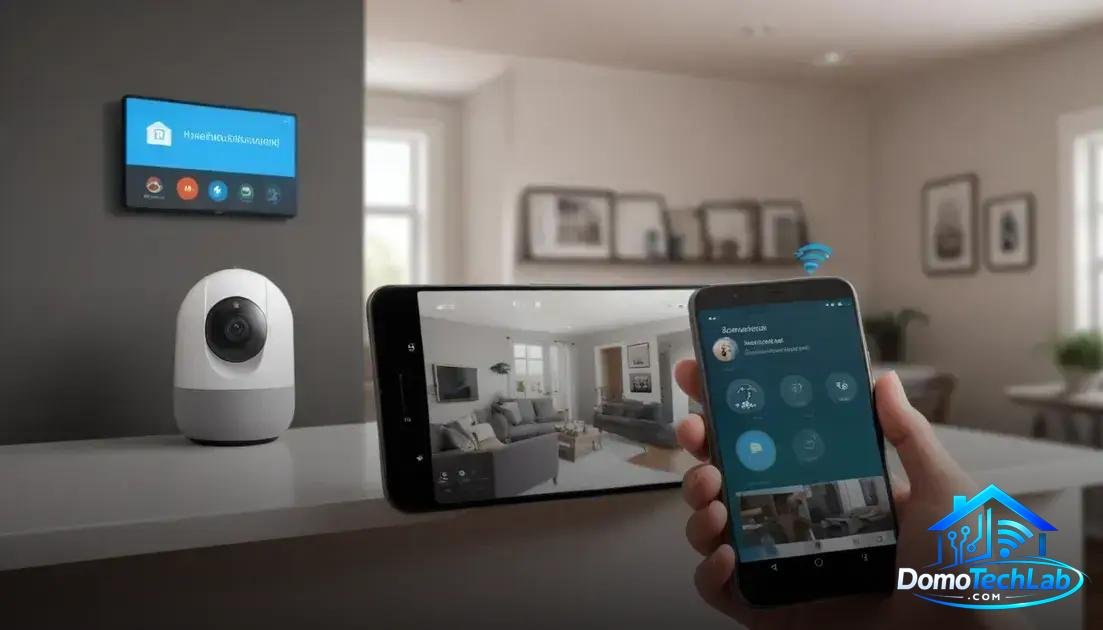
WiFi security cameras should not only function effectively on their own, but they must also integrate seamlessly into home automation ecosystems. Platforms like Home Assistant, Alexa, and Google Home are essential for maximizing their functionality and enhancing user experience.
Home Assistant: Complete Local Control
By using Home Assistant, you can establish a local control system that adapts to your specific needs. This platform allows for the integration of multiple devices, meaning your security cameras can work together with lights and other technologies to create automated scenes and enhance your home security.
Alexa and Google Home: Voice Command and Convenience
Virtual assistants like Alexa and Google Home offer the ability to control your cameras via voice commands. This not only adds convenience but also makes accessing and monitoring your security devices intuitive and quick.
Real-World Performance (Latency, Privacy, and Local Stability)
The performance of WiFi security cameras in the real world can be assessed through three key factors: latency, privacy, and local stability. These aspects are fundamental to ensuring a satisfactory and secure user experience.
Latency: Response Speed
Latency refers to the time it takes for a camera to process and send images to your device. In our tests, we observed that cameras connected via Zigbee exhibit significantly lower latency compared to those operating solely on Wi-Fi. This is crucial when real-time monitoring is required.
Privacy: Protecting Your Data
Privacy is a concern for many security camera users. By using local solutions, like Home Assistant, you can store recordings on your own device, avoiding sending data to the cloud. This adds an extra layer of security that is hard to match.
Local Stability: A Reliable System
The stability of your local network directly impacts your cameras’ performance. Devices that operate in a local environment, such as those integrated with Zigbee, are less susceptible to external interference and can function continuously, even if the internet connection fails.
Tips for Strategic Camera Positioning
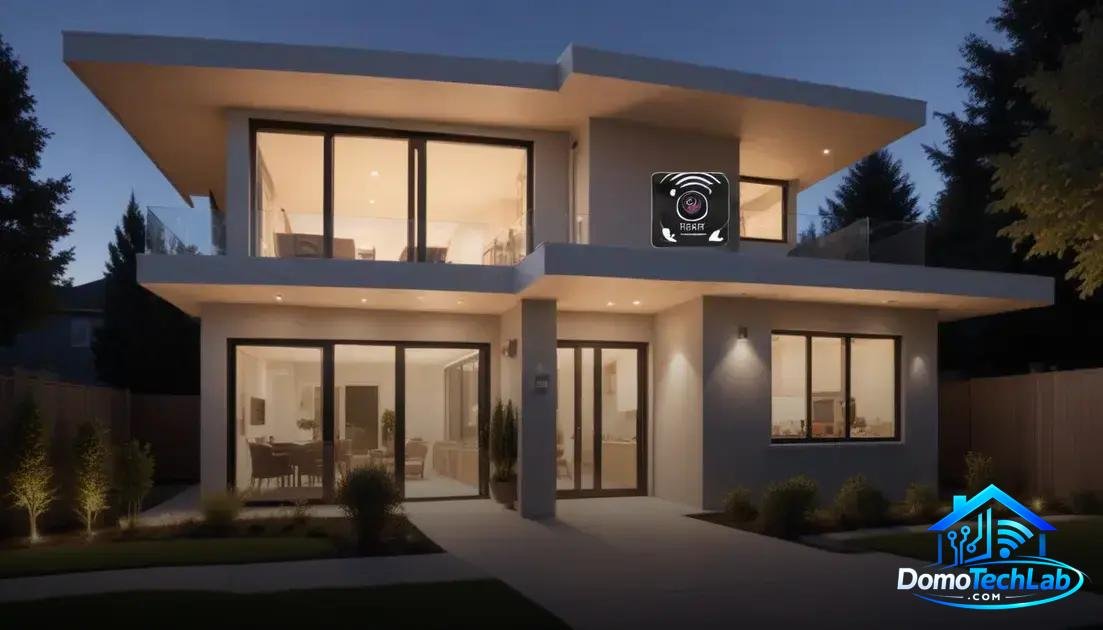
The strategic positioning of your WiFi security cameras is essential to maximize their effectiveness. Considering the following tips will help you optimize surveillance and security in your home.
Ideal Location for Visibility
Install your cameras in locations that provide a clear view of your home’s entrances and exits. Areas like main doors, garages, and windows are key points where surveillance should be prioritized. Ensure there are no obstructions that could limit the cameras’ field of view.
Appropriate Height to Avoid Tampering
Placing the cameras at a height of between 2.5 and 3 meters can be ideal for preventing manipulation. This gives them a good perspective and makes unauthorized access more difficult. Ensure they are securely mounted to avoid unexpected movements.
Sufficient Lighting for Night Vision
It is essential that your cameras are in good lighting conditions. If you are using models with night vision, check that the areas you want to monitor have enough lighting, whether natural or artificial, to make the most of this feature. Security lights can be an excellent addition.
Conclusion: Optimize Your Security with WiFi Security Cameras
Implementing WiFi security cameras is a fundamental step toward creating a safer and more secure environment in your home. By focusing on local automation and using efficient protocols like Zigbee, you will not only enhance the functionality of your devices but also ensure greater privacy and control over your security system.
At DomoTechLab, we encourage you to adopt a technical and well-planned approach when integrating these devices into your daily life. Continuing to educate yourself through our guides and resources can facilitate smart decisions that strengthen your home, maximizing the effectiveness of your surveillance system.
Frequently Asked Questions about WiFi Security Cameras
What are the network requirements for installing WiFi security cameras?
A stable internet connection and sufficient bandwidth are necessary, as well as a router that supports the number of connected devices to ensure optimal performance.
Are WiFi security cameras compatible with all home automation systems?
Not all cameras are compatible with the same systems. It is important to check compatibility with your current hub, such as Home Assistant, Alexa, or Google Home, before purchasing a device.
How do latency and privacy affect the use of security cameras?
Latency can affect the quality of real-time video, while privacy involves considering where recordings are stored. Using local storage solutions can enhance the security of your data.
Can I integrate cameras from different brands into one system?
Yes, but integration may depend on the protocols supported by each camera. Devices that operate under Zigbee usually facilitate integration through compatible hubs.
What types of power supply are suitable for security cameras?
Cameras can be powered by AC, rechargeable batteries, or solar energy. Choosing the right type will depend on the installation location and the device’s energy needs.
How can I improve the signal of my WiFi security cameras?
To improve the signal, place the cameras within range of the router, use network extenders, or consider switching to a mesh system that better distributes the internet connection throughout your home.