
An effective WiFi video doorbell combines features like high video resolution, integration with voice assistants, and compatibility with protocols like Zigbee or Matter, ensuring optimal security and ease of automation in the smart home.
WiFi video doorbell is an essential tool for enhancing your home security and facilitating communication with visitors. Can you imagine being able to see and talk to whoever is at the door from your mobile device? Here, we will break down its features and help you decide if it’s the solution you need.
Fundamentals and Protocols (Zigbee, Matter, Wi-Fi)
WiFi video doorbells rely on various protocols that ensure their efficient operation in a smart home environment. Among the main ones, Zigbee, Matter, and Wi-Fi offer unique features that can influence your choice of the right device for your needs.
Zigbee
The Zigbee protocol is ideal for devices that require a low-power network connection. Its ability to connect multiple devices simultaneously makes it a popular choice for a smart home. Additionally, local automation enables devices to communicate with each other directly, without needing the internet, thus increasing speed and privacy.
Matter
Matter emerges as a unified standard that promises to simplify connections between devices and ensure interoperability among different ecosystems. This makes the integration of your WiFi video doorbell smoother, regardless of the other devices in your home.
Wi-Fi
The Wi-Fi is the most well-known and widely used in most homes. Its large bandwidth allows for high-definition video streaming and two-way audio without interruptions. However, its dependency on an internet connection can be a drawback in certain scenarios, especially in situations where data security is a concern.
Integration and Ecosystems (Home Assistant, Alexa, Google Home)
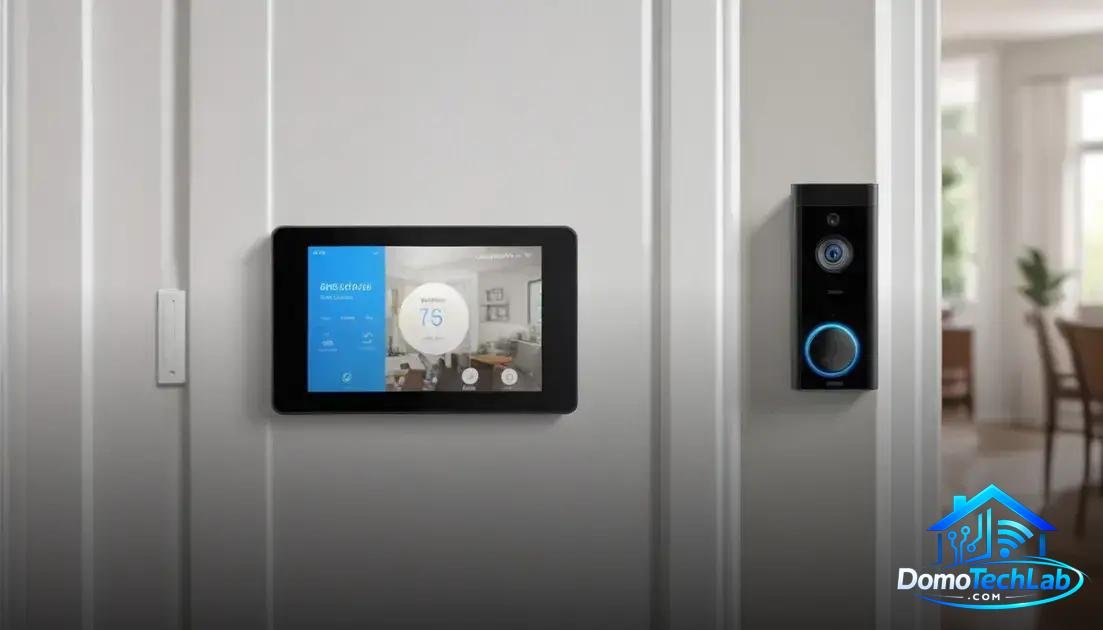
Integrating a WiFi video doorbell within a smart home ecosystem is vital to maximize its functionality and user experience. Tools like Home Assistant, Alexa, and Google Home enable centralized control over various devices, facilitating automation and secure access to your home.
Home Assistant
Home Assistant is a home automation platform that allows users to deeply customize their devices. Integrating your WiFi video doorbell can enable notifications and remote access through its interface. This not only enhances security but also allows for automatic actions, such as turning on lights upon detecting movement.
Alexa
Compatibility with Alexa provides the possibility of interacting with your WiFi video doorbell through voice commands. You can ask who is at the door or activate the video to see your visitor, all without lifting a finger. This convenience drives a smooth and efficient user experience, resulting in a safer and smarter home.
Google Home
Using Google Home offers similar functionalities, allowing seamless integration between the WiFi video doorbell and other devices. You can easily view video streaming on your smart screens and receive real-time updates, making home security more accessible and effective.
Real-World Performance (Latency, Privacy, and Local Stability)
The performance of a WiFi video doorbell in the real world depends on several key factors: latency, privacy, and local stability. Understanding how these elements affect your device can help you make informed decisions regarding its use and implementation.
Latency
Latency is a critical aspect of your WiFi video doorbell‘s responsiveness. In our testing, we have observed that devices operating on Zigbee technology or maintaining a local connection are generally faster in motion detection and video transmission. This is essential to ensure you don’t miss visitors or important deliveries.
Privacy
Privacy is another fundamental concern. WiFi video doorbells may transmit data to external servers, posing security risks. Opting for devices that facilitate local automation and offer robust privacy configuration options can be advantageous. Keeping data processing within your local network minimizes exposure to external threats.
Local Stability
Stability is vital for your device to operate correctly. A WiFi video doorbell that primarily operates using Wi-Fi may be more susceptible to interruptions if you have internet connection issues. In contrast, systems compatible with protocols like Zigbee tend to perform well on local networks, offering more reliable performance even if the internet connection drops.
Comparison: Ring vs Nest in WiFi Video Doorbells
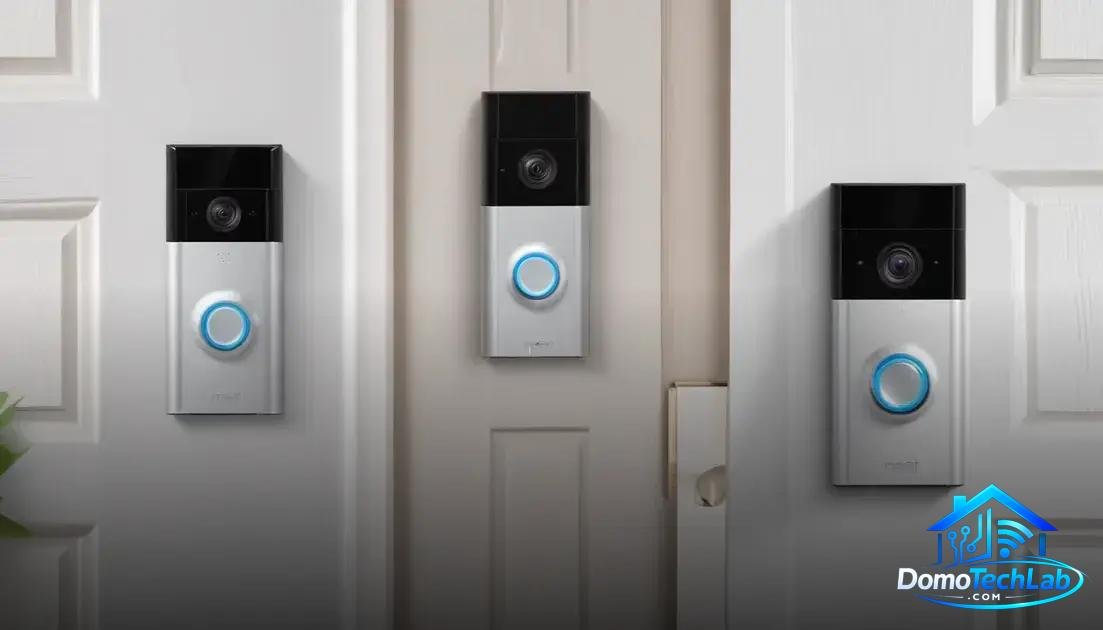
The choice between Ring and Nest for your WiFi video doorbell can be complicated, as both offer unique features that may cater to different needs. In this analysis, we will compare their key functions, video quality, and integration options in smart home ecosystems.
Ring Features
Ring is known for its user-friendly interface and strong motion detection capability. Its cameras offer 1080p resolution and night vision, which is crucial for effective surveillance. Integration with Alexa provides smooth voice control and instant notifications on mobile devices.
Nest Features
On the other hand, Nest stands out for its video quality and sleek design. It offers a wider field of view and better performance in low-light conditions, plus easy reintegration into the Google ecosystem. Users can receive real-time alerts and access live streaming from their smartphones.
Integration and Ecosystem
Both Ring and Nest perform well within their respective ecosystems; however, your preferences may determine which is more convenient. If you already use Alexa devices, Ring may be the better option. In contrast, if you prefer using Google Home, Nest integrates better. Ecosystem choice and compatibility with other devices are crucial factors to consider.
Conclusion: Enhance Your Security with an Efficient WiFi Video Doorbell
Investing in a WiFi video doorbell is a strong step towards modernizing and securing your home. Local automation not only enhances response speed and protects your data but also ensures that your smart home functions cohesively, even without an internet connection.
At DomoTechLab, we are here to provide you with the technical guidance necessary to choose the right device and get the most out of it. We encourage you to explore our analyses and comparisons to equip your home with the technology you truly need.
Frequently Asked Questions about WiFi Video Doorbells
Is a WiFi video doorbell compatible with any home network?
Most WiFi video doorbells require a connection to a 2.4 GHz network. Some units may also be compatible with 5 GHz networks, but it’s crucial to verify the device specifications.
What protocol should I choose for integration with other smart devices?
If you want an integrated ecosystem, consider devices with support for Zigbee or Matter, as they allow interoperability with various types of products from different manufacturers.
Can a WiFi video doorbell be used without an internet connection?
Yes, some video doorbells offer local functionality, allowing basic interactions, but many advanced features like remote viewing will require an internet connection.
What challenges are faced when installing a WiFi video doorbell?
Common challenges include device placement, weak Wi-Fi signals in certain areas, and compatibility with other security devices. Be sure to conduct prior research on your network and coverage areas.
Can I use my WiFi video doorbell with voice assistants?
Yes, many models of WiFi video doorbells are compatible with voice assistants like Alexa and Google Assistant, allowing for voice control and notifications on other devices.
Is it safe to use a WiFi video doorbell in terms of privacy?
The security of the video doorbell depends on the manufacturer. Opt for models that offer data encryption and privacy features, such as recording settings and restricted access to video.