
Simulating presence in a smart home through random routines and the use of compatible devices like those using Zigbee enhances security by creating the appearance of constant activity and allows automation to function locally without relying on an internet connection.
Presence simulation is a key strategy to keep your home secure by simulating activities when you’re away. By implementing light and sound at random times, you can deter potential intruders. Let’s explore how you can do this effectively in your smart home.
Fundamentals and Protocols (Zigbee, Matter, Wi-Fi)
To understand the foundations of a smart home network, it’s crucial to familiarize yourself with the protocols that enable communication between devices. The most prominent are Zigbee, Matter, and Wi-Fi, each offering specific advantages for different scenarios.
Zigbee: Efficiency and Assertiveness
Zigbee stands out for its low energy consumption and its ability to form a robust mesh of devices. This means that devices can communicate with each other even over greater distances than typical Wi-Fi, resulting in better coverage and stability.
Matter: Global Interoperability
Matter aims to unify various standards in the smart home, allowing devices from different manufacturers to communicate seamlessly. Being more open-access, it is gaining popularity in the market, giving consumers more choices in terms of device selection.
Wi-Fi: Speed and Connectivity
The Wi-Fi protocol offers high connection speeds and is ideal for devices that require a lot of bandwidth, such as security cameras and streaming video systems. However, its dependence on the router may introduce latency issues compared to solutions like Zigbee.
Integration and Ecosystems (Home Assistant, Alexa, Google Home)
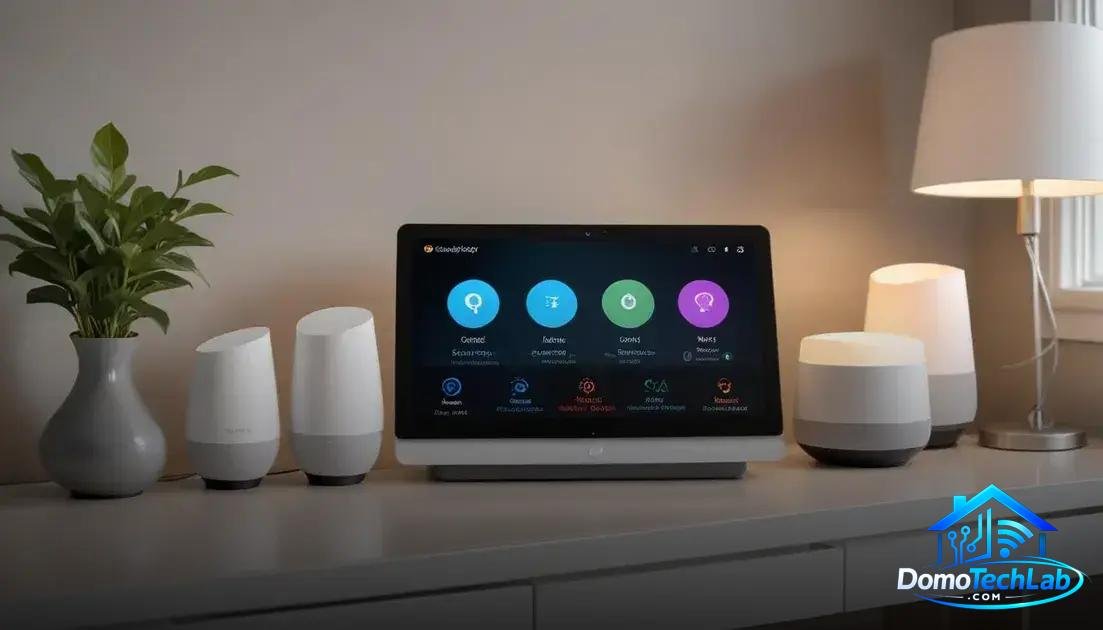
Integrating various automation devices into a single ecosystem is fundamental to maximizing the efficiency of a smart home. Platforms like Home Assistant, Alexa, and Google Home offer different capabilities to unify the control of your devices.
Home Assistant: Customization and Flexibility
Home Assistant is known for its flexibility, allowing users to extensively customize their setup. You can integrate devices from different brands into one interface and set up complex automations that fit your specific needs.
Alexa: Voice Access and Ease of Use
The integration of Alexa makes it easy to control your home through voice commands. Its broad compatibility with devices from various brands makes it a popular option. Its ease of use is a major attraction for those looking to start their journey into home automation.
Google Home: Smart Synchronization
Google Home excels in its ability to sync with Google services, providing a smooth user experience. From turning on lights to adjusting the temperature in your home, Google Home maximizes connectivity between devices and services, delivering efficiency.
Real-World Performance (Latency, Privacy, and Local Stability)
The real-world performance of a smart home is crucial for its functionality. Aspects such as latency, privacy, and local stability directly affect the user experience and the effectiveness of automations.
Latency: Response Time
Latency refers to the time it takes for a command to be processed and executed. In our lab, we have discovered that a system using technologies like Zigbee exhibits faster response times compared to those that rely solely on Wi-Fi. This is key for situations where immediacy is essential, such as in security systems.
Privacy: Protecting Your Data
Privacy is a critical concern in the realm of smart homes. The data collected by devices can be vulnerable if we rely too heavily on cloud solutions. Implementing systems with local automation capabilities allows data to remain in your home, thus protecting privacy and reducing exposure to security breaches.
Local Stability: Minimal Dependency
Having a system that operates locally enhances the overall stability of the smart home. Devices that work together through a local hub ensure that even during internet outages, your automations continue to function. This is especially important in emergency situations where reliability is paramount.
Random Routines and Effective Deterrence
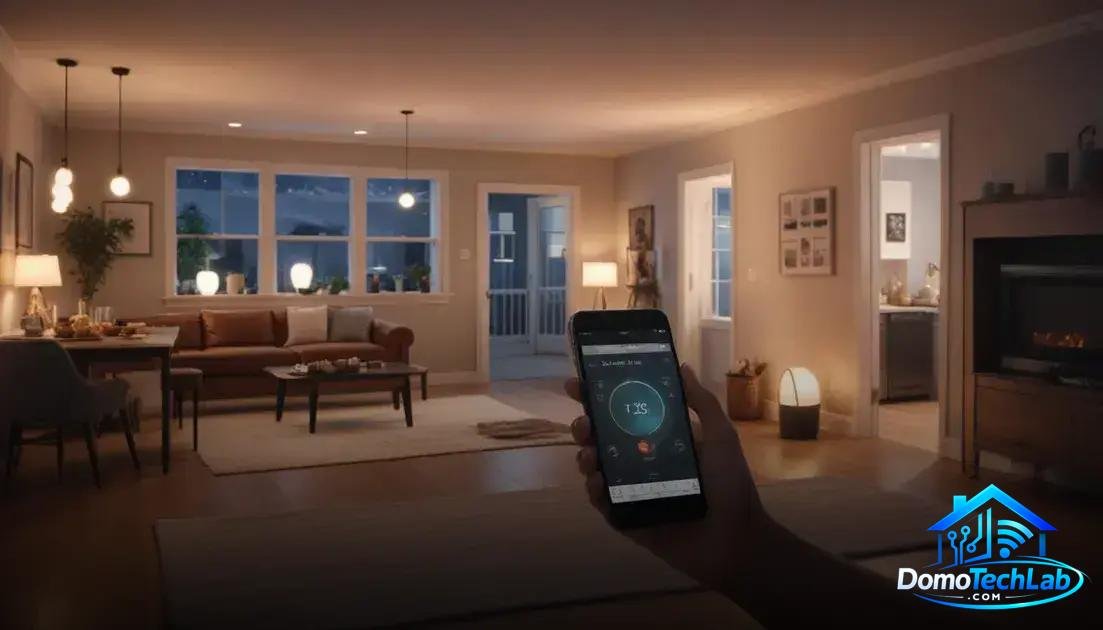
Implementing random routines is an effective strategy to simulate presence in your smart home. These routines allow lights, devices, and appliances to turn on and off at variable intervals, which can deter potential intruders by giving the appearance of constant activity in the home.
Setting Up Routines
Setting up random routines is simple. Using a hub compatible with technologies like Zigbee, you can schedule on and off times for smart bulbs and plugs. Using variable timings increases the effectiveness of deterrence, as predictable patterns are easier for potential intruders to detect.
Using Local Automation
Local automation is key to ensuring your routines work even if the internet connection is lost. By maintaining control of the devices locally, you can ensure that lights flash, shades rise or lower, and appliances turn on as part of your routine, all without relying on cloud services.
Deterrence Effectiveness
Studies show that homes simulating constant activity experience fewer burglary attempts. Creating an environment that appears occupied can be one of the simplest and most effective methods to protect your home. Thus, implementing random routines is an essential part of any smart security strategy.
Conclusion: Presence Simulation for a Safe and Efficient Home
Implementing a presence simulation in your smart home is essential to strengthening security and maximizing local automation. The key lies in selecting the right protocols and designing effective routines that fit your lifestyle.
At DomoTechLab, we encourage you to continue exploring the possibilities of home automation, utilizing technologies like Zigbee and local automation systems. These steps will not only enhance your home’s security but also increase its efficiency.
Frequently Asked Questions about Presence Simulation
How can I integrate devices from different brands?
To integrate devices from various brands, use platforms like Home Assistant that allow connection through open protocols such as Zigbee and Matter, facilitating centralized management.
Can I use Wi-Fi devices in a Zigbee network?
Yes, but you will need a hub that supports both protocols. This will allow you to take advantage of Zigbee for automation while keeping Wi-Fi devices connected.
How secure is local automation?
Local automation is highly secure, as data is not sent to the cloud. This reduces exposure to security risks and protects your personal information by keeping control on your local network.
Can presence simulation affect network performance?
Presence simulation, if set up correctly, should not significantly affect performance. Using an efficient hub helps manage device traffic without congesting the network.
Do I need an internet service to use automation routines?
Not necessarily. Routines can be programmed to run locally on the hub, allowing them to function without an internet connection, which is essential for ensuring privacy and reliability.
What should I consider when choosing devices for presence simulation?
It is important to consider compatibility with your hub, the ability to program routines, and energy efficiency. Devices operating under Zigbee are ideal for this function, minimizing energy consumption.