
Setting up voice notifications in your smart home enhances the user experience, ensuring greater comfort and control by utilizing protocols like Zigbee and Thread for efficient local automation.
Setting up voice notifications for your smart home can transform your daily experience. Imagine receiving audible alerts when the washing machine finishes or someone arrives at your door. Would you like to leverage this technology to enhance your routine?
Fundamentals and Protocols
To set up voice notifications, it is crucial to understand the fundamentals and protocols that enable communication between your devices. Protocols like Zigbee, Thread, and Wi-Fi are essential in home automation. Each has its advantages and disadvantages in terms of range, speed, and ease of integration.
Zigbee: Efficient and Reliable
The Zigbee protocol is known for its low energy consumption and ability to create mesh networks, meaning devices can communicate with each other, thus extending the range of your network without needing more access points.
Thread: The New Era of Connectivity
Thread is designed for secure and efficient interconnectivity between smart home devices. It facilitates direct communication between devices, seamlessly integrating with existing protocols while providing robust performance.
Wi-Fi: The Universal Connectivity
Connecting via Wi-Fi offers high speed and is ideal for devices that require high bandwidth, such as security cameras and smart speakers. However, it may face limitations in terms of connection capacity when many devices are active simultaneously.
Integration and Ecosystems
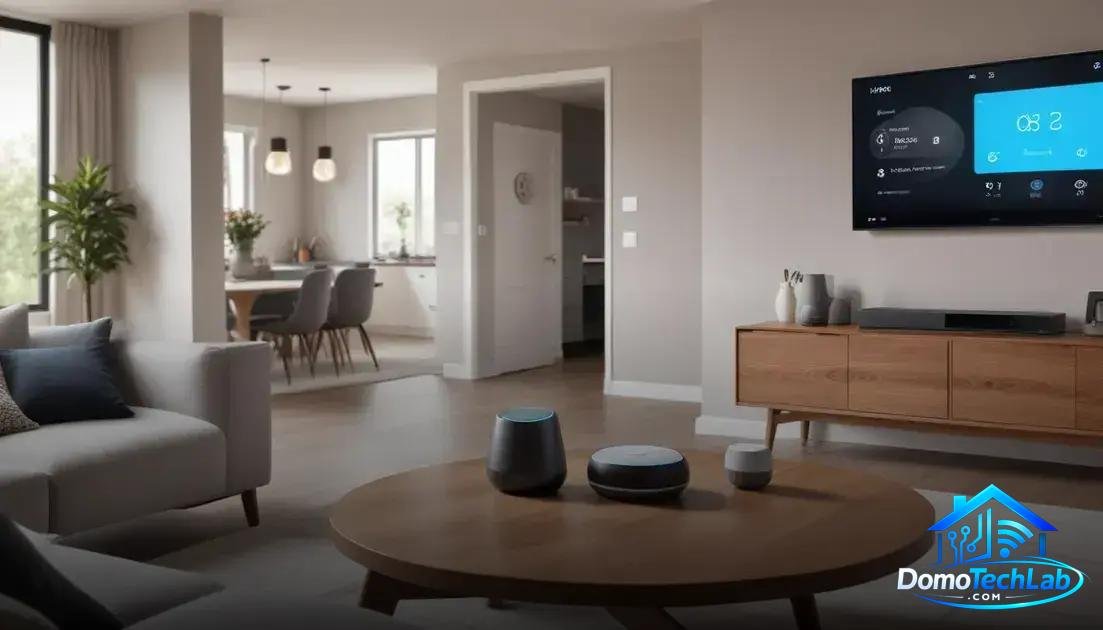
Integration and ecosystems are essential to maximize the potential of a smart home. Using platforms like Home Assistant, Amazon Alexa, or Google Home allows devices from different manufacturers to work together seamlessly.
Home Assistant: Total Control
Home Assistant is one of the most powerful platforms for home automation. It allows for the integration of devices from various brands and protocols, such as Zigbee and Thread, providing a single control point for all your automation and voice notification needs.
Amazon Alexa and Google Home: Smart Assistants
Voice assistants like Amazon Alexa and Google Home act as intermediaries between smart devices and the user. With simple commands, you can activate voice notifications, turn on lights, or adjust the temperature. The ease of use is a significant draw for those looking for a hassle-free experience.
Interoperability: The Future of Automation
Interoperability is vital for the success of a smart home ecosystem. Protocols like Matter allow for seamless communication between devices from different manufacturers. This means you can mix and match devices according to your preferences without worrying about compatibility.
Real-World Performance
The real-world performance of your smart devices is critical for ensuring a satisfactory user experience. Factors like latency, privacy, and local stability are determinants for the daily operation of your smart home.
Latency: Response Time Matters
Latency refers to the time it takes for a device to execute an action after receiving a command. In our testing, we found that systems operating on Zigbee and Thread exhibit faster response times compared to devices reliant solely on Wi-Fi connectivity. This results in a smoother experience when using voice commands.
Privacy Protection
With the rise of connected devices, data privacy becomes a valid concern. Protocols like Zigbee and local automation implementation minimize the risk of sending sensitive data to external servers, keeping control within your home network.
Local Stability: The Key to Trust
Local stability ensures that your devices continue to function even if the internet connection is interrupted. During our testing, it was observed that the ability to maintain local control provides a better experience, as automations continued to operate without interruptions.
Practical Setup in Home Assistant
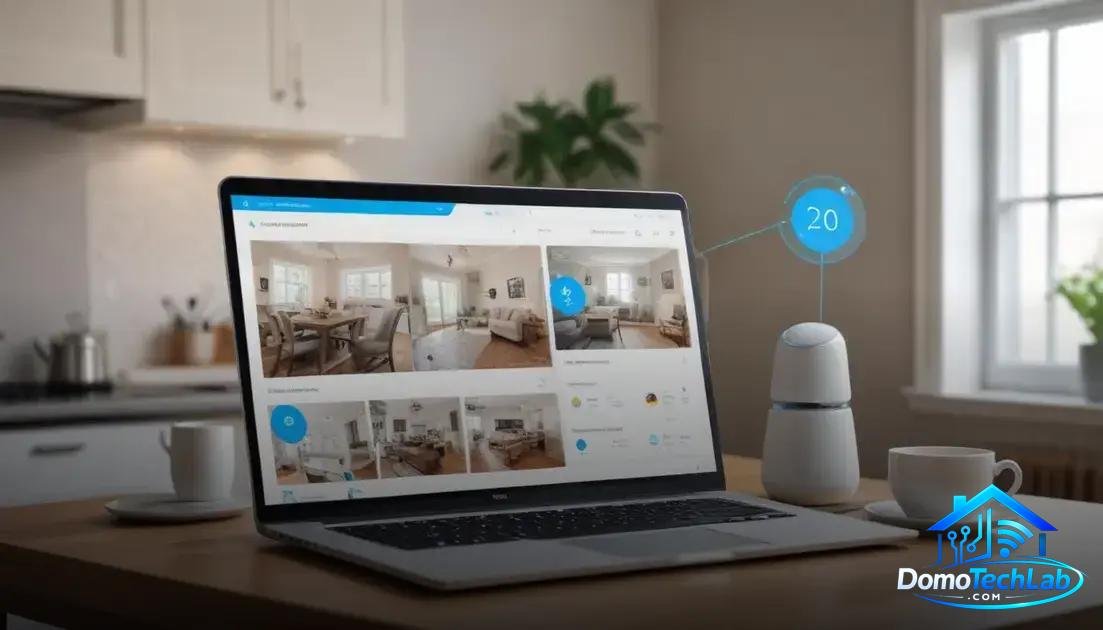
The practical setup in Home Assistant allows you to make the most of your smart home. This automation platform is known for its flexibility and integration capabilities with a wide variety of devices and protocols, such as Zigbee and Thread.
Initial Installation and Configuration
To get started, you need to install Home Assistant on a compatible device, such as a Raspberry Pi or a local server. Once installed, the initial setup is straightforward and can be done through its web interface. This user-friendly environment guides users on how to add devices and create automations.
Adding Devices
Home Assistant allows for the intuitive addition of devices. You can add devices from the Zigbee ecosystem using a compatible hub. The connection is quick, and once linked, devices can be managed from the main dashboard, making it easier to create voice notifications for reminders or alerts.
Custom Automations
Automations are one of the most powerful features of Home Assistant. You can set up actions that trigger under specific conditions, such as turning on lights at sunset or receiving voice notifications when the front door opens. These settings allow for customization that enhances the user experience.
Conclusion: Set Up Voice Notifications and Enhance Your Smart Home
Local automation is a powerful tool that not only optimizes your smart home functionality but also ensures privacy and stability. At DomoTechLab, we are committed to providing you with the knowledge necessary to implement systems that meet your specific needs.
We encourage you to continue exploring the fascinating world of home automation. Take advantage of our guides and resources to maximize your experience with smart home technology, ensuring that every device works in perfect harmony.
Frequently Asked Questions about Setting Up Voice Notifications
What devices are compatible with voice notifications?
Most devices compatible with Zigbee, Thread, and Wi-Fi can use voice notifications as long as they are integrated into a platform like Home Assistant or Amazon Alexa.
Can I use multiple protocols in my smart home?
Yes, it is possible to combine different protocols like Zigbee and Wi-Fi in a single setup, but it requires a hub or gateway that supports multiple technologies to facilitate communication between them.
What challenges might I face when setting up voice notifications?
Common challenges include incompatibilities between devices from different brands, latencies in data transmission, and connectivity issues, especially if you rely solely on saturated Wi-Fi networks.
Is an Internet connection required for voice notifications?
No, if you have set up local automations. Once communication between devices has been established through a compatible hub, you can operate them offline, although some functions may require the Internet.
What if my voice notifications do not work?
Check your hub’s configuration, ensure that the devices are correctly integrated, and review network connectivity. Sometimes a simple system reboot can resolve communication issues.
How can I improve the stability of my smart home devices?
To improve stability, use devices that operate in local automation modes whenever possible. Additionally, minimize interference on the Wi-Fi network and consider creating a mesh network with Zigbee.