
Optimal reading lighting is achieved through the proper selection of smart bulbs, using protocols like Zigbee to ensure low latency and appropriate color temperature, as well as implementing local automation to maximize privacy and control.
Proper reading lighting not only enhances the reading experience but also protects your eyes. Have you noticed eye strain after long hours of reading? In this article, we discuss how to optimize light to create an environment that promotes concentration and reduces visual fatigue.
Fundamentals and Protocols
To achieve effective reading lighting, it is essential to understand the different protocols and technologies that influence light quality. Devices such as bulbs and smart plugs utilize protocols like Zigbee and Thread to communicate and provide optimal configurations based on user needs.
Understanding the Protocols
The Zigbee protocol is widely used for its low power consumption and its ability to create mesh networks, allowing devices to communicate with each other even over long distances. On the other hand, Thread offers a secure and easy-to-configure connection for lighting devices.
Light Characteristics
The Kelvin temperature of light is crucial for reading. A warmer light, between 2700K and 3000K, is ideal for relaxing environments, while a cooler light, above 4000K, can aid in concentration and productivity. A good CRI (Color Rendering Index) is also essential for achieving accurate color reproduction and visual comfort.
Integration and Ecosystems
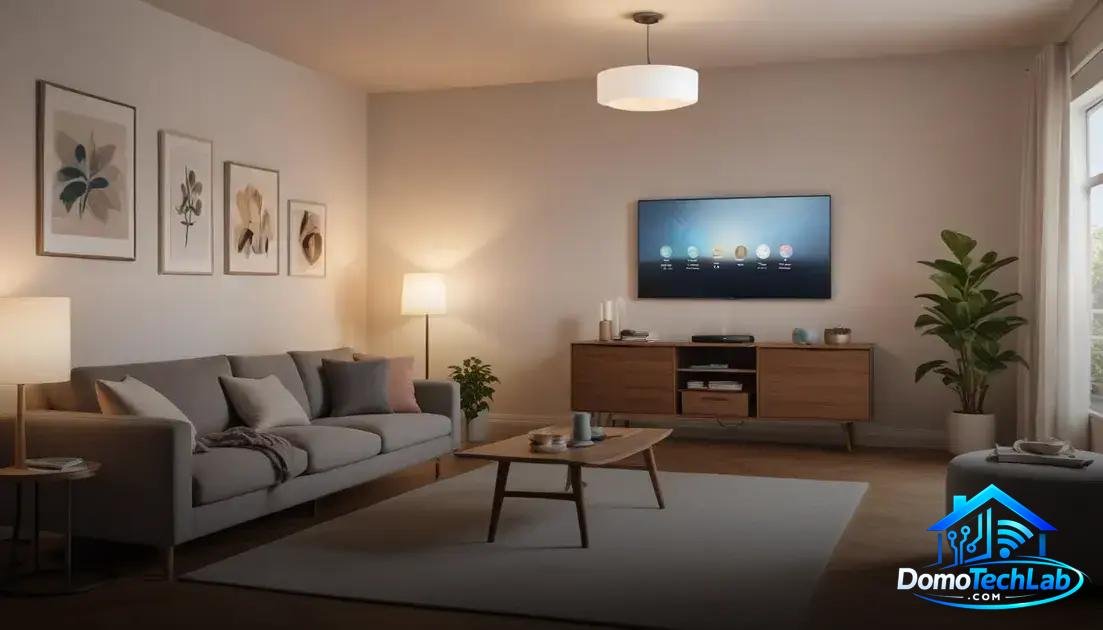
Reading lighting can be significantly enhanced when integrated within a smart ecosystem. Devices like bulbs and smart plugs connect to gateways that enable communication between them, facilitating effective local automation.
Integration with Virtual Assistants
Platforms like Google Home and Amazon Alexa allow you to control lighting via voice commands. By using technologies like Zigbee or Thread, you can create customized routines, adjusting brightness and color temperature according to the time of day or the activity you are performing.
Advantages of an Interconnected Ecosystem
An interconnected system improves usability. For example, when activating nighttime reading mode, the lights can dim and shift to a warm color temperature, creating a cozy atmosphere. These settings can be easily programmed in your smart hub app.
Real-World Performance
The true value of reading lighting is revealed in real-world performance. Factors like latency and operational stability are crucial for maintaining an environment conducive to concentration.
Latency in Lighting Systems
In our testing, we found that systems based on Zigbee exhibit significantly lower latency compared to traditional Wi-Fi solutions. This speed of response ensures that lights turn on or adjust almost instantly, which is vital during reading hours.
Local Privacy and Security
Implementing a local automated lighting solution will reduce reliance on external servers. This not only improves efficiency but also ensures that your personal data is protected. In a reading environment, having total control over lighting is essential for creating a comfortable and secure space.
Tips for Adjusting Light
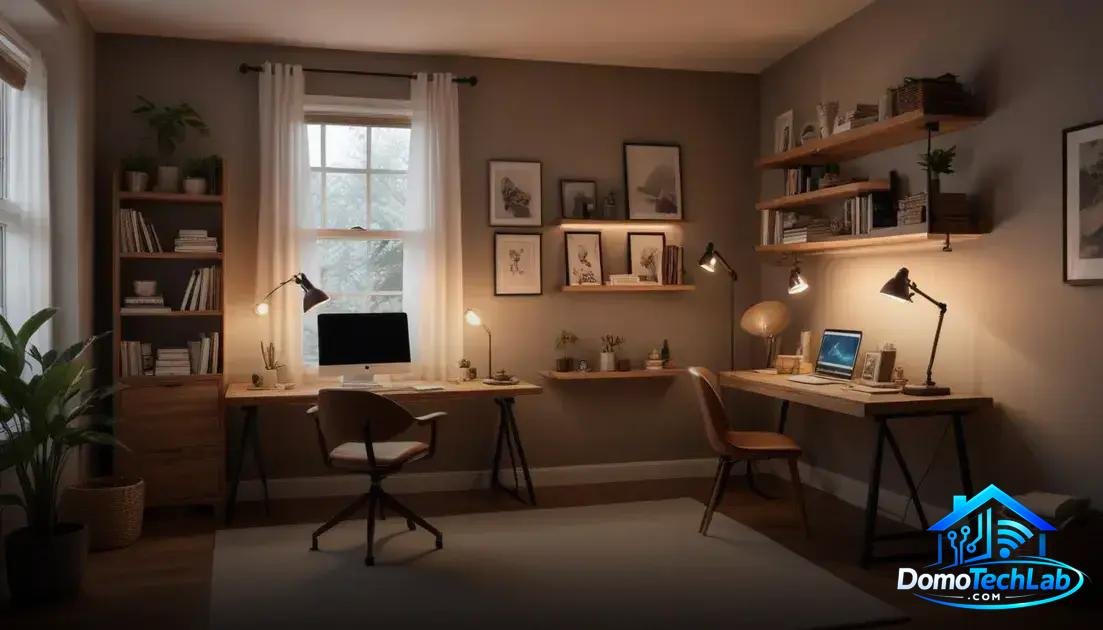
Properly adjusting reading lighting not only enhances the aesthetics of the space but also optimizes concentration and visual well-being. Here are some practical tips to achieve the right light.
Select the Right Color Temperature
The color temperature of bulbs has a significant impact on reading. For nighttime, a warm light (2700K-3000K) is recommended as it creates a cozy atmosphere, while during the day, a cooler light (4000K-5000K) can enhance alertness and productivity.
Control the Light Intensity
Use smart plugs and dimmers to adjust the intensity based on the activity. Reading requires brighter light, while for relaxation, a softer light is preferable. Local automation allows for easy adjustments from your smartphone or through voice commands.
Minimize Glare
Position bulbs strategically to avoid glare. Consider installing diffusers or shades that can soften the light and reduce eye strain. Creating a well-lit reading space is key to maintaining visual comfort during extended periods.
Conclusion: Optimize Your Reading Lighting with Local Automation
Proper reading lighting is essential for comfort and visual well-being. Implementing local automation not only provides effective control of your devices but also ensures security and efficiency in the operation of your home.
At DomoTechLab, we are committed to providing you with the technical information and tools necessary to get the most out of your smart lighting systems. We encourage you to explore more about the options and protocols to transform your home into a more functional and welcoming space.
Frequently Asked Questions about Reading Lighting
Can I use bulbs from different brands in a smart system?
Yes, as long as all bulbs are compatible with the same protocol, such as Zigbee or Thread. It is important to check compatibility before installation.
How can latency affect reading lighting?
Latency can influence how quickly lights respond to commands. A system with protocols like Zigbee generally offers less latency, improving the user experience.
Is it complicated to integrate a smart plug into my existing network?
No, most smart plugs are designed to easily integrate into existing networks. Following the manufacturer’s instructions simplifies the process of connecting to your gateway or hub.
What should I consider when choosing the color temperature of bulbs?
It is advisable to select bulbs with color temperatures that suit the activity. For reading, a cooler light (4000K-5000K) is optimal for maintaining concentration.
Does implementing local automation improve privacy?
Yes, by using local automation, you minimize dependence on external servers, which strengthens the security of your data and allows for total control over your lighting system.
How can I resolve connectivity issues with my devices?
Check your gateway configuration and ensure that all devices are within range. Restarting the devices and updating the firmware can also resolve connectivity issues.